Brown Noise Sound Generator
Loading brown noise…
Key Features
Features of Brown Noise Sound Generator
Deep 1/f² rumble with less hiss than white noise. The slope is a sound-shape choice, not an ADHD or meditation treatment.
- 01
Sub-Bass 1/f² Integration Algorithm
True mathematical Brownian random walk synthesis provides profound low-end depth with zero harsh high-frequency sizzle.
- 02
Low-end rumble, less hiss
The filter puts more energy in the low end. That is a sound-shape choice, not a focus or ADHD treatment.
- 03
Less hiss, same hearing limit
Rolling off high frequencies by about 6 dB per octave makes the rumble less hissy. It does not spare hearing, so turn the percentage down if the sound feels heavy.
- 04
Seamless Web Audio Performance
Calculates audio buffers locally with zero network latency, zero MP3 compression artifacts, and offline resilience.
About & Principles
The physics of Brownian motion noise
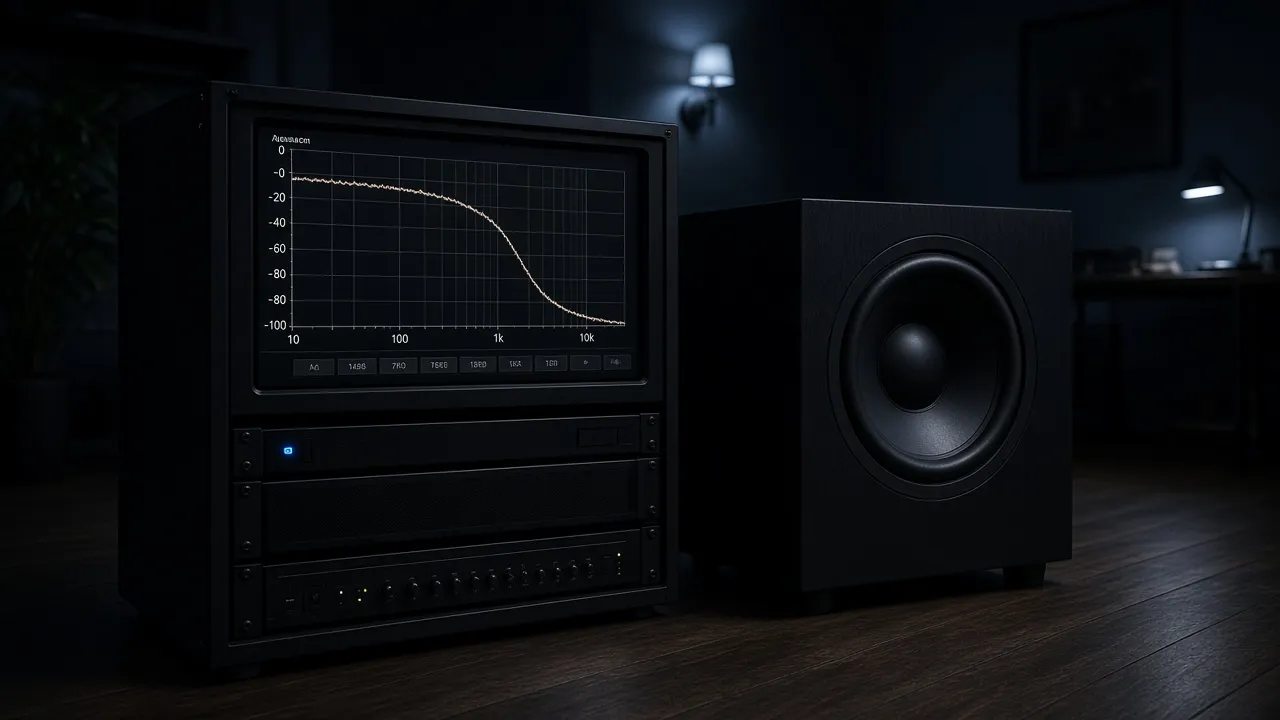
Named after Robert Brown who discovered Brownian motion (random particle collisions), brown noise mathematically represents an acoustic random walk: each audio sample is calculated by adding a random Gaussian offset to the previous value. This creates a steep -6 dB per octave attenuation, directing the vast majority of acoustic energy below 500 Hz.
Listeners sometimes pick this low rumble when they want less hiss than white noise. Personal reports are not a treatment. This page does not treat ADHD, anxiety, or any other condition.
Our online browser generator runs a high-precision digital integration filter on a dedicated audio worker thread. You get an infinite, non-repeating sub-bass acoustic blanket that never cuts off, never loops, and never introduces pops or clicks that jar your concentration.
How to use it
How to use Brown Noise Sound Generator
Three simple steps. No install, no sign-up, no upload.
- 01
Engage Brownian Sound Engine
Click Play or hit Spacebar to start generating deep, resonant low-frequency acoustic noise.
- 02
Optimize for Headphone Bass
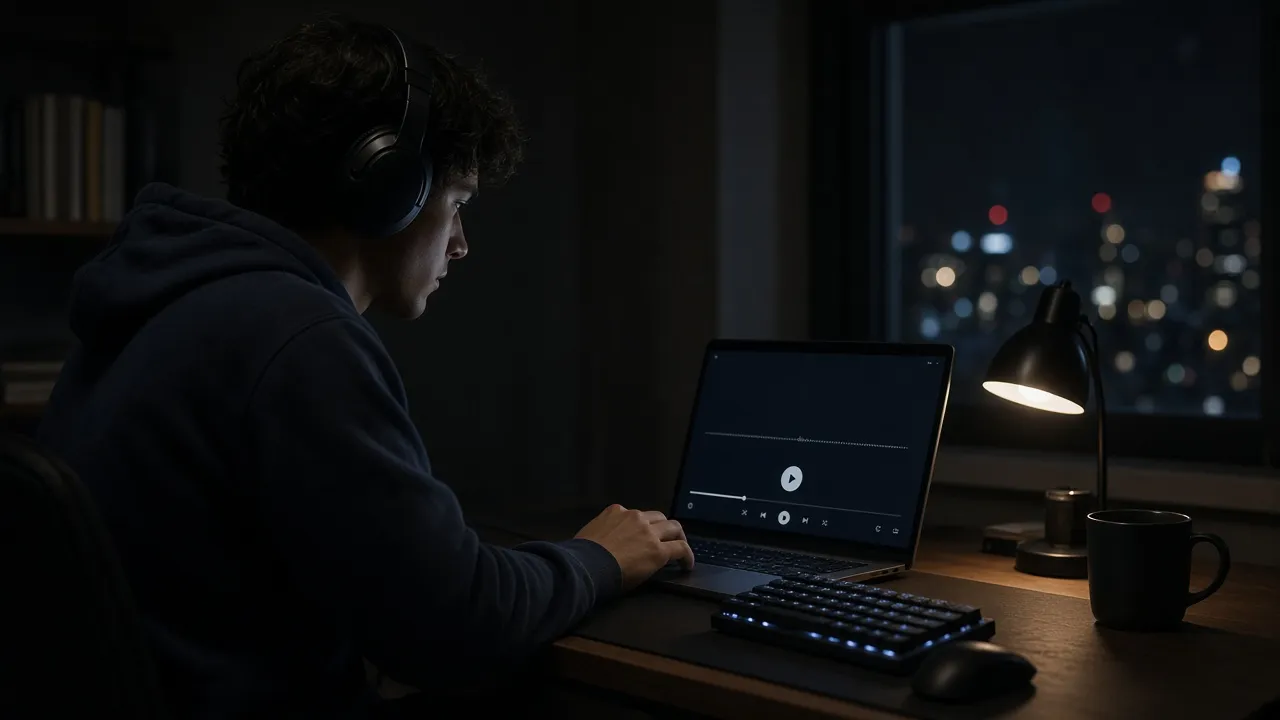
Adjust volume slider to find the sweet spot where low rumble feels comforting without overwhelming headphone drivers.
- 03
Immerse in Fullscreen Focus
Hit F to expand the interface to dark fullscreen mode for a distraction-free sensory workspace.
Why this tool
Why choose Brown Noise Sound Generator
Engineered for distraction-free performance, privacy, and zero latency.
- 01
Deepest Acoustic Profile
Significantly lower and warmer than white or pink noise, eliminating the frying pan hiss that many sound-sensitive users dislike.
- 02
Heavy Sound Barrier Masking
Low-frequency waves excel at blocking low-pitched structural rumble, distant traffic hum, loud footsteps, and muffled wall conversations.
- 03
Zero Compression Dropouts
Streaming media files compress bass heavily to save bandwidth. Our raw 32-bit synthesizer preserves rich, uncompressed low-end warmth.
- 04
Instant In-Browser Access
No software installation, no app store downloads, and no background subscriptions. Works on any browser on your computer or phone.
Practical Use Cases
What people use Brown Noise Sound Generator for
Real-world scenarios with tested setup parameters and operational guidance.
Study with less hiss
Some people prefer the rumble while they read or code. This page does not treat ADHD or quiet a diagnosis.
SetupOver-ear planar magnetic or dynamic headphones, 40% volumeActionPut on headphones before launching task to prevent initial distractionNoteIf the rumble feels heavy in your ear, turn the percentage down. This page does not measure decibels.Blocking Loud Footsteps & Traffic Rumble
Neutralize low-frequency noise from upstairs neighbors walking heavily or diesel buses idling outside windows.
SetupExternal stereo speakers or subwoofer-equipped audio setup, 50% volumeActionPosition speakers facing toward floorboards or window openingsNoteEnsure subwoofer vibrations are decoupled from shared walls using acoustic foam.A low rumble while you sit quietly
The sound can be a steady backdrop while you sit still. This page does not reduce anxiety or induce a mental state.
SetupDim room lighting, comfortable seating or yoga mat, 45% volumeActionFocus attention on the continuous low-end rumble while practicing slow diaphragmatic breathingNoteStop if the level feels like pressure in the ear.When a phone speaker thins the rumble
Phone speakers make brown noise sound thin and hissy because they cannot move enough air for the low rumble, so use a larger speaker or headphones if the bass disappears.
SetupHeadphones or a speaker larger than a phoneActionIf the sound turns into hiss, move off the phone speaker.NoteThe Sleep timer can stop playback. It cannot add bass the speaker cannot make.
Pro tips
Tips & limits
Honest notes from real-world use. No fluff.
- Bass Hardware
Brown noise sounds significantly richer on good over-ear headphones or external speakers than on tiny phone speakers.
- Equalizer Tuning
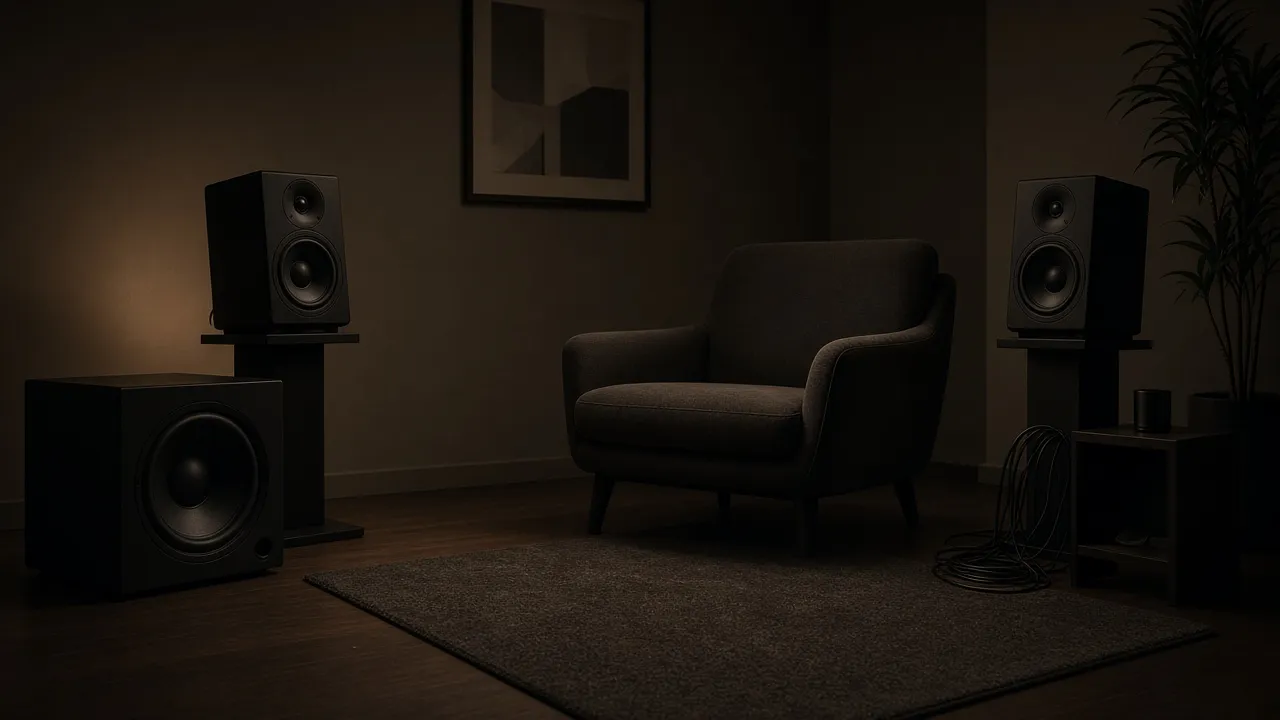
If using studio monitors, ensure room modes are controlled so low frequencies do not create resonant standing waves.
- Work Intervals
Brown noise is ideal for long 90-minute Pomodoro study blocks. Pair with our countdown timer tool for structured pacing.
- Headphone Seal
Over-ear closed-back headphones create an acoustic seal that enhances low-frequency perception and passive isolation.
- Browser Tab Management
You can pin this tab in Chrome or Firefox so it stays playing quietly all day during intense engineering work.
FAQ
Frequently asked questions
Straight answers about how Brown Noise Sound Generator works.
What is brown noise and why is it called that?
Brown noise is named after Robert Brown, the Scottish botanist who discovered Brownian motion. It represents random acoustic particle movement with a -6 dB per octave attenuation, giving it a deep thunder-like pitch.
Why is brown noise so popular on TikTok and for ADHD?
Clips made the low rumble popular, and some listeners say it feels calmer than white noise. This page does not treat ADHD. Phone speakers are a separate problem: they often cannot produce the bass those clips were mixed on.
What is the main difference between brown noise and white noise?
White noise has equal energy at every Hertz and sounds like high-pitched steam or television static. Brown noise cuts high frequencies dramatically (-6 dB/octave) to deliver deep, heavy bass like an ocean storm.
Can small smartphone speakers play brown noise effectively?
Phone speakers make brown noise sound thin and hissy because they cannot move enough air for the low rumble, so use a larger speaker or headphones if the bass disappears. The Sleep timer still stops playback on a schedule, but it cannot add the bass a phone speaker lacks.
Can I listen to brown noise while sleeping all night?
You can leave brown noise playing and use the Sleep timer to stop it. Less hiss is a sound-shape difference. This page does not claim the rumble will keep you asleep.
Is brown noise good for masking neighbor footsteps and bass thuds?
Yes. Because footsteps and mechanical HVAC rumbles are primarily low-frequency sounds, brown noise provides far better masking for them than higher-pitched white noise.
Does this brown noise tool require sign-up or payment?
No. BlackScreen.VIP provides this web tool completely free with no user registration, no advertisements, and no recurring fees.
Can I run this sound generator offline?
Yes. Once loaded in your browser cache, the Web Audio Worklet runs 100% locally on your device without needing ongoing internet access.
Does brown noise cause hearing damage?
Loud playback can still harm hearing. This page does not measure decibels, so judge the rumble at your ear and turn the percentage down if it feels heavy.
How do I toggle fullscreen mode on mobile and desktop?
Click or tap the Click for Fullscreen button on the screen or press the F key on desktop keyboards. Tap or press Esc to return to standard view.
Ready when you are
Launch Brown Noise Sound Generator
Instant fullscreen mode in your browser — zero install, zero sign-up.
Go fullscreen