Screen Ring Light
Loading ring light…
Key Features
Features of Screen Ring Light
Virtual toroidal lighting on your display producing captivating pupil catchlights and 360-degree shadow nullification.
- 01
Radial 360-Degree Shadow Erasure
Symmetrical circular light emission nullifies facial shadows from all angles, smoothing skin appearance naturally.
- 02
Luminous Eye Catchlight Generator
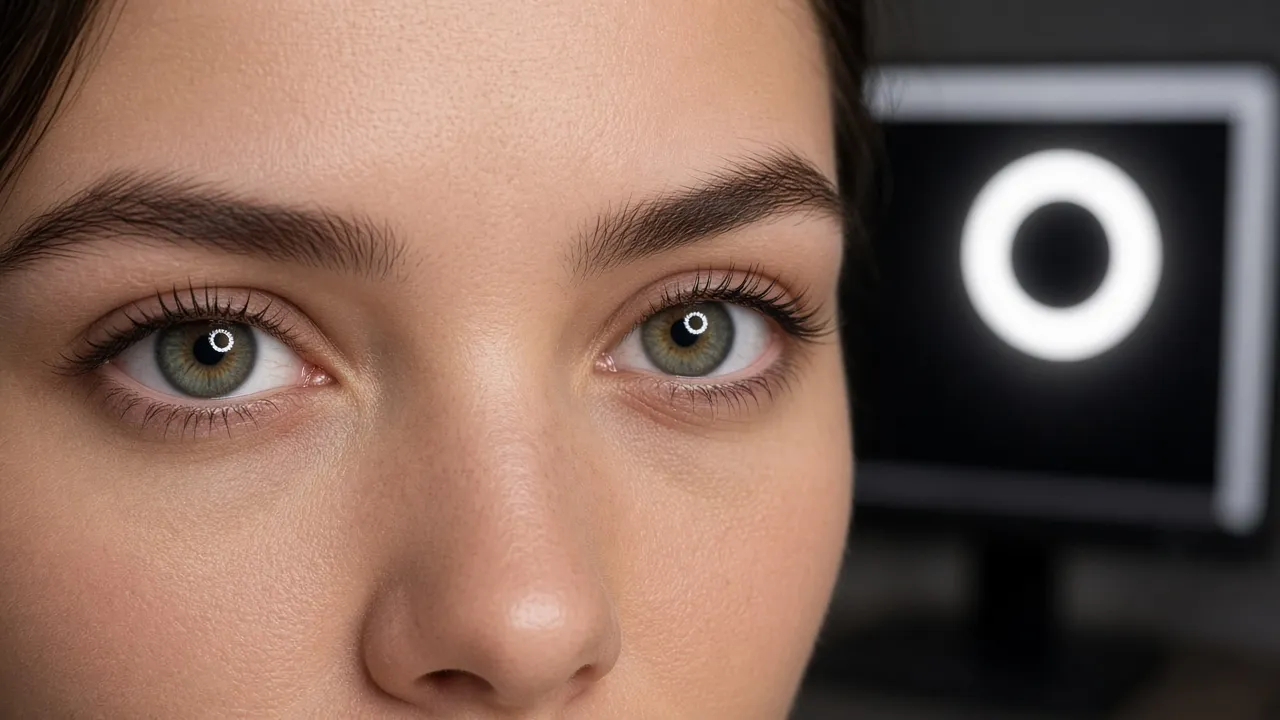
Produces bright circular cornea reflections that bring warmth, focus, and life to your eyes during live streaming and video calls.
- 03
Customizable Ring Diameter & Thickness
Adjust the inner and outer radius of the luminous halo to match your screen size, camera placement, and distance.
- 04
High-Luminance Native WebGL Rendering
Smooth 60fps rendering delivers flicker-free continuous lighting that prevents camera rolling-shutter banding.
About & Principles
The toroidal geometry of circular ring lights in digital photography
Traditional point light sources cast shadows in one direction based on their position relative to the camera lens. A ring light solves this by positioning the light source symmetrically around the optical axis of the camera. As light radiates toward the subject from all 360 degrees simultaneously, opposite sides of the ring cancel out each other’s shadows, effectively eliminating sharp nasolabial folds and facial texture.
The most sought-after visual hallmark of a ring light is the pupil catchlight: a crisp, vibrant circular halo reflected on the cornea of the eye. In human psychology, well-defined catchlights convey youthfulness, energy, and heightened engagement, making portrait subjects appear immediately more magnetic and approachable on camera.
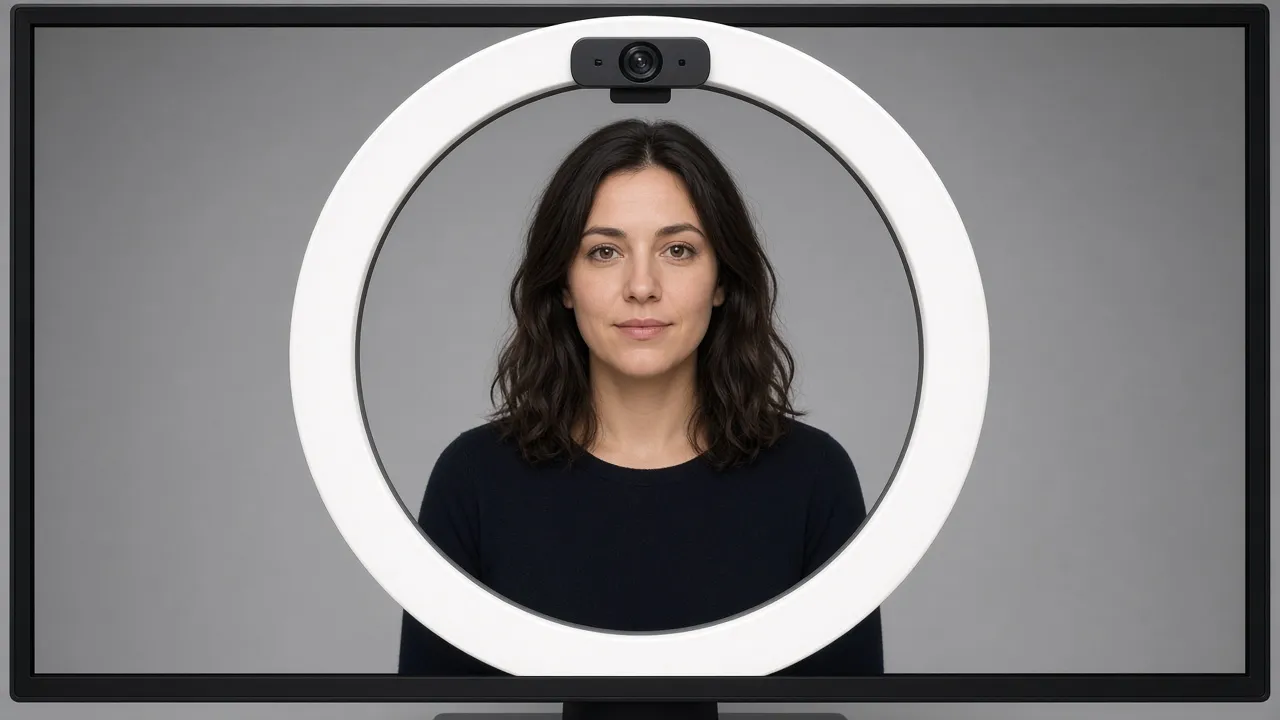
Our web application renders high-efficiency vector-based toroidal lighting with adjustable ring thickness, internal aperture diameter, and color temperature. By placing your webcam directly in the center aperture—or positioning the display immediately behind a laptop camera—you achieve genuine studio-grade beauty lighting completely free in any browser.
How to use it
How to use Screen Ring Light
Three simple steps. No install, no sign-up, no upload.
- 01
Center Your Webcam
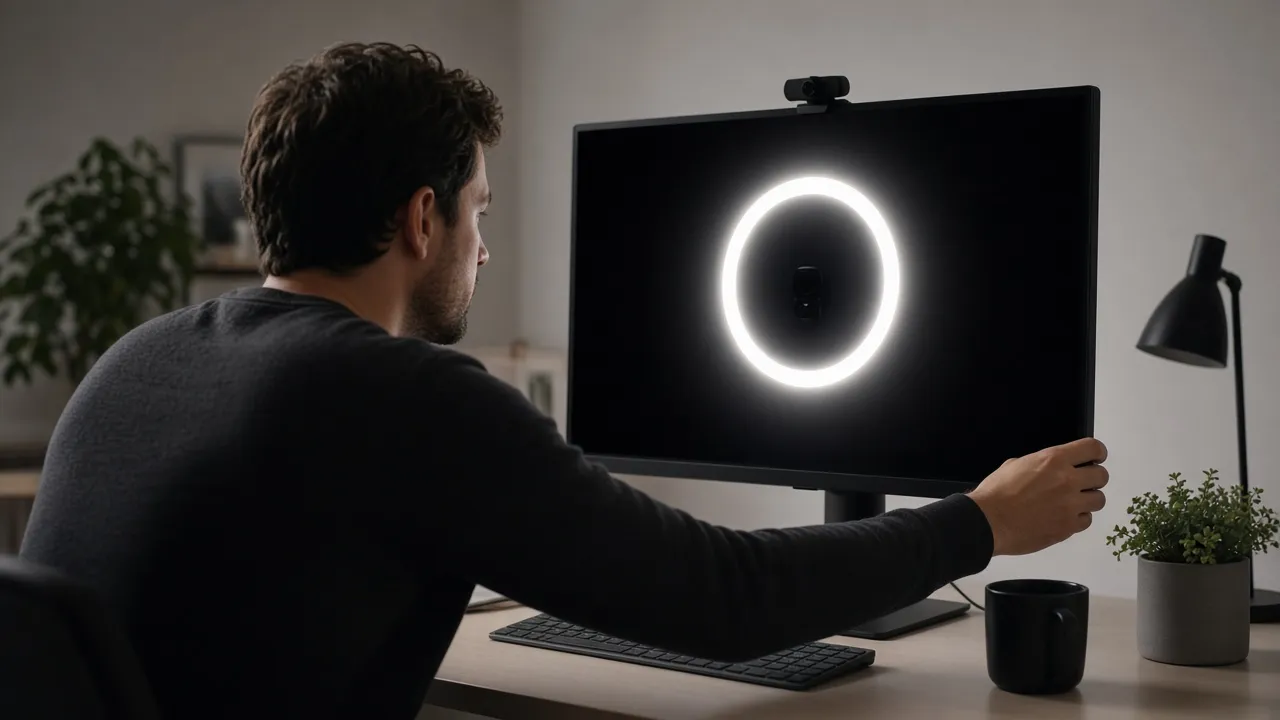
Position your webcam or laptop camera as close as possible to the center of the illuminated circular aperture.
- 02
Calibrate Ring Size & Tone
Use the controls to expand the ring diameter and choose warm golden or cool studio daylight.
- 03
Go Fullscreen for Maximum Glow
Press F or click the stage to fill the entire monitor. Press Esc to exit when finished.
Why this tool
Why choose Screen Ring Light
Engineered for distraction-free performance, privacy, and zero latency.
- 01
Clean Desk with No Bulky Tripods
Physical ring lights require bulky stands, power bricks, and messy cables. Our tool uses your existing screen without taking up a millimeter of desk space.
- 02
Zero Flickering on Video Streams
Cheap LED ring lights use low-frequency pulse-width modulation (PWM) that causes black horizontal strobe bars on webcam sensors. Monitor screens provide perfectly steady light.
- 03
Instant Portability on Any Device
Open this tool on an iPad, Android tablet, smartphone, or laptop whenever you need beauty lighting while traveling.
- 04
Safe for Continuous Eye Comfort
Diffuse screen illumination is far gentler on your eyes than bare, blinding surface-mount LED diode beads.
Practical Use Cases
What people use Screen Ring Light for
Real-world scenarios with tested setup parameters and operational guidance.
Beauty Tutorials & Makeup Application
Provide even, shadowless illumination to check skin tone blending, contouring, and fine detail under daylight conditions.
SetupTablet or laptop placed 40 cm in front of you at eye level, 100% brightnessActionSet color temperature to 5500K neutral white to accurately gauge foundation pigmentNoteEnsure surrounding room lighting does not cast a yellow or green color cast.Content Creator Live Streaming & Vlogging
Give your YouTube, Twitch, or TikTok live camera feed a vibrant, high-production broadcast studio look with captivating eye reflections.
SetupMonitor positioned immediately behind your external USB microphone and DSLR/webcamActionEnlarge ring aperture until the webcam lens sits cleanly inside the dark center coreNoteLock webcam ISO and white balance manually in OBS or streaming software.Remote Passport & Profile Headshots
Capture crisp, evenly illuminated headshots against a plain white wall without buying studio strobe lighting.
SetupDesktop monitor set to maximum white ring light, 60 cm distanceActionLook directly through the center of the ring into the camera lens when shootingNoteSit upright with shoulders relaxed and chin angled slightly forward.Online Video Job Interview Lighting
Create a professional, flattering camera appearance for crucial job interviews without buying expensive studio gear.
SetupNeutral 4500K · Circular Catchlight OnActionPosition laptop camera directly inside the glowing circle.NoteSit directly in front of the screen for balanced illumination.
Pro tips
Tips & limits
Honest notes from real-world use. No fluff.
- Catchlight Size
The closer your face is to the screen, the larger and more pronounced the circular catchlight ring will appear in your eyes.
- Webcam Positioning
If using a laptop, tilt the screen back so your built-in camera points straight ahead at your eye level.
- Note
Dual-Screen Fill: Combine this Screen Ring Light on your primary monitor with our White Screen tool on a side monitor for complete 3-point studio lighting.
- Room Contrast
Keep a soft background light on in your room to avoid a floating head look against a pitch-black wall.
- Screen Cleaning
Wipe away fingerprints and smudges on your display before filming so light radiates with maximum clarity.
FAQ
Frequently asked questions
Straight answers about how Screen Ring Light works.
How do I get the circular ring catchlight in my eyes?
Position your face between 40 and 60 cm from the screen with the ring light active at high brightness. Look toward the camera positioned in the center to see a crisp circular reflection in your pupils.
Will this virtual ring light work as well as an expensive LED light?
Yes. For webcams and phones at desktop distances (within 1 meter), a bright computer display delivers plenty of lumens while providing much softer light falloff than cheap plastic LED rings.
Can I change the color of the screen ring light?
Yes. You can toggle between warm golden tones (ideal for evenings and cozy streaming) and crisp cool daylight (best for morning calls and true color reproduction).
Why is there a dark circle in the middle of the screen?
The dark center creates the toroidal ring geometry. Placing your webcam or camera in line with this center allows light to wrap evenly around the camera lens from all sides.
Does this tool cause screen flickering or rolling bars on camera?
No. Computer monitors have high refresh rates (60 Hz to 240 Hz) that synchronize smoothly with webcam shutter speeds, completely eliminating the strobe bars caused by cheap PWM LED lights.
Can I use this on my iPad or smartphone?
Yes. It is fully touch-responsive and works smoothly on Safari and Chrome on iOS and Android devices.
Will the screen dim automatically while I am streaming?
No. The tool integrates the browser Screen WakeLock API to keep your display at constant brightness as long as the page is open.
Is this screen ring light free or does it require a subscription?
It is 100% completely free with no subscription, no credit card, and no watermarks.
How do I make the light brighter?
Adjust the brightness slider in the settings panel and also verify that your computer hardware monitor brightness is set to 100%.
How do I exit fullscreen mode?
Press the Escape key on your keyboard or tap anywhere on touch devices to reveal the navigation controls.
Ready when you are
Launch Screen Ring Light
Instant fullscreen mode in your browser — zero install, zero sign-up.
Go fullscreen