Fullscreen Online Stopwatch
Loading stopwatch…
Key Features
Features of Fullscreen Online Stopwatch
High-precision sub-millisecond digital stopwatch with instant lap splits, keyboard triggers, and clean data export.
- 01
Sub-Millisecond Hardware Precision
Built on performance.now() high-resolution timestamps with zero clock-drift and microsecond-level accuracy.
- 02
Split & Lap Segment Recording
Records cumulative split times and isolated lap deltas with automated identification of fastest and slowest laps.
- 03
Spacebar & Hotkey Triggers
Start, pause, and record laps instantly with the Spacebar and L hotkeys for rapid, tactile response times.
- 04
One-Click RFC-4180 CSV Export
Download complete lap logs with timestamps and lap numbers formatted for instant import into Excel and Google Sheets.
About & Principles
High-resolution timekeeping architecture and split lap analysis
Conventional browser timers rely on the standard Date.now() object, which is susceptible to system clock adjustments (NTP synchronization) and provides limited 1-millisecond resolution. Our stopwatch engine leverages the browser High Resolution Time API (performance.now()), measuring time relative to an arbitrary hardware epoch with sub-millisecond precision (accurate to 5 microseconds).
When timing athletic races or multi-step processes, the distinction between Split Time and Lap Time is critical. Split Time measures the cumulative elapsed time from the initial start gun to the current checkpoint. Lap Time measures the isolated duration of the individual segment. Our stopwatch engine calculates both values simultaneously upon trigger, tracking fastest, slowest, and average intervals in real time.
All lap data is maintained in a local memory array that can be instantly previewed, compared, or exported to a standardized RFC-4180 CSV spreadsheet. Because processing happens client-side, your timing records remain completely private and accessible without server uploads.
How to use it
How to use Fullscreen Online Stopwatch
Three simple steps. No install, no sign-up, no upload.
- 01
Start / Stop Timing
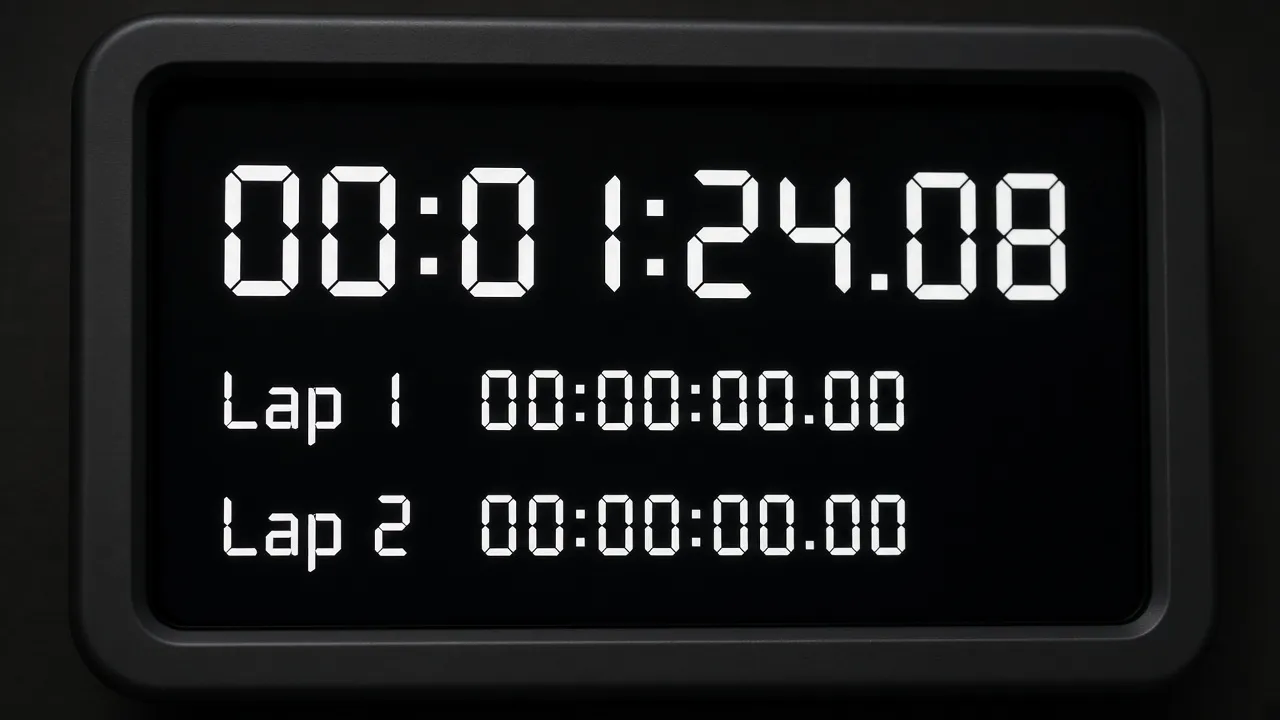
Press Spacebar or click the Start button to begin high-precision elapsed time measurement.
- 02
Record Instant Laps
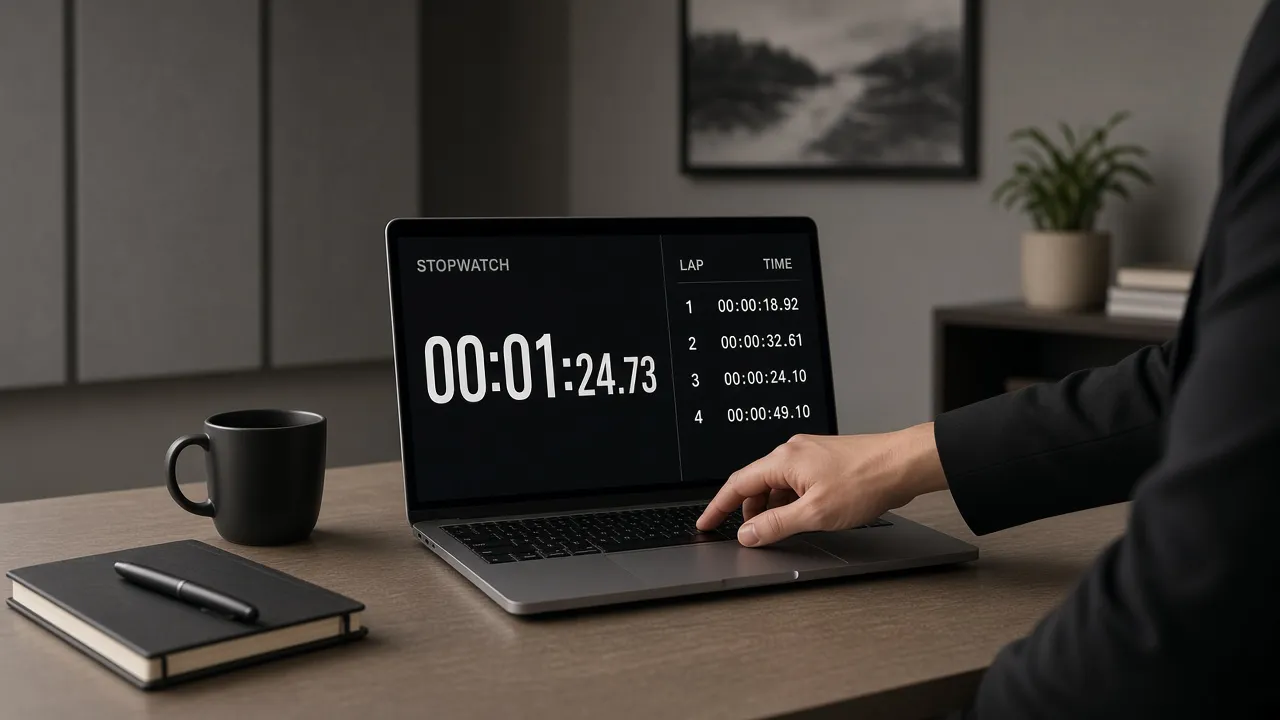
Press L on your keyboard or tap Lap to record splits without interrupting ongoing clock progress.
- 03
Export Data or Enter Fullscreen
Download your lap history as a CSV file, or hit F to view the large stopwatch from across the room.
Why this tool
Why choose Fullscreen Online Stopwatch
Engineered for distraction-free performance, privacy, and zero latency.
- 01
Zero Tactile Input Delay
Physical touchscreens can introduce input latency. Our engine listens directly to native hardware keydown events for immediate split capture.
- 02
Completely Ad-Free Experience
No video popups or distracting banners when you are trying to clock a critical run or monitor a medical test.
- 03
Multi-Day Duration Support
Capable of tracking continuous execution times across days, hours, minutes, seconds, and hundredths of a second.
- 04
Hardware Anti-Sleep Screen Lock
Prevents display sleep mode from interrupting ongoing timing sessions during athletic events or rehearsals.
Practical Use Cases
What people use Fullscreen Online Stopwatch for
Real-world scenarios with tested setup parameters and operational guidance.
Athletic Track Coaching & Sprint Trials
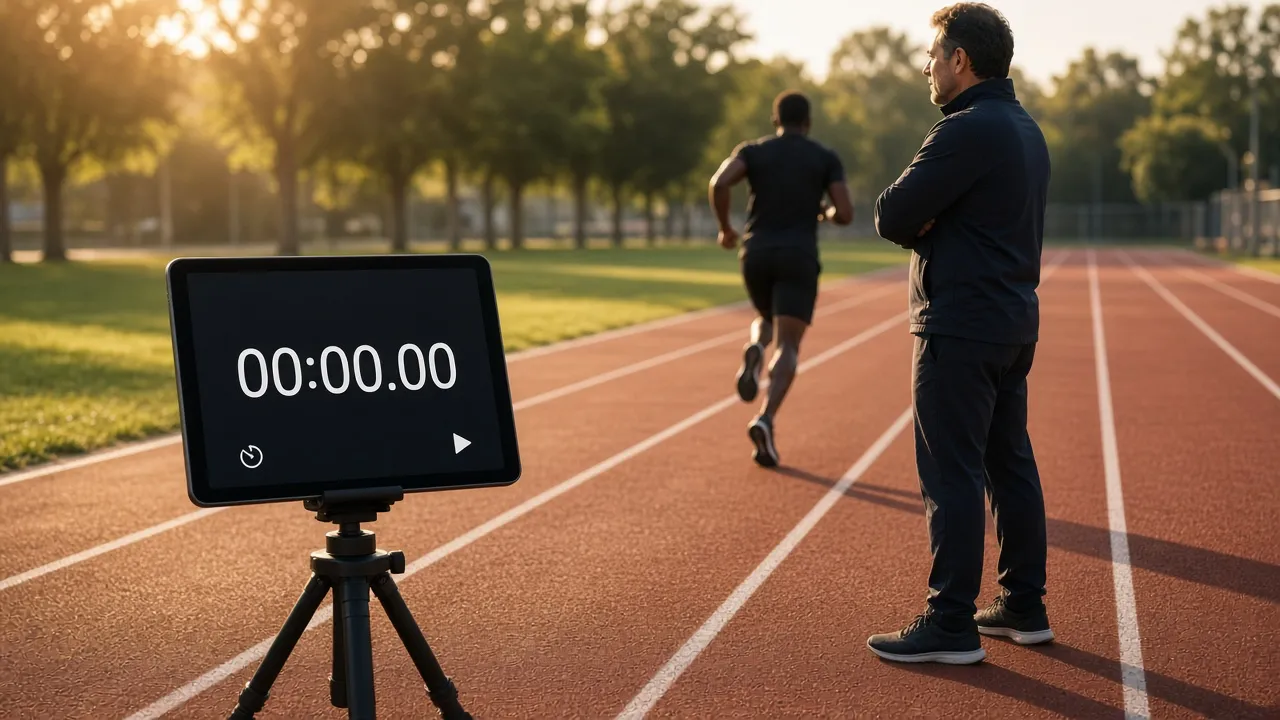
Clock 40-yard dashes, 100-meter sprints, and swimming intervals with clear lap split differentials.
SetupTablet or laptop mounted on trackside tripod, high-contrast dark themeActionUse the Spacebar to start on the gun and tap L as runners cross checkpoint markersNoteAccount for human reaction time (approximately 0.15s to 0.20s) when timing manually.Keynote & TEDx Speech Rehearsals
Time individual slides and presentation sections to ensure speeches stay within strict conference limits.
SetupLaptop positioned at speaking podium, 50% brightnessActionTrigger a lap split at each slide transition to identify talking points that run longNoteAim to finish rehearsals 10% under time to accommodate live audience laughter and applause.Industrial Workflow & Assembly Line Ergonomics
Measure manufacturing cycle times, packaging speeds, and operator task completions for Lean Six Sigma audits.
SetupIndustrial workstation terminal or portable rugged tabletActionRecord continuous laps for 50 cycles to calculate standard deviation and throughputNoteExport the final CSV to spreadsheet software for statistical process control analysis.Podcast & Broadcast Interview Pacing
Track segment duration, commercial break cutoffs, and co-host speaking times with high-visibility milliseconds.
SetupSecondary Monitor · Spacebar Split ActiveActionTap Spacebar as each interview chapter begins.NotePosition screen within host natural eye-line.
Pro tips
Tips & limits
Honest notes from real-world use. No fluff.
- Tactile Trigger
Using a physical mechanical keyboard Spacebar yields faster reaction times than clicking a laptop trackpad.
- Lap Identification
The lap table automatically highlights the fastest lap in green and slowest in amber for quick visual feedback.
- CSV Formatting
Exported spreadsheets feature standardized headers (Lap, Lap Time, Split Time) ready for data analysis.
- Pause Without Reset
Pausing stops the clock without clearing your recorded lap history; hit Start to resume timing smoothly.
- Fullscreen Distance
In fullscreen mode, digits expand to fill your screen, remaining legible from over 10 meters away.
FAQ
Frequently asked questions
Straight answers about how Fullscreen Online Stopwatch works.
How accurate is this online stopwatch?
It utilizes the browser High Resolution Time API (performance.now()), which provides sub-millisecond precision accurate to fractions of a millisecond, far surpassing standard 1-second web clocks.
Can I record lap times while the stopwatch keeps running?
Yes. Pressing the Lap button or hitting the L key on your keyboard records the current split time and starts a new lap interval without pausing the main clock.
Will the stopwatch stop if I switch browser tabs?
No. The stopwatch calculates elapsed time against absolute hardware timestamps. When you return to the tab, the clock displays the exact cumulative elapsed time.
Can I export my recorded lap data to Excel or Google Sheets?
Yes. Click the Export CSV button to download a clean, standardized comma-separated values file containing all lap numbers, lap durations, and split times.
What keyboard shortcuts are available?
Press Spacebar to Start or Pause, press L to record a Lap, press R to Reset the clock, and press F to enter or exit Fullscreen mode.
Can this stopwatch measure events lasting multiple days?
Yes. The clock formatting automatically scales to display elapsed days, hours, minutes, seconds, and hundredths of a second.
Does this stopwatch work on smartphones and tablets?
Yes. The responsive design adapts seamlessly to iPhone, iPad, Android devices, and desktop computer displays.
Will my screen turn off while timing a long event?
No. The tool automatically engages the Screen WakeLock API to keep your display illuminated continuously throughout your timing session.
Is this stopwatch free to use for commercial projects?
Yes. BlackScreen.VIP provides this stopwatch 100% free with no commercial restrictions, watermarks, or user registrations.
How do I exit fullscreen mode?
Press the Escape key on desktop keyboards or tap the Exit button on the floating control bar.
Ready when you are
Launch Fullscreen Online Stopwatch
Instant fullscreen mode in your browser — zero install, zero sign-up.
Go fullscreen