Orange Screen
Orange background
Format
Size
Solid orange video for monitor testing, a light source, or projector background.
Key Features
Features of the orange screen tool
A pure #FFA500 orange screen — golden-hour photography lighting, midtone color balance, and cozy evening warmth.
- 01
Precise #FFA500 Colorimeter Tuning
Outputs an exact optical mixture of full red (255) and calibrated green (165) with absolute zero blue, perfectly capturing the 2000K–2400K sunset color temperature spectrum.
- 02
100% Client-Side In-Browser Execution
Runs entirely inside your local web browser sandbox without executable software installers, user accounts, or tracking scripts, ensuring total privacy and instantaneous launch on any device.
- 03
Multi-Resolution Lossless PNG Export
Download exact-pixel orange screen wallpapers in standard 1080p, 4K, 8K (7680x4320), or custom proportions for creative graphic design mockups, YouTube video backdrops, or digital signage displays.
- 04
Panel Midtone Gamma Balance Test
Because orange relies on a precise non-linear ratio between red and green subpixels, any panel gamma curve defect immediately shows up as an unsightly muddy brown or neon yellow cast.
About
Why an orange screen produces the ultimate golden-hour warmth
In optical color science, the color orange occupies the comfortable transition zone between long-wavelength red (620–700 nm) and high-luminance green (520–550 nm). Saturated orange at #FFA500 pairs maximum red channel intensity with approximately 65 percent green channel luminance while keeping the blue channel completely extinguished. This precise spectral combination mirrors the natural color temperature of the photographic golden hour — the brief twenty-minute window when low-angle sunlight filters through the Earth's atmosphere, scattering blue light and bathing scenes in rich amber rays.
Displaying an online fullscreen orange screen allows photographers, videographers, and food stylists to recreate this prized 2200K aesthetic indoors on demand. Unlike cool white LEDs that make culinary dishes look unappealing and clinical, warm orange wavelengths enhance the Maillard browning in baked goods, emphasize rich wood grains in furniture, and cast a forgiving healthy glow over human facial skin without requiring heavy makeup or complex gel filter setups.
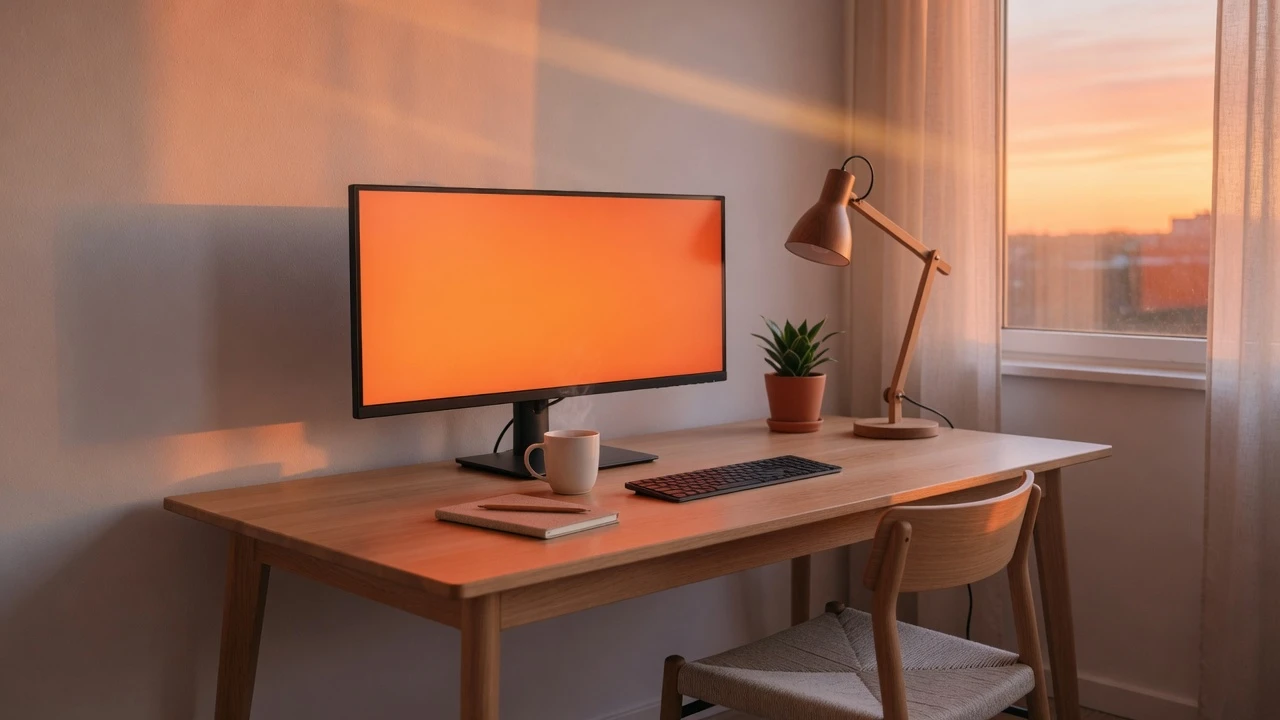
From a circadian perspective, orange illumination delivers softer, more relaxing nighttime ambient light than pure yellow. With zero blue photon emission and moderate perceived luminance, an orange screen creates a calming hearth-like atmosphere that prepares your eyes and brain for restful sleep.
How to use it
How to use the orange screen
Three simple steps. No install, no sign-up, no upload.
- 01
Launch fullscreen display mode
Click the orange canvas area or press the F key on your physical keyboard. The display expands instantly to fill your entire monitor, hiding all browser navigation bars, tabs, and system docks.
- 02
Position for studio lighting or relaxation
For portrait rim lighting, position the display 45 degrees behind the subject at 70% brightness. For ambient evening comfort, bounce the screen against a white wall at 40%–50% brightness.
- 03
Exit cleanly or download the wallpaper
Press the Esc key or tap mobile touchscreens once to exit fullscreen mode. If you need a permanent offline graphic asset, choose your resolution under Download and save the solid orange PNG.
Why this screen
Why choose the orange screen
Engineered for display testing, photography lighting, and visual focus.
- 01
Instant studio golden hour on demand
Recreates the warm amber tone of sunset lighting anytime without waiting for outdoor weather windows, packing separate halogen lights, or purchasing expensive CTO lighting gels.
- 02
Zero-blue light bedtime relaxation
Emits zero blue photons while delivering a softer, less aggressive luminance than pure yellow, making it the perfect ambient nightlight for winding down before restorative sleep.
- 03
Enhanced culinary & still-life appeal
Warm amber lighting naturally flatters pastries, roasted culinary dishes, coffee beverages, and hardwood crafts, bringing out rich textures that look sterile under ordinary office fluorescent lights.
- 04
Sensitive midtone color calibration
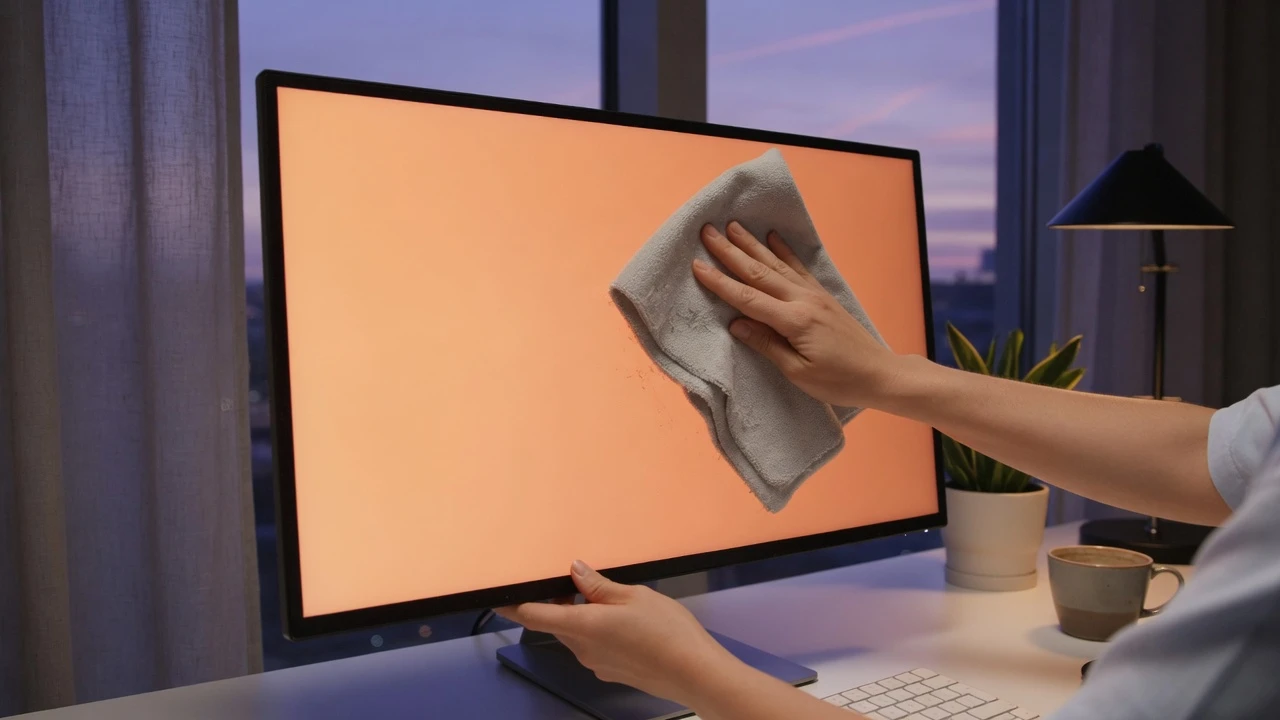
Reveals non-linear subpixel gamma tracking discrepancies across midtones; if your display panel leans noticeably toward washed-out peach or dirty mustard, your monitor requires professional hardware calibration profiling.
Practical Use Cases
What people use the orange screen for
Real-world scenarios with tested setup parameters and operational guidance.
Sunset golden-hour rim lighting for creative portraits
Add a dramatic warm contour light along the hair and cheekbones of models during studio photoshoots and creative video interviews.
SetupIndoor studio or darkened room with a primary neutral key light on the face.ActionPlace a laptop running the orange screen 45 degrees behind the model's silhouette at 80% brightness.NoteManually lock camera white balance between 5000K and 5600K so the camera does not erroneously neutralize the amber glow.Food & beverage commercial tabletop photography
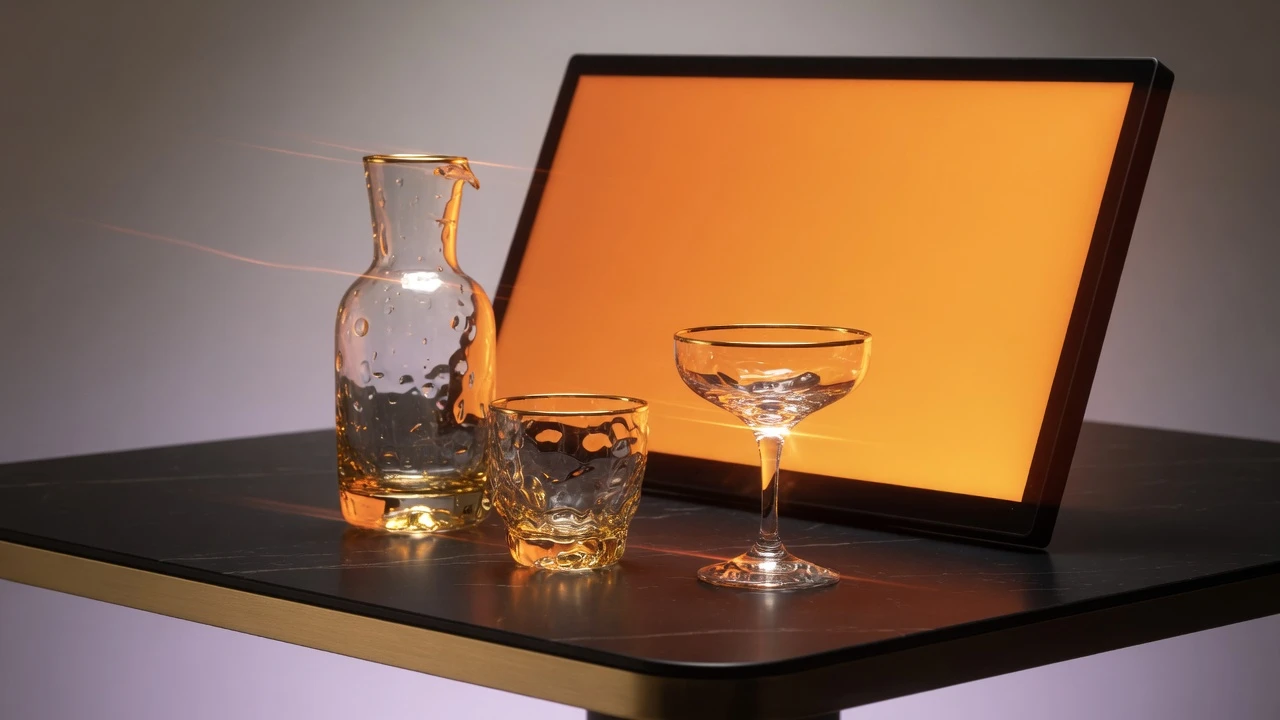
Enhance the appetizing golden crust on artisanal breads, roasted meats, hot coffee, and pastries during tabletop photography sessions.
SetupPhotography table with an iPad or tablet positioned adjacent to the food platter.ActionAngle the orange screen at 45 degrees as an off-axis key light to enrich warm caramel highlights.NoteAvoid pointing direct orange light onto fresh green salad garnishes, which can appear desaturated under monochromatic warmth.Cozy hearthside evening ambient room lighting
Transform a bedroom monitor or living room TV into an ambient incandescent lantern that promotes mental calm and restful evening wind-down.
SetupLiving room or bedroom workspace in the hours approaching sleep.ActionBounce the orange screen off an adjacent white wall at 40%–50% brightness for an expansive, gentle room wash.NoteWall bouncing diffuses the light dramatically, converting a small screen into a large, glare-free luminaire.Display panel midtone color balance & gamma evaluation
Check whether your computer monitor maintains proper midtone tracking between red and green channels across different brightness levels.
SetupCalibrated color grading suite or graphic design monitor setup.ActionOpen the orange screen in fullscreen and verify that the hue remains stable when lowering brightness from 100% to 25%.NoteLow-quality TN and VA panels frequently suffer severe gamma shift, causing orange to look yellowish at low luminance.Warm hardwood & leather product showcase lighting
Illuminate handcrafted leather wallets, acoustic guitars, and hardwood furniture to bring out the natural depth of organic wood stains.
SetupE-commerce product photo studio with wooden artisanal crafts.ActionSet a secondary screen to the orange screen to cast warm highlights along the grain of the wood.NoteCombine with a neutral white fill light from the opposite side to keep product branding tags accurately color-balanced.Autumn & seasonal holiday theme video backdrops
Provide an unmistakable October harvest aesthetic for Thanksgiving, Halloween, or autumn social media video recordings.
SetupVlog recording desk or live streaming podcast background.ActionDisplay the orange screen on a visible secondary monitor or tablet in your camera's out-of-focus background.NoteKeep the panel at 60% brightness so the vibrant orange background does not dominate your primary camera exposure.High-contrast calligraphy & watercolor tracing lightbox
Trace complex line drawings and lettering onto opaque watercolor paper without the eye-straining glare of a blinding white backlight.
SetupArt desk with a tablet placed flat underneath sketch paper.ActionActivate the orange screen at 70% brightness beneath your paper to illuminate guidelines clearly.NoteThe warm wavelength spectrum reduces ocular fatigue substantially during multi-hour illustration marathons.Colorimeter profiling reference for intermediate orange
Supply an uncompressed #FFA500 chromaticity target to evaluate 3D LUT accuracy and color management gamut coverage on professional displays.
SetupHardware calibration suite using an X-Rite or Calibrite display colorimeter.ActionDisplay the orange screen and position the sensor puck directly over the screen center.NoteEnsure operating system Night Shift and HDR settings are turned off prior to profiling.
Pro tips
Tips & limits
Honest notes from real-world use. No fluff.
- Lighting technique
Bouncing an orange screen off a matte white wall creates a dramatically softer, larger light source than pointing it directly.
- Camera setting
Lock your camera's white balance manually to daylight (5600K) to keep the orange screen looking authentically golden on video.
- Culinary caution
When photographing food dishes, keep orange light away from crisp green herbs or leafy salads to prevent muddy color tones.
- Panel diagnosis
If your orange screen appears pale peach or dull mustard, your display's red or green gamma curve requires recalibration.
- Common failure
Relying on operating system night mode filters instead of pure #FFA500; night modes alter white balance but still emit blue light.
FAQ
Frequently asked questions
Straight answers about how the orange screen works.
What color temperature does this orange screen simulate?
Saturated #FFA500 falls in the 2000K–2400K range, precisely replicating the natural warmth of sunset golden hour, candlelight, and vintage incandescent filaments for flattering photographic lighting.
How does an orange screen differ from a yellow screen?
Yellow (#FFFF00) drives green at 100% and delivers maximum perceived brightness. Orange (#FFA500) reduces the green channel to 65%, producing a richer, deeper amber tone that is softer on eyes and more flattering for skin.
Will using an orange screen help protect evening sleep?
Yes. Circadian disruption is caused by blue light wavelengths (450–480 nm). Because an orange screen contains zero blue output and lower luminance than yellow, it creates an ideal calming environment before sleep.
Can I use this orange screen as a rim light for photography?
Yes. Place the screen 45 degrees behind your subject at 70%–80% brightness. It casts a gorgeous golden rim light along hair and shoulders, replicating expensive studio gel lighting without any cost.
Why does my camera make the orange screen look pale yellow?
Most modern camera auto-white-balance systems mistake rich orange light for an indoor color cast and attempt to neutralize it. Set your camera white balance manually to 5600K (Daylight) to preserve the rich amber hue.
How can I evaluate display panel health with an orange screen?
Because orange requires a non-linear 255:165 red-to-green subpixel balance, panels with improper gamma tracking will display an unnatural muddy greenish or pinkish cast rather than rich amber.
Can I download an uncompressed pure orange screen wallpaper?
Yes. Open the Download menu to save a lossless #FFA500 PNG file at standard resolutions up to 8K (7680x4320), or input custom dimensions for graphic design backdrops and video timeline mattes.
How do I exit fullscreen mode on desktop and mobile?
On desktop keyboards, tap the Esc key or move your mouse downward to reveal the Exit button. On smartphones and tablets, simply tap once anywhere on the display.
Does this orange screen tool work offline without an internet connection?
Yes. The entire rendering logic executes locally within your client browser cache. Once loaded, you can disconnect Wi-Fi and use the orange screen completely offline on location.
Can leaving an orange screen active damage an OLED display?
Modern OLED screens are robust, but running any static saturated color at 100% brightness for dozens of continuous hours can cause differential subpixel aging. Keep brightness moderate during extended use.
Does this tool track user information or require camera permissions?
No. The tool is 100% private, client-side, and ad-free. It does not access your webcam, microphone, or filesystem, and transmits zero telemetry or analytical cookies back to external servers.
Ready when you are
Open the orange screen
One click fills your display — no install, no sign-up, no upload.
Go fullscreen