Yellow Screen
Yellow background
Format
Size
Solid yellow video for monitor testing, a light source, or projector background.
Key Features
Features of the yellow screen tool
A pure #FFFF00 yellow screen — highest-luminance warm lighting, zero-blue evening reading, and red-green subpixel test.
- 01
Peak Solid-Color Luminance
Drives red and green subpixels at full 255 power while blue stays completely at zero, delivering over 90% of pure white's perceived optical brilliance without the harsh blue spectral component.
- 02
100% Client-Side In-Browser Execution
Runs entirely within your local browser sandbox with zero software downloads, native operating system permissions, or tracking analytics, providing immediate, high-brightness illumination on any workstation.
- 03
Multi-Resolution Lossless PNG Export
Generate and download exact-pixel yellow screen backgrounds in standard 1080p, 4K, 8K (7680x4320), or custom dimensions for digital marketing mockups, projection mapping, or video compositing backdrops.
- 04
Dual-Channel Hardware Balance Test
Because yellow requires balanced red and green output, any premature subpixel degradation instantly reveals itself through localized greenish or reddish tint shifts across the display canvas.
About
Why a pure yellow screen delivers the highest optical luminance
In optical colorimetry, human photopic vision is governed by L-cones (long wavelength, sensitive to red) and M-cones (medium wavelength, sensitive to green). When a display renders saturated yellow (#FFFF00), it energizes both the red subpixel matrix and green subpixel matrix at maximum intensity while keeping the blue subpixel channel completely deactivated. Because human retinal sensitivity peaks around 555 nanometers, this simultaneous dual-channel excitation yields the highest perceived luminance of any solid hue, achieving approximately 93 percent of full white luminance.
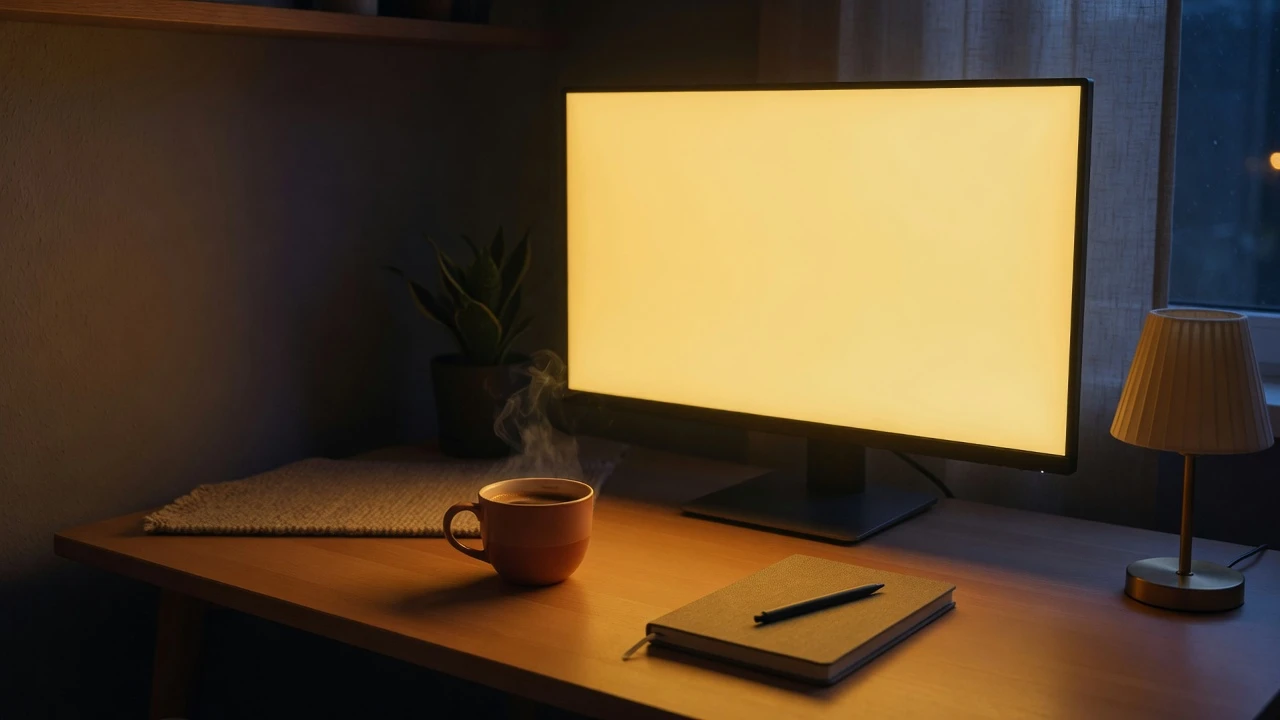
This combination of intense luminance and complete blue light exclusion makes a fullscreen yellow screen an extraordinary tool for nocturnal illumination. Exposure to high-energy blue wavelengths (450–480 nm) stimulates melanopsin receptors in retinal ganglion cells, shutting down melatonin production and disrupting circadian rhythms. Pure yellow light eliminates blue photons entirely while maintaining ample illumination to comfortably read books, review handwritten notes, or navigate dim spaces.
Furthermore, for video creators and remote workers, an online yellow screen simulates the flattering 2700K color temperature of classic tungsten filaments, softening skin imperfections and counteracting unflattering fluorescent office lighting.
How to use it
How to use the yellow screen
Three simple steps. No install, no sign-up, no upload.
- 01
Launch fullscreen display mode
Click the yellow preview canvas or hit the F key on your keyboard. The interface expands instantly to cover your entire screen, eliminating toolbars, browser tabs, and desktop clutter.
- 02
Position for lighting or inspection
For webcam fill lighting, place the screen directly behind your camera at 60%–80% brightness. For display testing, dim ambient room lights and scan for subtle green or orange tint patches.
- 03
Exit cleanly or download the wallpaper
Press the Esc key on your keyboard or tap once on touchscreen devices to exit fullscreen smoothly. If you require an offline asset, choose your resolution under Download and save the solid yellow PNG.
Why this screen
Why choose the yellow screen
Engineered for display testing, photography lighting, and visual focus.
- 01
Mathematically pure #FFFF00 saturation
Many web tools display desaturated cream or mustard tones. This yellow screen locks your panel output to exact RGB(255,255,0), guaranteeing uniform spectral purity across every square inch.
- 02
Zero-blue light circadian protection
By completely extinguishing the blue channel, this yellow screen delivers high ambient working light without triggering nocturnal melatonin suppression or digital eyestrain during late-night tasks.
- 03
Flattering warm skin tone reproduction
Warm golden light mimics golden-hour sunlight and tungsten studio bulbs, reducing visible skin blemishes and harsh facial shadows on webcams without costly physical beauty ring lights.
- 04
Simultaneous red-green subpixel stress test
Provides an immediate comparative health check across two-thirds of your display matrix, exposing uneven subpixel wear and backlight irregularities that stay invisible under single-primary colors.
Practical Use Cases
What people use the yellow screen for
Real-world scenarios with tested setup parameters and operational guidance.
Flattering warm key light for webcam video calls
Eliminate pale, sickly skin tones caused by cool overhead fluorescent fixtures during Zoom, Microsoft Teams, and Google Meet remote conferences.
SetupDesktop computer with a secondary display angled slightly above the webcam.ActionSet the yellow screen to 70% brightness and face the screen directly as a warm frontal key light.NoteIf your webcam features aggressive auto-white-balance, lock the temperature setting in your software to maintain warmth.Zero-blue evening desk lamp & reading light
Provide gentle, blue-free ambient illumination for reading physical paperwork or taking notes without stimulating circadian alertness before sleep.
SetupBedside table or home office desk in the hours leading up to bedtime.ActionOpen this yellow screen in fullscreen mode on a tablet or laptop and adjust panel brightness to 40%.NoteKeep the panel angled away from direct line-of-sight to use the ambient bounced light for maximum ocular relaxation.Display red-green subpixel balance & tint diagnostic
Verify that your display's red and green channels are producing equal luminous output without color cast shifts across panel zones.
SetupDimly lit room during monitor unboxing or periodic display calibration checks.ActionLaunch the yellow screen and inspect whether edges appear greenish (weak red) or reddish (weak green).NoteHigh-purity yellow makes localized backlight clouding and diffuser pressure marks distinctly visible.Simulated tungsten warm light for product photography
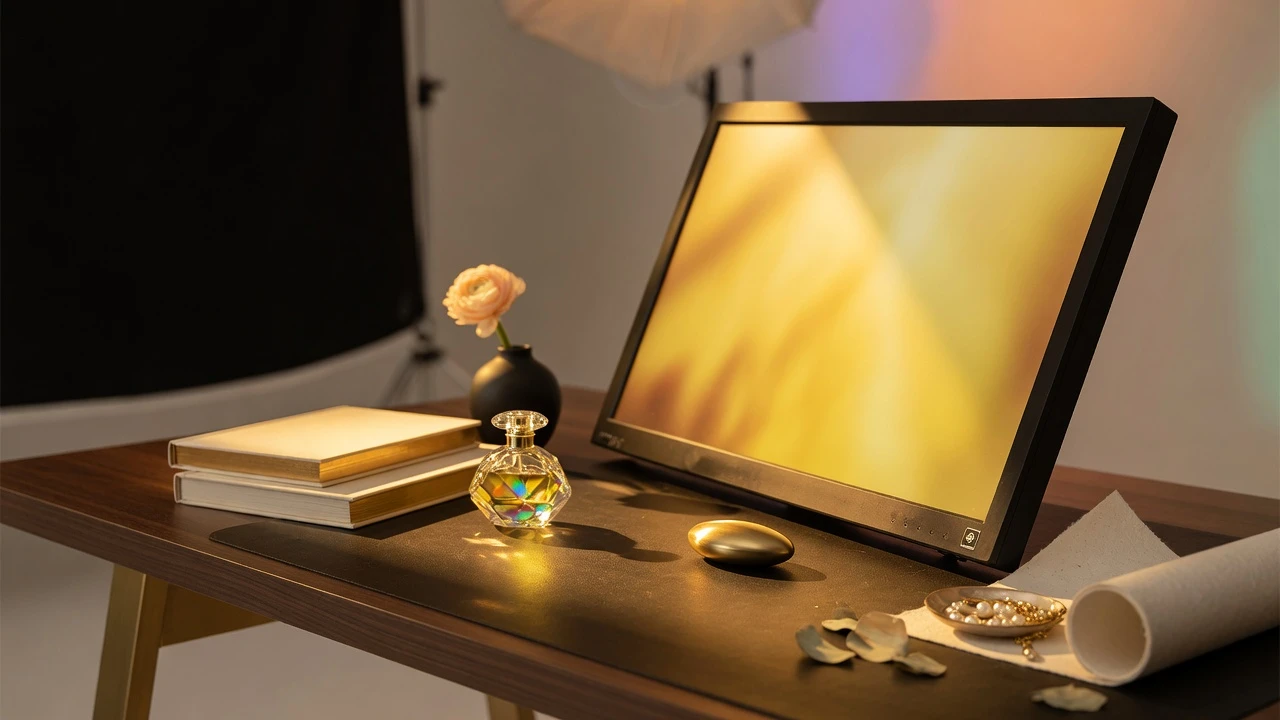
Add a rich 2700K tungsten glow to small still-life subjects, jewelry, leather goods, and warm culinary dishes without hot physical bulbs.
SetupTabletop macro photo station with a tablet placed at a 45-degree angle to the product.ActionDisplay the yellow screen to cast warm highlights across reflective metal and textured surfaces.NoteCombine with a small white reflector card on the shadow side to fill high-contrast shadow areas gently.High-visibility emergency signaling & caution screen
Generate a conspicuous, attention-commanding visual beacon on laptop or tablet screens in crowded venues or roadside breakdowns.
SetupVehicle interior or public exhibition hall requiring immediate visual attention.ActionActivate the yellow screen at 100% brightness and place the device in a high-visibility window.NoteThe intense luminous output of pure yellow cuts through ambient daylight more effectively than red or blue.Tonal tracing lightbox for illustration & stencils
Illuminate thick Bristol board and watercolor paper for stencil tracing without the blinding glare associated with pure white lightboxes.
SetupArtist studio drafting table with an iPad laid flat beneath heavyweight paper.ActionLaunch the yellow screen at 80% brightness to cleanly silhouette ink sketch guidelines through dense paper.NoteYellow wavelengths maintain high optical contrast against dark graphite lines while significantly easing eye strain.Retro warm interior ambient mood lighting
Transform a wall-mounted TV or secondary workstation monitor into a cozy simulated fireplace or incandescent evening lantern.
SetupLiving room or bedroom entertainment center during social gatherings or relaxation.ActionOpen the yellow screen in fullscreen on your smart TV and set brightness to a soft 50% glow.NoteProvides warm room illumination without the distracting motion, flickering ads, or notifications of standard media.Colorimeter calibration target for yellow secondary
Validate that display color management software profiles secondary yellow chromaticity coordinates accurately under Rec.709 and DCI-P3.
SetupProfessional video grading suite equipped with a colorimeter probe.ActionDisplay the full yellow screen and place the measurement puck directly over the display center point.NoteEnsure dynamic contrast features, HDR tone mapping, and ambient light sensors are completely disabled.
Pro tips
Tips & limits
Honest notes from real-world use. No fluff.
- Lighting tip
At 100% brightness, a fullscreen yellow screen is exceptionally bright; drop brightness to 60%–70% for a softer facial key light.
- Color pairing
Place yellow light on one side of a subject and soft cyan or pink on the other for classic high-end commercial beauty lighting.
- Circadian usage
Yellow emits zero blue wavelengths, making it vastly superior to white screens for nighttime reading and computer work.
- Hardware check
If the yellow screen appears distinctly greenish or reddish, one subpixel channel is experiencing differential degradation.
- Common failure
Confusing system night shift filters with pure yellow; software filters still transmit blue photons through the display backlight.
FAQ
Frequently asked questions
Straight answers about how the yellow screen works.
Why is a yellow screen brighter than red or blue screens?
Yellow (#FFFF00) drives both the red and green subpixel channels at maximum 255 intensity. Because human vision is most sensitive to green and red wavelengths, yellow achieves approximately 93% of white's perceived brightness.
Can I use this yellow screen as a key light for video calls?
Yes. Saturated yellow casts a flattering, warm 2700K tungsten glow over facial skin, eliminating the harsh, unflattering paleness caused by cool white monitors and overhead office lights during Zoom or Teams meetings.
Does a yellow screen disrupt sleep like white light?
No. Circadian disruption and melatonin suppression are driven by short-wavelength blue light (450–480 nm). Because a pure yellow screen has zero blue channel output, it is gentle on circadian rhythms during nighttime use.
How can I detect display defects using this yellow screen?
Because yellow requires balanced output from both red and green subpixels, any uneven subpixel wear or backlight clouding will reveal itself as localized greenish or reddish tint patches across the panel surface.
Why does my yellow screen look greenish on an older laptop?
If your yellow screen appears greenish, the display's red subpixel channel has degraded faster than the green channel, altering color balance. Comparing it against a newer monitor will confirm whether hardware wear has occurred.
Can I download an uncompressed pure yellow screen wallpaper?
Yes. Navigate to the Download menu to save a lossless #FFFF00 PNG file at standard resolutions up to 8K (7680x4320), or input custom dimensions for graphic design layouts and video timeline backgrounds.
Is this yellow screen better than phone Night Shift mode?
Yes. Smartphone Night Shift only shifts color temperature to 3000K, still leaking substantial blue and cyan photons. A true yellow screen completely shuts down the blue subpixel channel to zero output.
How do I exit fullscreen mode on desktop and mobile?
On desktop computers, press the Esc key on your keyboard or move your mouse downward to reveal the Exit button. On smartphones and tablets, simply tap once anywhere on the touch display.
Does this yellow screen utility function without internet access?
Yes. Once the web page loads into your browser cache, the rendering script runs entirely on the client side. You can disconnect Wi-Fi and use the yellow screen completely offline anywhere.
Can leaving a yellow screen running damage an OLED display?
Because yellow drives both red and green subpixels simultaneously, avoid running it continuously at maximum brightness for dozens of uninterrupted hours to prevent premature differential subpixel aging.
Does this tool collect telemetry data or request device permissions?
No. The tool is 100% private, client-side, and ad-free. It does not access your webcam, microphone, or local filesystem, and transmits zero data back to external servers.
Ready when you are
Open the yellow screen
One click fills your display — no install, no sign-up, no upload.
Go fullscreen