Windows XP Boot Screen
Loading windows xp boot…
Key Features
Features of Windows XP Boot Screen
Iconic Windows XP Professional startup screen with glowing blue loader.
- 01
Authentic Windows XP Flag & Typography
High-resolution vector rendition of the classic 4-color Microsoft Windows flag and Franklin Gothic Professional lettering.
- 02
Iconic Three-Block Glowing Blue Loader
Recreates the exact velocity, acceleration curves, and glowing blue gradient of the genuine XP boot animation.
- 03
Pure Pitch-Black OLED Background
Deep black background (#000000) looks stunning on modern OLED panels, eliminating backlight glare.
- 04
One-Click True Fullscreen
Press F to hide all browser chrome, transforming your modern workstation into a retro Windows XP desktop.
- 05
Safe, Lightweight & In-Browser
No software installation, no registry modifications, and zero risk. Press Esc at any time to return to your normal desktop.
About & Principles
The Cultural Legacy of the Windows XP Boot Animation
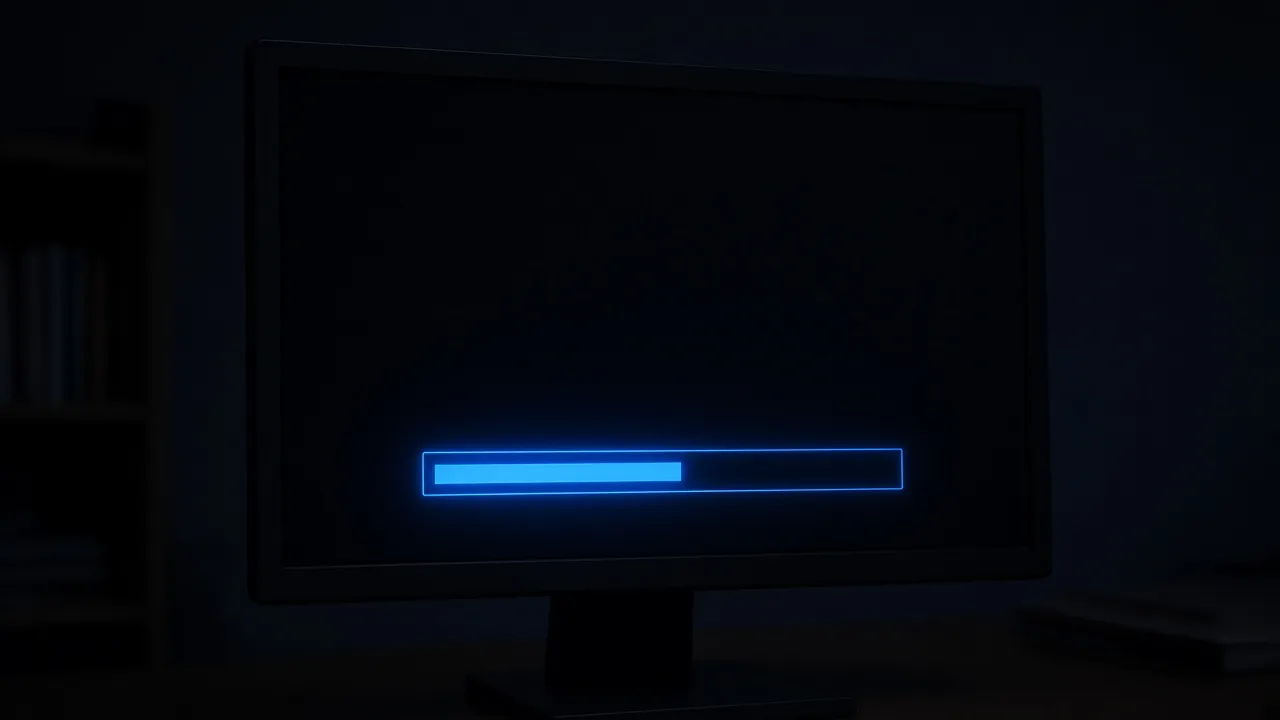
First introduced in October 2001, the Windows XP startup screen became an indelible sensory memory for an entire generation of computer users. Displaying the multicolored Windows flag against an absolute black background (#000000), it featured a smooth three-block glowing blue pill that scrolled endlessly from left to right as the operating system initialized kernel drivers and startup services.
Unlike modern boot sequences cluttered with spinning dots and manufacturer logos, the XP boot screen was clean, focused, and instantly recognizable from across a room.
Our online simulator recreates this legendary startup sequence with meticulous fidelity. Scaled smoothly to 4K and ultrawide resolutions, it preserves the exact three-block loader animation timing, authentic color gradients, and retro computing charm.
How to use it
How to use Windows XP Boot Screen
Three simple steps. No install, no sign-up, no upload.
- 01
Open the XP boot screen
Launch the simulator in any modern web browser.
- 02
Press F for fullscreen
Hit F or click the preview to enter borderless full screen.
- 03
Enjoy the nostalgic loop
Watch the iconic blue loader glide smoothly across the screen.
- 04
Press Esc to exit
Hit Esc at any time to dismiss the boot screen immediately.
Why this tool
Why choose Windows XP Boot Screen
Engineered for distraction-free performance, privacy, and zero latency.
- 01
Pixel-Perfect Historical Accuracy
Matches the exact block dimensions, sweep duration (around 1.6 seconds per pass), and color values of Windows XP SP2.
- 02
High-DPI Vector Clarity
Vector-rendered assets ensure the iconic flag and text look crisp on modern 1440p and 4K monitors.
- 03
Screen Wake Lock Built In
Keeps your display illuminated continuously without falling asleep during filming or streaming.
- 04
Hilarious on Mac & Linux Hardware
Run full screen on an Apple MacBook or Linux workstation to amaze and confuse coworkers.
Practical Use Cases
What people use Windows XP Boot Screen for
Real-world scenarios with tested setup parameters and operational guidance.
Retro Gaming Battle Station Backdrop
Display on secondary screens or vintage CRT monitors to create the ultimate nostalgic early-2000s computing vibe.
SetupCRT Monitor / 4:3 Display · FullscreenActionLeave running during retro gaming live streams.NoteAdjust monitor brightness for authentic tube glow.YouTube Sketches & Tech Comedy B-Roll
Capture authentic boot sequence footage for video essays exploring operating system history and vintage computing culture.
Setup4K Display · Crisp OBS Screen RecordingActionRecord close-ups of the sweeping blue blocks.NoteAdd optional mechanical hard drive chattering sounds in post.Harmless Office & Coworker Pranks
Leave running on an unattended modern workstation so colleagues think your machine is perpetually stuck booting Windows XP.
SetupFullscreen · Esc hotkey memorizedActionPress F before stepping away from your desk.NoteAssure coworkers you did not actually downgrade the company computer.Ambient Nighttime Screen Saver
Use the deep black background and gentle blue loader as a calming, low-light ambient screen saver for dark bedrooms.
SetupLow Screen Brightness · FullscreenActionLeave running on secondary monitor.NoteLower brightness to avoid glowing distraction.
Pro tips
Tips & limits
Honest notes from real-world use. No fluff.
- Note
In a dark room, lower your monitor brightness slightly to replicate the gentle glow of a vintage CRT monitor.
- Note
Press F to enter fullscreen mode without touching visible screen controls.
- Note
Hide your mouse pointer by pushing it off-screen to the bottom-right corner.
- Note
Press Esc or tap the screen at any point to restore your normal desktop in under one second.
FAQ
Frequently asked questions
Straight answers about how Windows XP Boot Screen works.
Will this Windows XP boot screen restart my computer?
No. This is purely a web-based visual recreation running inside your browser. It does not restart your PC or alter any system software.
How do I exit the boot screen simulator?
Press the Esc key on your keyboard or tap the top edge of your touchscreen device to immediately exit fullscreen.
Can I display this on a MacBook or Linux PC?
Yes! It runs in any web browser, making it hilarious to show Windows XP booting up on an Apple MacBook or Linux machine.
Why does the blue loader have three blocks?
Microsoft’s original Windows XP boot kernel used a three-segmented glowing pill loader that scrolled continuously across a 12-segment track.
Will my monitor go to sleep while the boot screen is active?
No. With Keep screen awake enabled, the Screen Wake Lock API prevents your display from turning off.
Is this simulator completely free to use?
Yes, 100% free with no registration, no downloads, and no watermarks in fullscreen mode.
Can I open this on multiple monitors simultaneously?
Yes, open the settings drawer and click "Open in another window" to launch duplicate boot screens across all external monitors.
What version of Windows XP does this represent?
It represents Windows XP Professional Edition, which featured the iconic multicolored flag on pure pitch black.
Does it work offline without an internet connection?
Yes. Once loaded in your browser cache, the page assets run locally without needing continuous internet access.
Can I use this in commercial video productions and live streams?
Yes, content creators are free to use this simulator in YouTube videos, Twitch streams, and artistic productions.
Ready when you are
Launch Windows XP Boot Screen
Instant fullscreen mode in your browser — zero install, zero sign-up.
Go fullscreen