Fake Windows XP Update Screen
Loading windows xp update…
Key Features
Features of Fake Windows XP Update Screen
Authentic Windows XP setup and system installation screen with progress bar.
- 01
Authentic 2001 Windows XP Setup UI
Classic royal blue gradient, retro Tahoma/Franklin Gothic typography, and the famous five-stage setup taskbar.
- 02
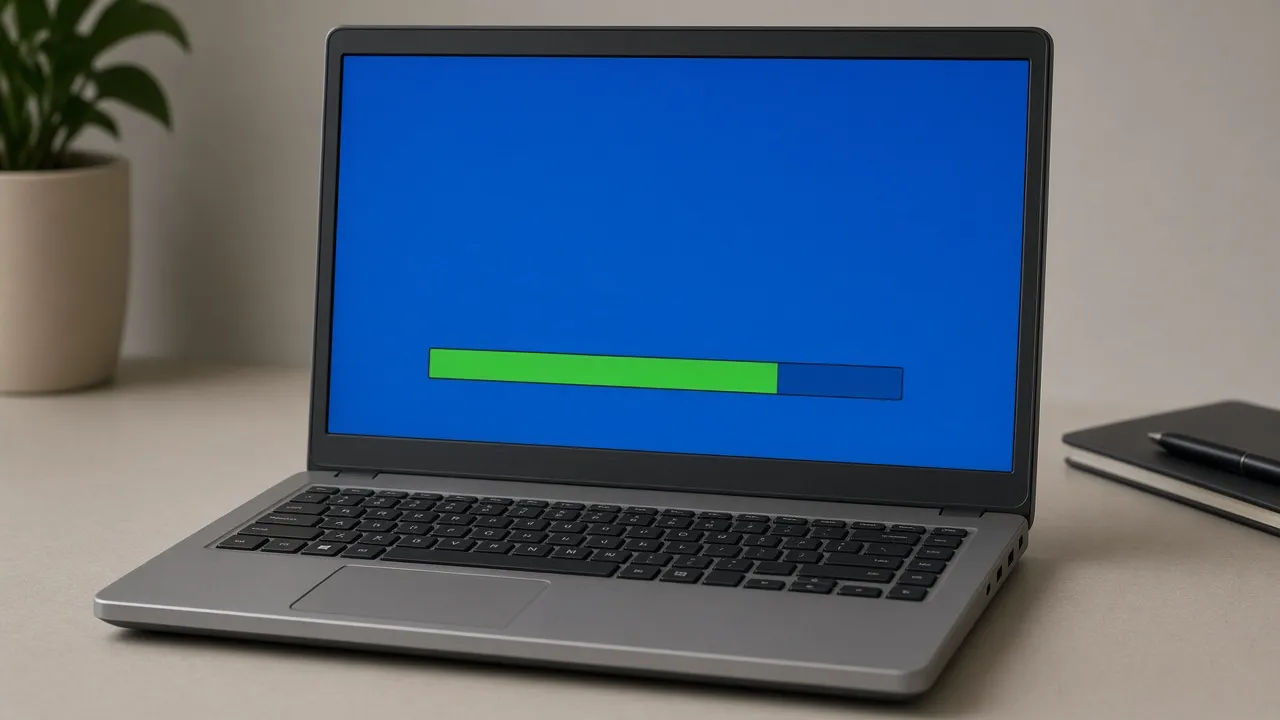
Vintage Green Block Progress Bar
Recreates the iconic segmented green progress indicators that defined early-2000s software installation.
- 03
Rotating Feature Billboards
Cycles through classic retro promotional slides celebrating digital media, home networking, and plug-and-play hardware.
- 04
One-Click True Fullscreen
Conceals modern browser tabs and taskbars, transforming your cutting-edge PC into an authentic vintage computing rig.
- 05
Zero Risk Harmless Nostalgia
Runs safely within your browser. Press Esc at any time to return immediately to your real modern desktop.
About & Principles
The Legendary Windows XP Installation Experience
The Windows XP installation and update sequence was one of the most recognizable user interfaces in modern computing history. Operating on a distinctive royal blue radial gradient (#000080 to #0000FF), the setup screen featured a dynamic rotating billboard highlighting cutting-edge features like Windows Media Player 8, built-in CD burning, and enhanced network security.
On the left-hand side, a five-stage checklist (Collecting information, Dynamic update, Preparing installation, Installing Windows, Finalizing installation) tracked system status alongside a famous "approximate time remaining" estimate.
Our online simulation faithfully revives this vintage installation experience. Scaled flawlessly to modern displays, it delivers pure nostalgia for tech enthusiasts, gamers, and video creators alike.
How to use it
How to use Fake Windows XP Update Screen
Three simple steps. No install, no sign-up, no upload.
- 01
Launch the XP setup simulator
Open the tool in any browser on your computer.
- 02
Press F for fullscreen
Tap F to launch borderless full screen.
- 03
Enjoy the retro experience
Watch the nostalgic billboard slides cycle while the green progress bar fills.
- 04
Press Esc to dismiss
Hit Esc whenever you wish to exit back to your real desktop.
Why this tool
Why choose Fake Windows XP Update Screen
Engineered for distraction-free performance, privacy, and zero latency.
- 01
Unrivaled Retro Authenticity
Every visual element, from the subtle blue gradient to the progress ticks, is historically accurate to Windows XP SP2.
- 02
High-DPI Vector Crispness
Rendered cleanly so vintage graphics look sharp even on 4K and ultrawide monitors without bilinear pixel blur.
- 03
Screen Wake Lock Built In
Ensures your retro installation screen remains on continuously without monitor power-down.
- 04
Hilarious Cross-Platform Prank
Run full screen on a high-end M3 MacBook Pro to bewilder coworkers and tech enthusiasts.
Practical Use Cases
What people use Fake Windows XP Update Screen for
Real-world scenarios with tested setup parameters and operational guidance.
Retro Gaming & Vintage Tech Setups
Display on secondary screens or vintage CRT monitors to create the ultimate authentic 2000s battle station aesthetic.
SetupCRT Monitor / 4:3 Aspect RatioActionLeave running during retro gaming live streams.NoteAdjust brightness for vintage monitor glare.Tech History & Educational Demonstrations
Showcase early 21st-century operating system installation design to students and UX designers.
SetupClassroom Projector FullscreenActionDiscuss historical GUI design and billboard marketing during install.NoteClarify that this is a simulated browser reconstruction.Harmless Office & Coworker Pranks
Leave running on an unattended modern workstation so colleagues think you managed to install Windows XP on corporate hardware.
SetupFullscreen · Esc key readyActionPress F before stepping away from desk.NoteAssure coworkers you did not actually breach corporate OS policies.YouTube Sketches & Comedy B-Roll
Use as high-quality visual b-roll for comedy videos about slow computer updates and nostalgic tech struggles.
Setup1080p / 4K OBS RecordingActionRecord crisp screen capture of the progress bar.NoteBalance audio if adding nostalgic hard drive sounds in post.
Pro tips
Tips & limits
Honest notes from real-world use. No fluff.
- Note
Combine with classic mechanical keyboard sounds for the ultimate retro computing atmosphere.
- Note
Press F to enter fullscreen mode without touching on-screen controls.
- Note
Move your cursor off-screen to the bottom-right corner to keep the illusion seamless.
- Note
Press Esc or tap the screen at any time to return immediately to your real workstation.
FAQ
Frequently asked questions
Straight answers about how Fake Windows XP Update Screen works.
Will this simulator install Windows XP on my computer?
No. This is purely a web-based visual recreation running inside your browser. It has no access to your operating system or drive storage.
How do I exit fullscreen mode?
Press the Esc key on your keyboard or tap the top edge of your touchscreen device to exit immediately.
What year was this Windows XP installation screen originally released?
This iconic setup interface was released with Windows XP in October 2001 and was used through Service Pack 3 in 2008.
Does the green progress bar actually move?
Yes! The green block indicators fill up over time, and the estimated minutes remaining count down realistically.
Can I display this on a Mac or iPad?
Yes! It runs in any web browser, making it hilarious to show Windows XP installing on an Apple MacBook or iPad.
Will my monitor go to sleep while the screen is open?
No. With Keep screen awake enabled, the Screen Wake Lock API prevents your display from turning off.
Is this simulator completely free?
Yes, 100% free with no registration, no downloads, and no watermarks in fullscreen mode.
Can I open this on multiple monitors simultaneously?
Yes, click "Open in another window" in the display drawer to launch duplicate retro screens on external monitors.
Does this page require Flash or Java plugins?
No, it is built entirely on modern, secure HTML5 and CSS without any legacy plugins.
Does it work offline?
Yes, once loaded, the page assets run locally in your browser cache without requiring continuous internet access.
Ready when you are
Launch Fake Windows XP Update Screen
Instant fullscreen mode in your browser — zero install, zero sign-up.
Go fullscreen