QR Code Screensaver
Loading qr code…
Key Features
Features of QR Code Screensaver
Fullscreen high-contrast QR code generator for long-range scanning.
- 01
Instant In-Browser QR Code Generation
Type or paste any URL, Wi-Fi network string (WIFI:T:WPA;S:MySSID;P:MyPassword;;), or text to generate a scannable QR code in real time.
- 02
High Error Correction Tolerance (Level M/Q)
Engineered with robust Reed-Solomon error correction so mobile cameras can scan successfully even with glare or partial obstructions.
- 03
Long-Range Giant Fullscreen Display
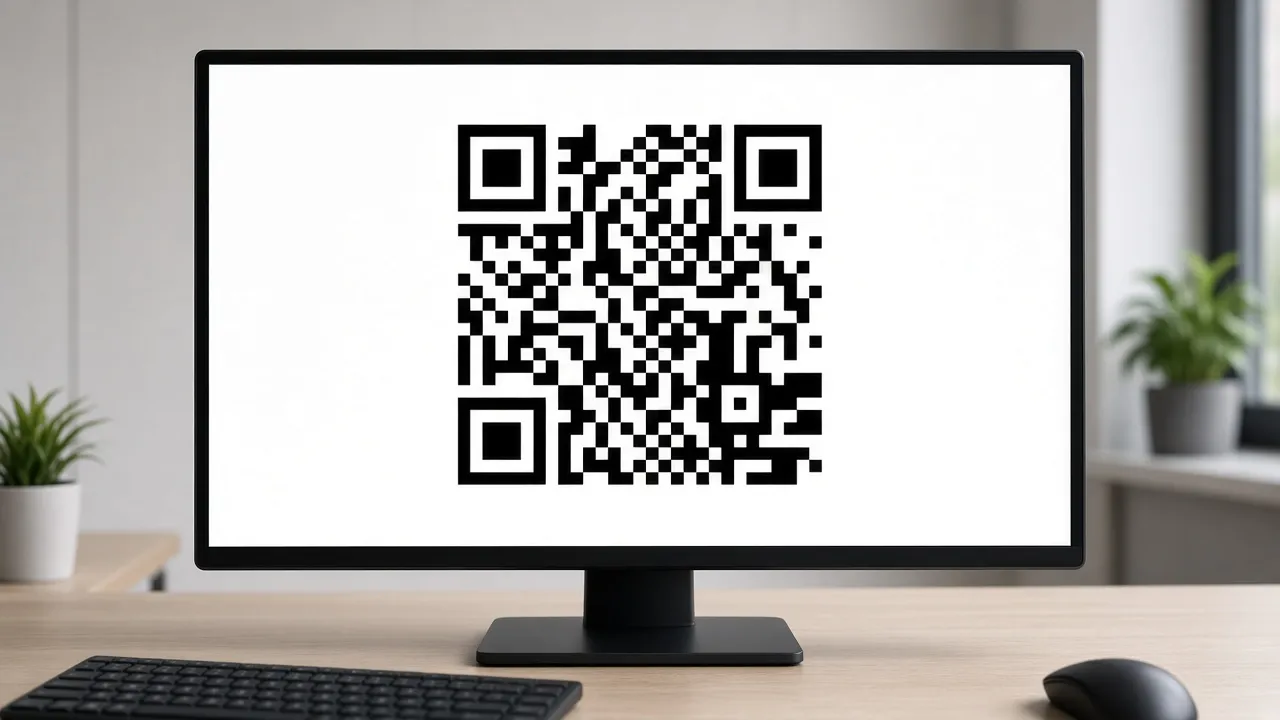
Press F to expand the QR code across your entire monitor or TV, enabling attendees to scan from across an entire room or conference hall.
- 04
High-Contrast Inverted & Light Themes
Toggle between classic black-on-white matrix or modern dark-mode white-on-black matrix to match your environment.
- 05
100% Private Client-Side Generation
Your URLs and passwords never leave your browser. All QR matrix calculations happen 100% locally on your device.
About & Principles
The Power of Fullscreen QR Codes in Physical Spaces
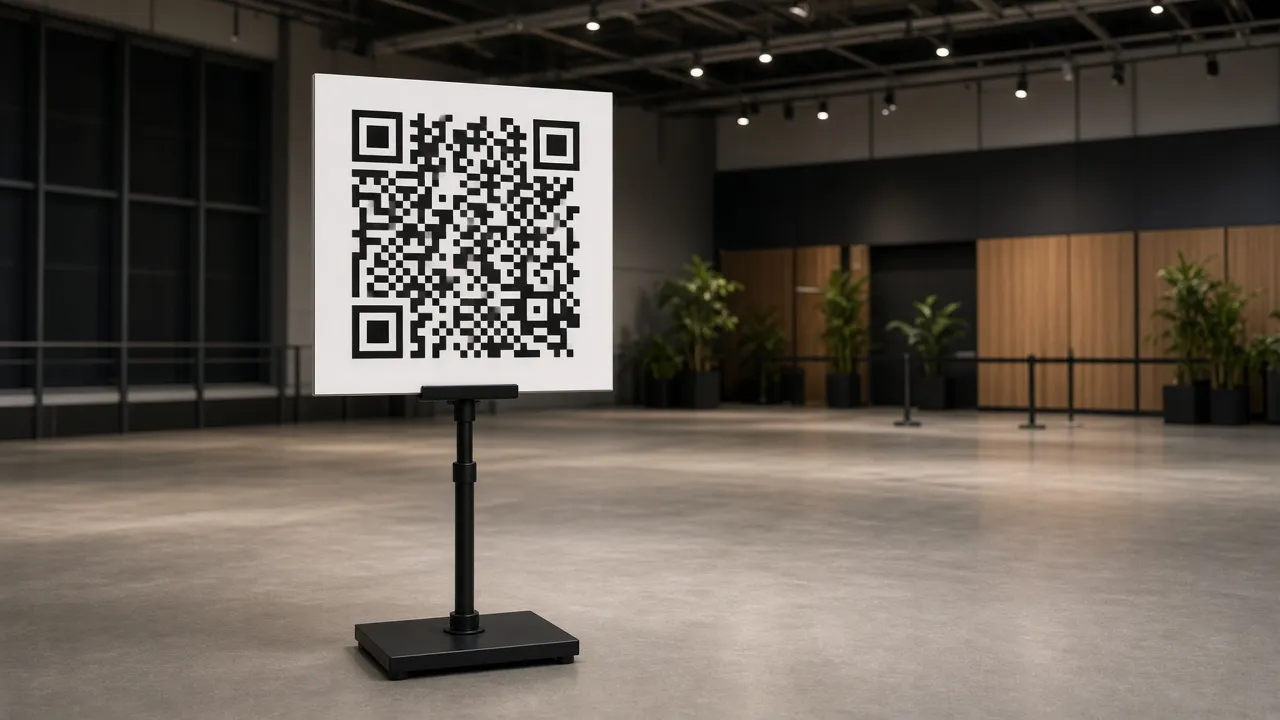
Small printed QR codes often suffer from poor lighting, crumpled paper, and distance limitations. In busy retail environments, live events, conferences, and office lobbies, displaying a high-contrast, edge-to-edge QR code on a luminous digital screen ensures attendees can scan instantly from 10 to 30 feet away.
Our online QR code screensaver allows you to input any text, website URL, or Wi-Fi credential string and immediately renders a mathematically compliant ISO/IEC 18004 QR code matrix. Optimized with high error correction (Level M / Q), it remains easily scannable even from oblique camera angles.
Featuring customizable quiet-zone padding, dark/light contrast modes, and one-click fullscreen expansion, it is the ideal digital signage utility for business owners, event organizers, and teachers.
How to use it
How to use QR Code Screensaver
Three simple steps. No install, no sign-up, no upload.
- 01
Enter your URL or text
Type or paste the target link, Wi-Fi info, or text into the input field in the control panel.
- 02
Press F for fullscreen
Tap F or click the preview to enter borderless full screen.
- 03
Test scan with your phone
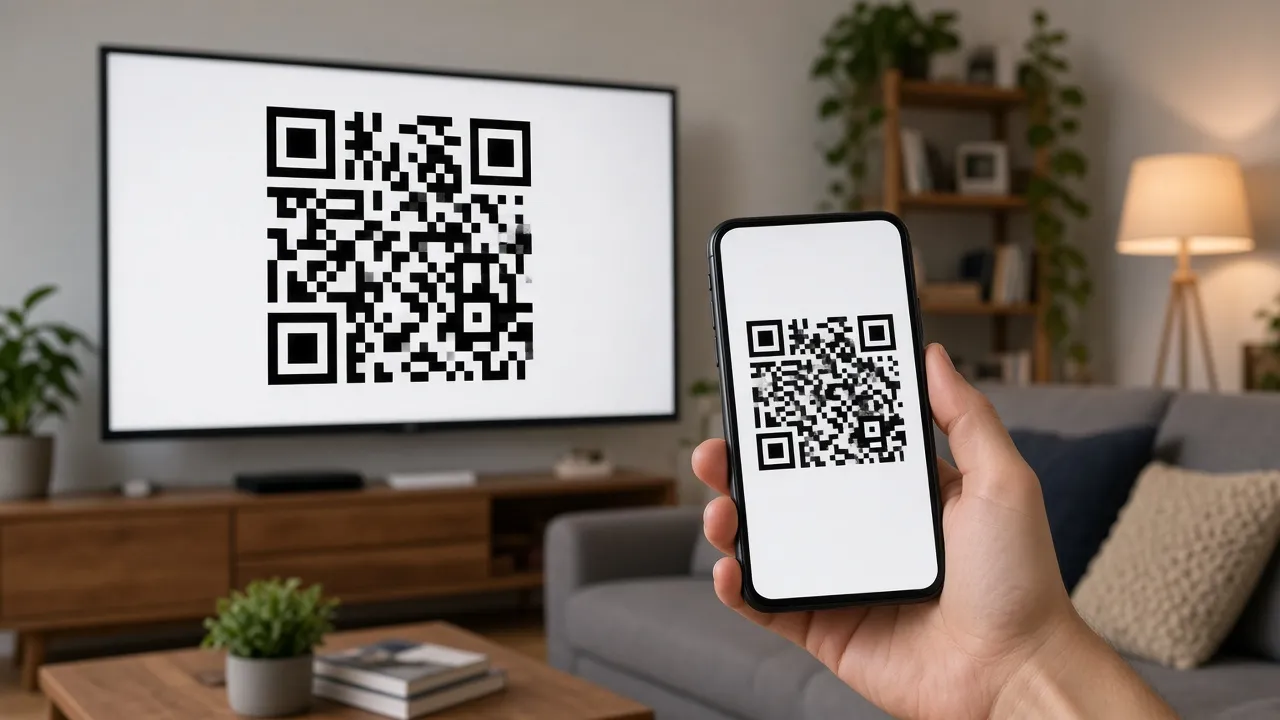
Point any smartphone camera at the screen from across the room to verify instant scanning.
- 04
Exit with Esc
Hit Esc at any time to return to normal desktop browsing.
Why this tool
Why choose QR Code Screensaver
Engineered for distraction-free performance, privacy, and zero latency.
- 01
Effortless Long-Range Scanning
Giant display dimensions allow crowds, customers, and conference audiences to scan easily without crowding the screen.
- 02
Absolute Privacy & Zero Data Leaks
Unlike third-party QR generator websites that log your links and passwords, our tool executes 100% client-side in your browser.
- 03
Screen Wake Lock Built In
Keeps your QR display illuminated continuously without monitor power-down during all-day events.
- 04
Zero Software Installation
Works instantly on any computer, tablet, or smart TV with a standard web browser.
Practical Use Cases
What people use QR Code Screensaver for
Real-world scenarios with tested setup parameters and operational guidance.
Guest Wi-Fi Signage in Offices & Cafes
Display a giant QR code in conference rooms or cafe counters so guests can join Wi-Fi instantly without typing complex passwords.
SetupCounter Tablet / Wall TV · High ContrastActionEncode Wi-Fi credentials and leave in fullscreen mode.NoteEnsure guest Wi-Fi is on a dedicated guest network.Conference Presentation & Stage Slides
Put up a giant QR code on auditorium projector screens at the end of keynotes so attendees can download slides and resources.
SetupAuditorium Projector · Fullscreen ModeActionSwitch to QR code screen during audience Q&A.NoteTest scanning distance from the back row of the hall.Restaurant & Bar Digital Menu Display
Use tablet screens at host stands or table terminals to let customers scan digital food menus directly to their phones.
SetupTablet on Stand · Black-on-White High ContrastActionSet URL to digital menu PDF or website.NoteKeep screen brightness high in brightly lit dining rooms.Event Check-In & Ticket Registration
Place on laptops or kiosk displays at venue entrances to direct attendees to digital check-in and registration portals.
SetupEntrance Kiosk Screen · Auto-Awake OnActionPoint QR code to event attendee registration form.NoteEnsure venue Wi-Fi or cellular reception is strong nearby.
Pro tips
Tips & limits
Honest notes from real-world use. No fluff.
- Note
To share Wi-Fi credentials effortlessly, format your input as: WIFI:T:WPA;S:NetworkName;P:Password;;
- Note
Press F to enter fullscreen mode and hide all browser address bars and window headers.
- Note
Black-on-white provides the highest scanning compatibility across older smartphone camera lenses.
- Note
Press Esc or tap the screen at any point to restore your normal desktop in less than one second.
FAQ
Frequently asked questions
Straight answers about how QR Code Screensaver works.
Are my URLs or Wi-Fi passwords stored or sent to your server?
No, absolutely not. The QR code generator runs 100% locally in your browser using client-side JavaScript. No data is ever transmitted, logged, or stored.
How do I generate a QR code for joining Wi-Fi automatically?
Format your text string as: WIFI:T:WPA;S:YourNetworkName;P:YourPassword;; and smartphone cameras will automatically prompt to join the network.
How do I enter and exit fullscreen mode?
Press F to enter borderless fullscreen mode, and press Esc at any time to return to your normal desktop.
Will my monitor go to sleep while the QR code is displayed?
No. With Keep screen awake enabled, the Screen Wake Lock API prevents your display from dimming or turning off.
How far away can smartphones scan this fullscreen QR code?
On a standard 24-inch to 27-inch monitor in fullscreen mode, modern smartphone cameras can easily scan the QR code from 15 to 30 feet away.
Is this QR code screensaver completely free to use?
Yes, 100% free with no registration, no scan limits, and no expiring redirect links.
Can I display this on a smart TV or iPad?
Yes! It runs in any web browser on smart TVs, iPads, Android tablets, MacBooks, and Windows PCs.
Can I change the QR code colors?
Yes, you can toggle between classic black-on-white and modern dark mode in the sidebar controls.
Does this page work offline?
Yes, once loaded, the QR generator matrix engine runs locally in your browser cache without requiring an active internet connection.
Do the generated QR codes ever expire?
No. These are direct static QR codes encoding your exact text or URL directly into the matrix, so they never expire.
Ready when you are
Launch QR Code Screensaver
Instant fullscreen mode in your browser — zero install, zero sign-up.
Go fullscreen