Matrix Rain Screensaver
Loading matrix rain…
Key Features
Features of Matrix Rain Screensaver
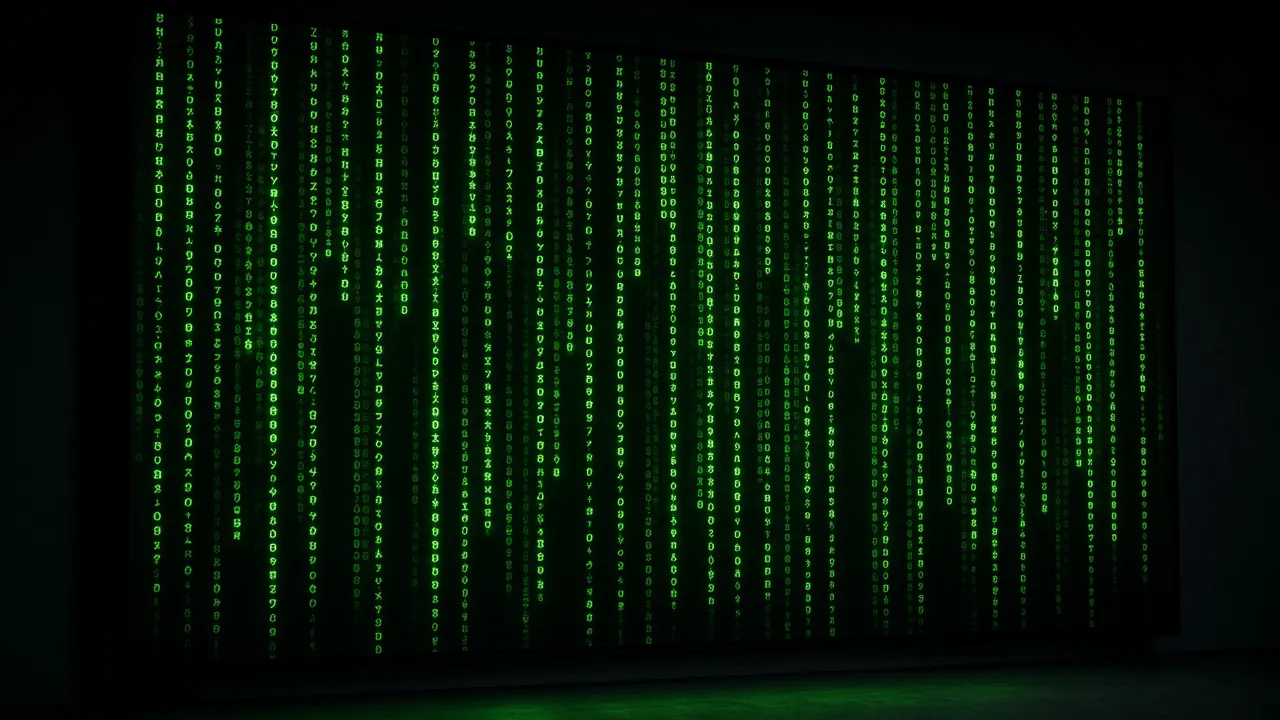
Iconic falling digital green code rain simulation on pure pitch black.
- 01
Authentic Katakana & Glyph Matrix Code
Features authentic mirrored Japanese katakana characters, Arabic numerals, and Latin symbols matching the original movie look.
- 02
Luminous White Leading Droplets
Leading falling glyphs glow in bright incandescent white before transitioning into vibrant matrix phosphor green.
- 03
Smooth 60 FPS Hardware-Accelerated Canvas
Fluid character streaming with zero lag, low CPU overhead, and whisper-quiet battery efficiency on laptops.
- 04
Pure Pitch-Black OLED Canvas
Deep background contrast (#000000) eliminates backlight bleed and looks breathtaking on OLED and Mini-LED monitors.
- 05
One-Click True Fullscreen Immersion
Press F to hide all browser chrome, transforming your monitor into an authentic cyberpunk mainframe terminal.
About & Principles
The Visual Magic of the Iconic Matrix Digital Rain
Created by production designer Simon Whiteley for the 1999 masterpiece The Matrix, the falling green digital rain has become the ultimate cinematic symbol of cyberpunk, virtual reality, and advanced computing. The visual code—consisting of mirrored Japanese katakana characters, Western numerals, and Latin symbols—represents the underlying computer programming code of the simulated world.
Visually, the effect relies on individual vertical glyph columns that descend at varied speeds. The leading character of each stream glows brightly in pure phosphor white (#FFFFFF), while the trailing characters decay gracefully through luminous matrix green (#00FF66) to dark emerald (#003B00) before dissolving into the void.
Our online Matrix screensaver reproduces this cinematic phenomenon using hardware-accelerated HTML5 Canvas rendering. Capable of streaming hundreds of simultaneous vertical streams at 60 FPS, it creates an immersive cyberpunk atmosphere on any display.
How to use it
How to use Matrix Rain Screensaver
Three simple steps. No install, no sign-up, no upload.
- 01
Open the Matrix screensaver
Launch the simulator in any modern web browser.
- 02
Customize speed & density
Adjust falling rain velocity and character density in the sidebar settings panel.
- 03
Press F for fullscreen
Tap F or click the preview to enter borderless full screen.
- 04
Exit with Esc
Hit Esc at any time to return to your normal desktop.
Why this tool
Why choose Matrix Rain Screensaver
Engineered for distraction-free performance, privacy, and zero latency.
- 01
The Ultimate Cyberpunk Aesthetic
The single most recognized sci-fi digital visual effect in cinematic history, instantly elevating any desk setup.
- 02
Prevents OLED Screen Burn-In
Continuous random character movement across black canvas prevents static image retention on OLED and plasma screens.
- 03
Screen Wake Lock Built In
Keeps your digital rain cascading continuously without unexpected screen dimming or power saving timeouts.
- 04
Zero Software Installation
Runs natively in standard web browsers without downloading third-party screensaver executables or browser add-ons.
Practical Use Cases
What people use Matrix Rain Screensaver for
Real-world scenarios with tested setup parameters and operational guidance.
Coding Battle Station & Streaming Backdrop
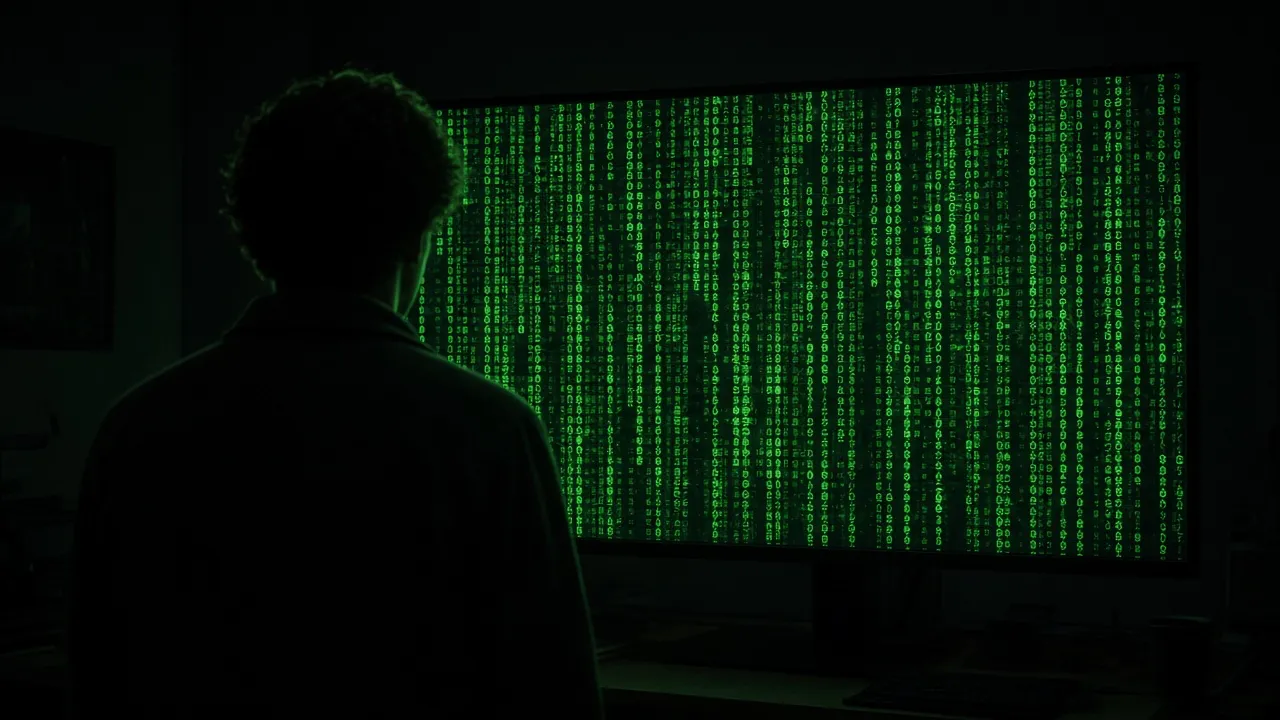
Display on auxiliary vertical or secondary monitors to create an authentic hacker and cyberpunk coding sanctuary.
SetupVertical Monitor · Fullscreen · High Rain DensityActionLeave running on secondary screen during coding sessions.NoteLower monitor brightness slightly to reduce eye fatigue.Cyberpunk Film & YouTube Studio Set
Add an authentic green digital rain background to tech review videos, cybersecurity podcasts, and film scenes.
Setup4K Display · Studio LightingActionCapture over-the-shoulder video of the falling code.NoteAngle screen away from direct key lights to avoid glare.Ambient Nighttime Screen Saver
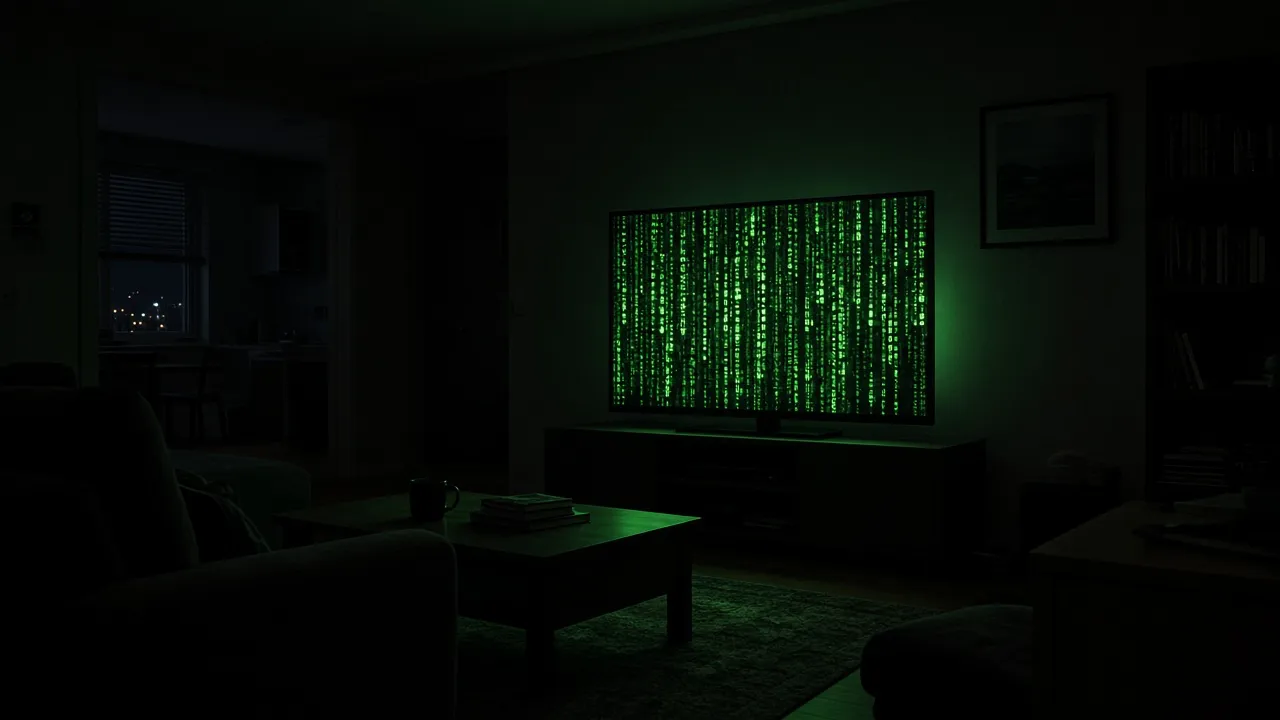
Use the deep black background and gentle green streams as a calming, low-light ambient screen saver for dark rooms.
SetupLow Screen Brightness · Fullscreen · Slow SpeedActionLeave running on secondary monitor.NoteLower brightness to maintain calm bedroom lighting.Classroom & Tech Hackathon Projection
Project onto large auditorium screens during hackathon kickoffs and programming competitions to energize participants.
SetupAuditorium Projector · Fast Rain SpeedActionProject full screen during hackathon hack hours.NoteEnsure projector resolution is set to native 1080p/4K.
Pro tips
Tips & limits
Honest notes from real-world use. No fluff.
- Note
The Matrix rain looks especially breathtaking on vertically oriented (portrait) monitors.
- Note
Press F to enter fullscreen mode and hide all browser address bars and window headers.
- Note
Adjust the rain speed to slow for a relaxing ambient vibe, or fast for high-energy tech atmosphere.
- Note
Press Esc or tap the screen at any point to restore your normal desktop in less than one second.
FAQ
Frequently asked questions
Straight answers about how Matrix Rain Screensaver works.
Does this Matrix screensaver consume heavy CPU or GPU power?
No. The canvas rendering engine is heavily optimized with requestAnimationFrame and minimal draw calls, consuming negligible system resources.
Can I change the speed of the falling code?
Yes! Open the sidebar controls to adjust the falling velocity and glyph stream density to your liking.
How do I enter and exit fullscreen mode?
Press F to enter borderless fullscreen mode, and press Esc at any time to return to your normal desktop.
Will my monitor go to sleep while the Matrix rain is running?
No. With Keep screen awake enabled, the Screen Wake Lock API ensures your display remains illuminated continuously.
Does this screensaver protect against OLED burn-in?
Yes. Because characters constantly change positions and the background is pure pitch black (#000000), it prevents static image retention.
Is this screensaver completely free to use?
Yes, 100% free with no registration, no app downloads, and no watermarks in fullscreen mode.
Can I run this on mobile phones or tablets?
Yes! It runs smoothly in any mobile browser including iOS Safari and Android Chrome.
What characters are used in the digital rain?
The simulation features authentic Japanese katakana, Arabic numerals, and Latin glyphs inspired by the original film aesthetic.
Does this page work offline?
Yes, once loaded, all visual assets and canvas scripts run locally in your browser cache without requiring an active internet connection.
Can I use this for video production or live streaming?
Yes! Content creators and filmmakers are welcome to use this simulator as a royalty-free ambient digital prop.
Ready when you are
Launch Matrix Rain Screensaver
Instant fullscreen mode in your browser — zero install, zero sign-up.
Go fullscreen