Fake Slack Huddle Call
Loading slack huddle…
Key Features
Features of Fake Slack Huddle Call
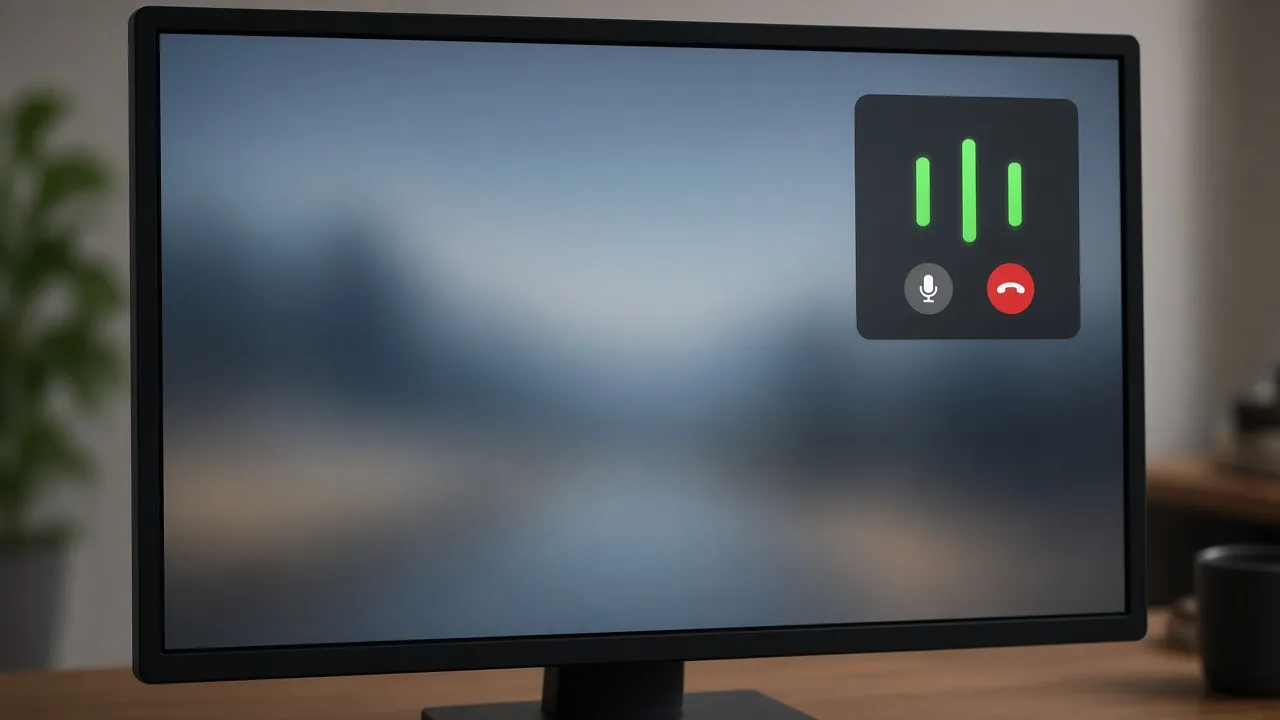
Authentic Slack Huddle floating window with pulsing audio indicators.
- 01
Authentic Slack Brand Styling
Crafted with official Slack dark theme colors (#1A1D21, #1264A3, #4A154B) and signature Huddle wave animations.
- 02
Pulsing Audio Wave Indicators
Simulates active voice communication with animated soundwave rings surrounding participant avatars.
- 03
Realistic Huddle Control Bar
Includes familiar Slack icons for Mute, Video, Share Screen, Reactions, and the red Leave button.
- 04
Zero Microphone or Audio Requirements
Operates 100% safely in browser memory without ever touching your real microphone or recording audio.
- 05
One-Click True Fullscreen Mode
Press F to expand the Huddle across your screen or position it on a secondary monitor for realistic ambient cloak.
About & Principles
The Spontaneous Culture of the Slack Huddle
In tech startups, software engineering teams, and agile organizations, formal calendar invites have largely been replaced by the spontaneous Slack Huddle. Appearing as a compact floating widget or dedicated window in the corner of the workspace, a Huddle signals an active, high-priority audio debugging session or architecture discussion.
Because Huddles are informal and immediate, seeing an active Huddle pill with glowing microphone rings tells colleagues that you are actively troubleshooting code with teammates and should not be distracted.
Our online fake Slack Huddle simulator delivers an authentic visual replica of this modern communication tool. Requiring no Slack account, no workspace invitation, and zero audio hardware access, it provides instant focus protection for modern tech workers.
How to use it
How to use Fake Slack Huddle Call
Three simple steps. No install, no sign-up, no upload.
- 01
Open the fake Slack Huddle tool
Launch the simulator in any web browser on your PC or Mac.
- 02
Press F for fullscreen
Tap F or click the preview to enter borderless full screen.
- 03
Wear your headphones
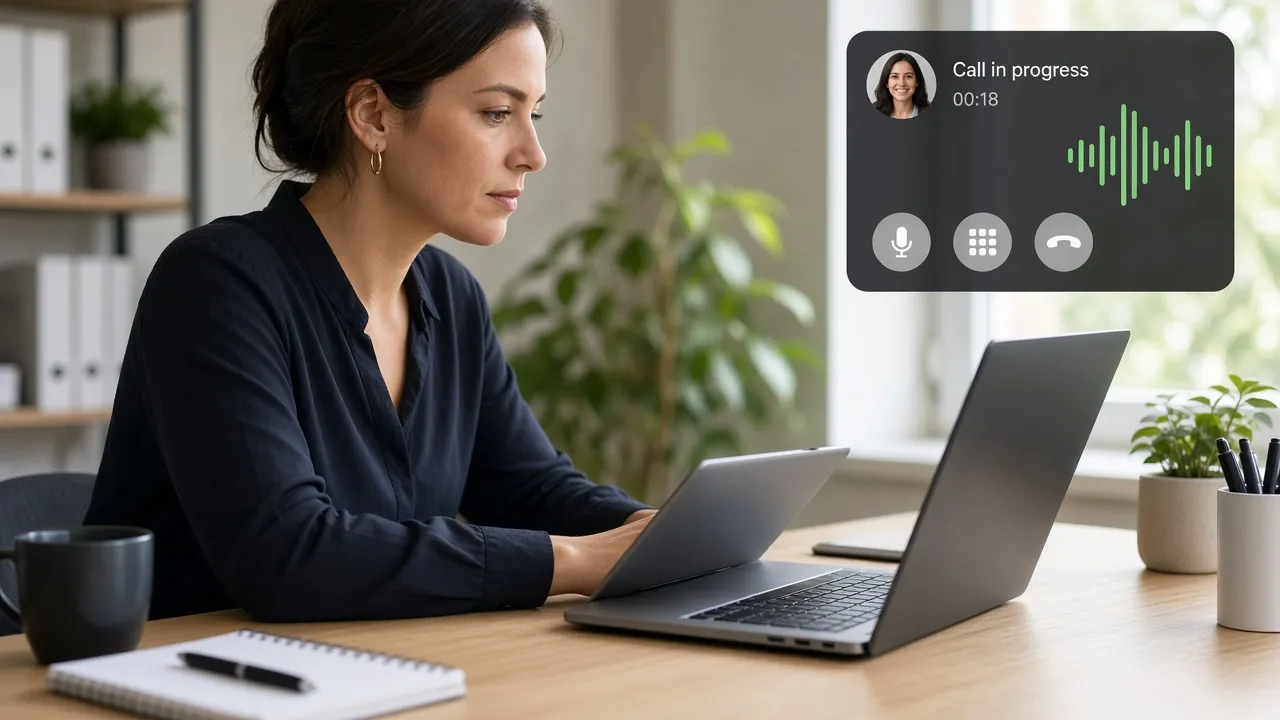
Pop on your headset; colleagues will assume you are in an active audio huddle with engineering teammates.
- 04
Press Esc to exit
Hit Esc whenever you are ready to conclude your simulated huddle.
Why this tool
Why choose Fake Slack Huddle Call
Engineered for distraction-free performance, privacy, and zero latency.
- 01
Tailored for Tech Startups & Devs
The most culturally believable focus disguise for software engineers, product managers, and startup teams.
- 02
Zero Workspace Credentials Needed
Requires no Slack login or enterprise invite, completely bypassing workplace IT logging.
- 03
Screen Wake Lock Built In
Keeps your monitor awake continuously, preventing screen timeouts while you read or write.
- 04
100% Private & Safe
No telemetry, no tracking, and zero data leaves your local browser engine.
Practical Use Cases
What people use Fake Slack Huddle Call for
Real-world scenarios with tested setup parameters and operational guidance.
Software Developer Uninterrupted Coding
Prevent coworkers from interrupting your flow state while you solve complex algorithmic bugs or write documentation.
SetupFullscreen · Secondary Monitor · Headset OnActionLaunch full screen before starting deep coding blocks.NoteEnsure team members know you are reachable via direct message if urgent.Tech Comedy & Web Series Prop
Give actors a believable modern tech startup communication interface for video sketches and YouTube comedy.
Setup1080p / 4K Monitor · Modern Studio LightingActionCapture actors interacting with the Huddle interface.NoteMatch ambient office noise in audio post-production.Peaceful Focus & Break Shield
Take a calm breather at your desk while appearing to be listening intently to a team architecture sync.
SetupFullscreen · Auto-Awake EnabledActionLeave running while relaxing or reading.NoteMute your real computer audio so media does not play aloud.Remote Workplace Etiquette Demos
Demonstrate agile communication flows and asynchronous collaboration tools during tech bootcamps.
SetupClassroom Projector FullscreenActionWalk through Slack Huddle UI dynamics and audio waves.NoteClarify that this is an educational web mockup.
Pro tips
Tips & limits
Honest notes from real-world use. No fluff.
- Note
In tech and startup environments, a Slack Huddle signals active real-time problem-solving.
- Note
Press F to enter fullscreen mode and remove all browser tabs and operating system taskbars.
- Note
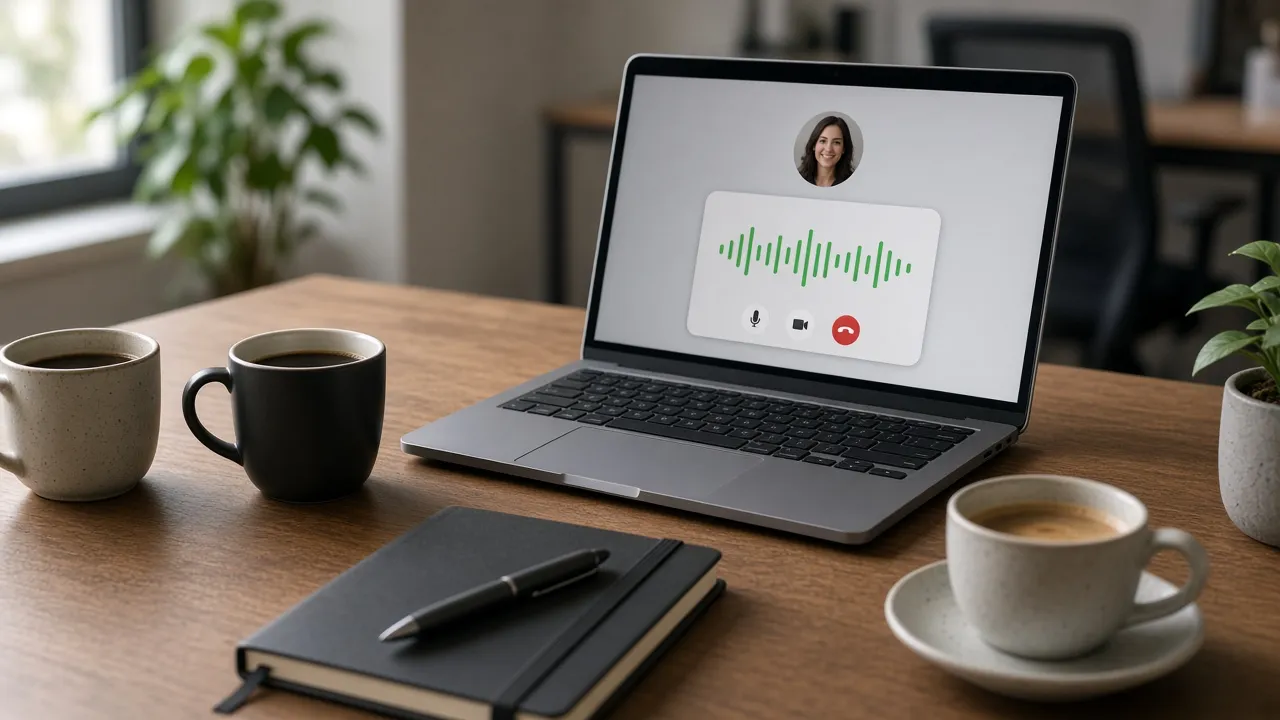
Wearing a headset while this screen is active makes the illusion 100% impenetrable.
- Note
Press Esc or tap the screen at any point to restore your normal desktop in less than one second.
FAQ
Frequently asked questions
Straight answers about how Fake Slack Huddle Call works.
Does this fake Slack Huddle connect to real Slack workspaces?
No. This is purely an in-browser visual mockup. It does not connect to Slack servers, require an account, or transmit any audio data.
How do I exit fullscreen mode?
Press the Esc key on your keyboard or tap the top edge of your touchscreen device to immediately exit fullscreen.
Does this tool request access to my microphone?
No. The simulator never requests microphone permissions. It runs entirely on client-side visual assets.
Can I display this on a second monitor while working on my laptop?
Yes! Move the browser window to your external monitor and press F for fullscreen to look occupied while continuing your real work on your main screen.
Will my monitor go to sleep while the fake Huddle is active?
No. With Keep screen awake enabled, the Screen Wake Lock API prevents your display from dimming or falling asleep.
Is this simulator completely free to use?
Yes, 100% free with no registration, no app downloads, and no watermarks in fullscreen mode.
Does the fake Huddle produce speaking audio?
The Huddle runs silently by default so it never disrupts your office environment or interferes with your actual audio playback.
Can I display this on a MacBook or iPad?
Yes! It runs in any web browser across macOS, iPadOS, iOS, Windows, Android, and Linux.
Does this page work offline?
Yes, once loaded, all assets are cached in your browser, allowing the simulation to run without an active internet connection.
Can I use this for video production and streaming?
Yes, filmmakers and content creators are welcome to use this simulator as a royalty-free digital prop.
Ready when you are
Launch Fake Slack Huddle Call
Instant fullscreen mode in your browser — zero install, zero sign-up.
Go fullscreen