Blue Screen
Blue background
Format
Size
Solid blue video for monitor testing, a light source, or projector background.
Key Features
Features of the blue screen tool
A pure #0000FF blue screen — stress test backlight uniformity, isolate blue subpixel faults, and film foliage chroma key.
- 01
Maximum Saturation #0000FF Channel
Drives your monitor panel's blue subpixel array at full 255 luminance while keeping red and green subpixels at zero output, isolating the shortest-wavelength visible spectrum with total precision.
- 02
100% Client-Side In-Browser Execution
Operates entirely within your local browser memory without desktop installer packages, browser extensions, or internet telemetry, ensuring instant launch speeds and total privacy for your workstation.
- 03
Multi-Resolution Lossless PNG Export
Download exact-dimension blue screen wallpaper files ranging from standard 1080p and 4K up to 8K (7680x4320) or custom sizes to use as matte plates, graphic backdrops, or projection textures.
- 04
Specialized Green-Foliage Chroma Alternative
Provides the essential Hollywood-standard chroma key color whenever filming complex subjects containing dense green foliage, houseplants, green corporate brand packaging, or jade wardrobe fabrics without color collision.
About
Why pure blue is the most demanding stress test for a display panel
In optical physics, blue light possesses the shortest wavelength (approximately 450 nanometers) and the highest photon energy of any color in the visible human spectrum. Producing saturated #0000FF requires a display panel to drive its blue subpixel channel at peak electrical intensity while completely blocking all red and green light. Because of this extreme operating state, subtle manufacturing imperfections, backlight luminance drop-offs, and driver voltage variances that stay hidden under white or grey test patterns immediately show up across a solid blue field.
This high-energy requirement is especially critical for organic light-emitting diode (OLED) and AMOLED displays. Blue organic electroluminescent emitter molecules suffer the highest exciton energy stress, causing them to degrade at a faster physical rate than their red or green counterparts. This differential aging is why older smartphone and television displays gradually develop a warm, yellowish cast over years of daily operation. Running a full blue screen allows technicians and consumers to quickly evaluate blue emitter wear and detect localized burn-in ghosts.
Beyond panel engineering, a fullscreen blue screen remains the historic and modern benchmark for special effects compositing when subjects contain live plants, emerald apparel, or green elements that would accidentally vanish against a traditional green screen.
How to use it
How to use the blue screen
Three simple steps. No install, no sign-up, no upload.
- 01
Launch fullscreen display mode
Click the blue canvas or press F on your physical keyboard. The display expands instantly to fill the entire screen, suppressing browser tabs, address bars, and OS window controls.
- 02
Perform panel diagnosis or studio capture
For display testing, dim room lights and inspect for dark subpixel specks or corner vignetting. For filmmaking, place the screen behind green subjects to record clean alpha mattes.
- 03
Exit cleanly or download the wallpaper
Press the Esc key or tap mobile screens once to exit fullscreen mode. If you need an offline asset, choose your preferred resolution under Download and save the solid blue PNG.
Why this screen
Why choose the blue screen
Engineered for display testing, photography lighting, and visual focus.
- 01
Absolute #0000FF color purity
Unlike streaming videos or lossy compressed wallpapers that introduce purple fringing or cyan haze, this blue screen renders uncompressed, mathematically pure RGB(0,0,255) across every pixel.
- 02
Rigorous display uniformity stress test
Professional display calibration laboratories utilize saturated single-channel blue screens to expose edge clouding, optical polarization flaws, backlight vignetting, and IPS corner glow with high visual clarity.
- 03
Definitive OLED blue emitter aging check
Quickly identify whether an older OLED or AMOLED screen has experienced differential blue channel degradation, organic emitter wear, subpixel burn-in, or permanent mobile notification bar image retention.
- 04
Conflict-free keying for green subjects
Eliminates color collision and accidental keying transparency when recording botanical content, agricultural products, or green fashion models where a standard green screen would erroneously erase subject details.
Practical Use Cases
What people use the blue screen for
Real-world scenarios with tested setup parameters and operational guidance.
Chroma-blue keying for botanical & green subject filming
Isolate houseplants, matcha beverages, organic food packaging, and actors in green clothing without accidental transparent hole punching in video editors.
SetupDesktop video production setup filming potted succulents and green consumer merchandise.ActionOpen this blue screen in fullscreen mode on a 32-inch monitor positioned 50 cm behind the green product.NoteEnsure the subject does not contain reflective blue glass or denim fabrics that could also trigger keying artifacts.Display blue subpixel dead-pixel inspection & return evaluation
Detect dead or non-responsive blue subpixels on newly delivered gaming monitors, laptop screens, or tablets before the vendor return policy expires.
SetupDarkened inspection room with computer screen brightness set to 80%–100%.ActionActivate the blue screen in fullscreen and systematically scan each quadrant from a 30 cm viewing distance.NoteA dead blue subpixel appears as a microscopic black dot; combine with red and green screens for full RGB coverage.Panel backlight uniformity & corner luminance roll-off test
Diagnose uneven LED edge-lit backlights, corner vignetting, and pressure clamp discoloration across large-format computer displays.
SetupDarkened room with ambient lighting turned completely off to avoid external reflections.ActionStep back 1.5 meters from the blue screen and observe whether the corners appear visibly dimmer or discolored.NoteIPS panels naturally exhibit viewing-angle glow; view perpendicular to the screen center to assess true uniformity.OLED display blue-emitter differential wear & burn-in detection
Assess the aging health of OLED smartphone screens, gaming monitors, and TVs to spot persistent ghosting or premature subpixel wear.
SetupUsed or refurbished OLED device being evaluated for display panel degradation.ActionDisplay the full blue screen at 70% brightness and check for faint silhouettes of persistent UI elements like status bars.NoteBlue OLED subpixels degrade faster than red or green; an uneven blue screen confirms localized emitter wear.Cyberpunk aesthetic & futuristic cold-rim cinematic lighting
Cast a cool, high-energy cobalt edge light onto actors, tech gadgets, or streaming gaming setups for a modern sci-fi look.
SetupHome recording studio, esports streaming station, or creative portrait photo session.ActionAngle a laptop running the blue screen 45 degrees behind the subject's shoulder as a saturated cool kicker.NoteSet your camera exposure carefully to prevent high-saturation blue clipping on skin highlight areas.Monitor anti-reflective coating & glare reflection diagnostic
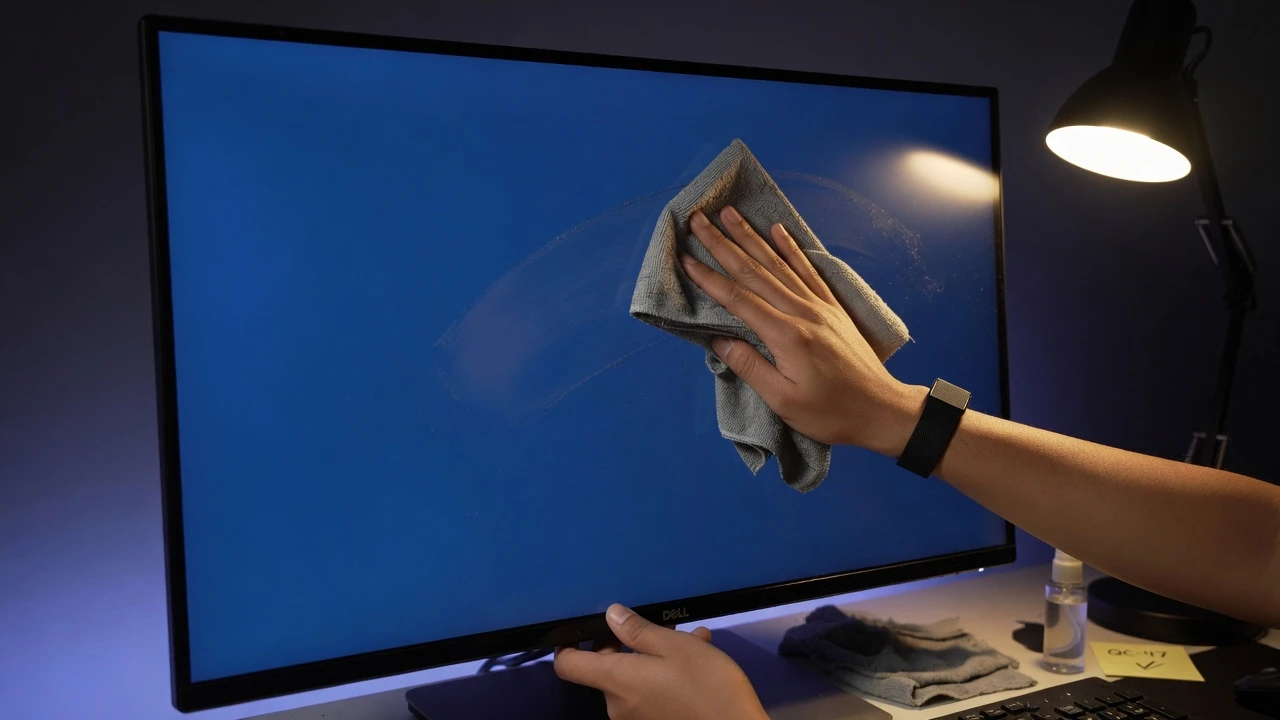
Examine anti-glare matte treatments and optical coating consistency across display glass surfaces under direct ambient light.
SetupOffice or studio environment with overhead fluorescent or window daylight illumination.ActionLaunch the blue screen to observe how ambient light reflects off the panel surface compared to black screens.NoteHigh-saturation blue highlights surface micro-scratches and oily residue with distinct visual contrast.High-contrast negative visual inspection for CAD schematics
Examine white and yellow architectural CAD line drawings and engineering vectors against a high-contrast blueprint blue background.
SetupEngineering workstation or design studio reviewing architectural blueprints.ActionUtilize the blue screen as an auxiliary blueprint canvas for visual alignment of geometric vector lines.NoteUse moderate brightness to prevent eye strain during extended detailed inspection periods.Circadian alerting morning wakefulness ocular stimulation
Provide a quick burst of alerting, circadian-stimulating illumination to promote morning wakefulness and focus at your desk.
SetupHome office during early morning winter hours when natural sunlight is limited.ActionSet a secondary screen to the blue screen for 5 minutes during morning email organization.NoteNever use a fullscreen blue screen within two hours before bedtime, as it actively suppresses natural melatonin secretion.
Pro tips
Tips & limits
Honest notes from real-world use. No fluff.
- Diagnostic sequence
Test red, then green, then blue; cycling through all three primary channels reveals which exact subpixel is defective.
- Chroma selection
Use this blue screen instead of green whenever filming green plants, emerald gemstones, or subjects wearing green attire.
- Photometric warning
Blue light stimulates ipRGC retinal sensors strongly; avoid using a fullscreen blue screen in the hours immediately before sleep.
- OLED evaluation
Photographing the blue screen with a smartphone camera often reveals subtle OLED burn-in shadows more clearly than human eyes.
- Common failure
Confusing system night shift modes with true blue; night mode filters heavily cut blue, making the screen appear warm or orange.
FAQ
Frequently asked questions
Straight answers about how the blue screen works.
Why is blue considered the most demanding color for a monitor?
Blue light has the shortest wavelength and highest photon energy in the visible spectrum. Driving the blue subpixel channel at 100% pushes backlight arrays and OLED emitters to peak output, making flaws readily noticeable.
Can this blue screen detect OLED display burn-in and wear?
Yes. Blue OLED organic emitters degrade faster than red or green. Displaying a solid blue screen reveals differential subpixel aging, persistent static icons, and taskbar burn-in shadows that stay hidden under other colors.
When should I use a blue screen instead of a green screen for video?
Use a blue screen whenever filming subjects containing live green foliage, plants, matcha products, or green wardrobe items. A green screen would delete those green parts, whereas a blue screen keys them cleanly.
How do I diagnose dead blue subpixels with this tool?
Open the blue screen in fullscreen mode in a darkened room. Scan the display from 30 cm away; any non-functioning blue subpixel will fail to produce light and show as a microscopic black speck.
Why does my blue screen appear slightly purple or desaturated?
Operating system features like Apple Night Shift, Windows Night Light, or f.lux artificially suppress blue light. Disable these warm color filters in your display settings to view mathematically pure #0000FF.
Can I download an uncompressed pure blue PNG wallpaper?
Yes. Open the Download menu to immediately save a lossless solid #0000FF PNG file at resolutions up to 8K (7680x4320), or enter custom dimensions for specialized graphic design and video compositing mattes.
Does viewing a blue screen affect sleep quality?
Yes. High-energy blue wavelengths stimulate melanopsin-containing retinal ganglion cells, signaling the brain to suppress melatonin. Avoid using a bright blue screen in the hour or two before going to sleep.
How do I exit fullscreen mode on desktop and mobile?
On desktop keyboards, simply tap the Esc key or move your mouse downward to reveal the Exit button. On mobile touchscreen devices, tap once anywhere on the screen.
Does this blue screen tool require continuous internet access?
No. The entire rendering logic executes locally in your browser sandbox. Once loaded into cache, you can disconnect network connectivity and use the tool completely offline in remote studio locations.
Is it safe to run a blue screen on LCD and OLED monitors?
Yes for normal testing and studio lighting. However, on OLED displays, do not leave a saturated blue screen running at maximum brightness for dozens of continuous hours to prevent uneven subpixel aging.
Does this tool track user activities or request camera permissions?
No. The tool is 100% private, client-side, and ad-free. It does not access your webcam, microphone, or filesystem, and transmits zero telemetry or analytical cookies back to external servers.
Ready when you are
Open the blue screen
One click fills your display — no install, no sign-up, no upload.
Go fullscreen