White Screen
White background
Format
Size
Solid white video for monitor testing, a light source, or projector background.
Key Features
Features of the white screen tool
A clean #FFFFFF white screen — diagnostic light table, video call softbox, and dead pixel detector.
- 01
Uniform #FFFFFF 100% RGB Emission
Drives all display subpixels to maximum 255-255-255 luminance across the entire surface area, ensuring completely uniform optical output and color temperature without warm or cool tinting.
- 02
Zero-Flicker Continuous Light Source
Unlike cheap commercial LED ring lights that produce high-frequency pulse-width modulation strobing and video camera banding, this tool delivers completely steady, continuous, and flicker-free panel illumination.
- 03
Lossless High-Resolution PNG Generator
Instantly export an uncompressed white screen graphic up to 8K resolution (7680x4320) or custom dimensions for print layout backdrops, matte masks, photo backlights, and video editing compositing.
- 04
Instant In-Browser Local Execution
Loads immediately within any modern web browser on desktop monitors, tablets, and smartphones with zero account creation, zero downloads, zero cookie tracking, and zero server roundtrip communication.
About
What a pure white screen is actually used for
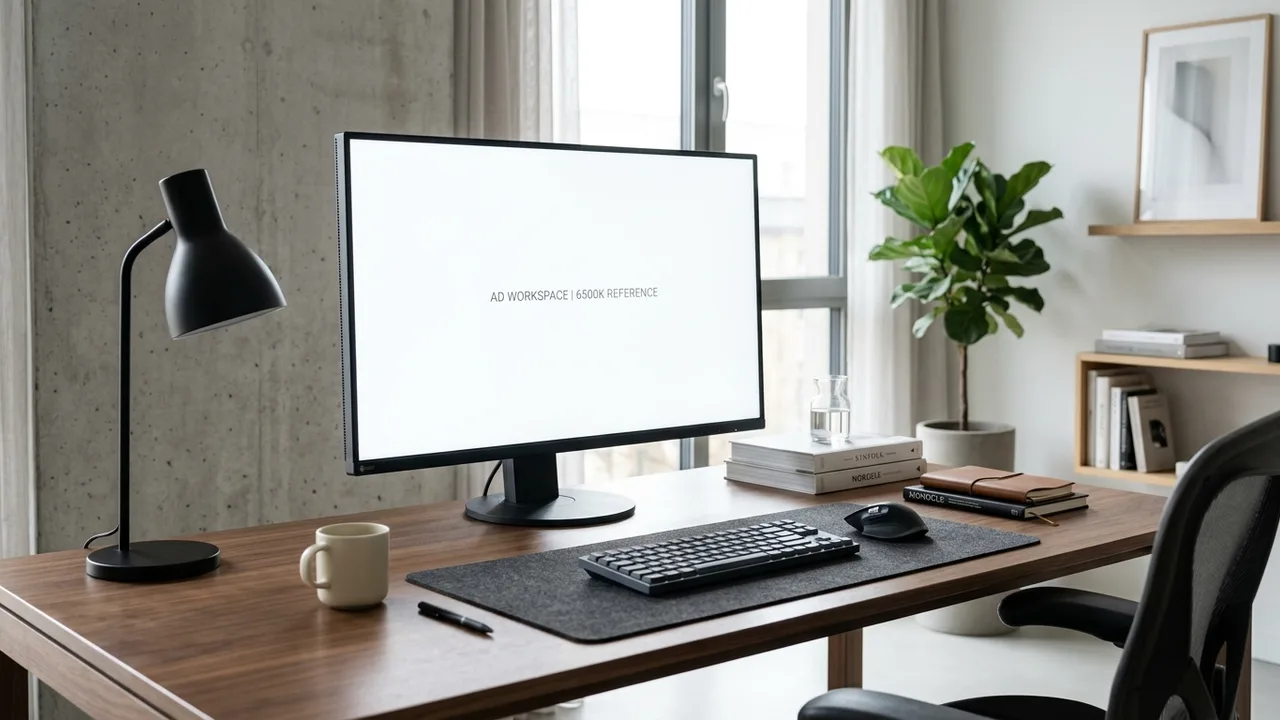
A pure white screen represents the maximum optical output state of any modern electronic display. When displaying #FFFFFF, every red, green, and blue subpixel across the entire panel operates at peak transmissive or emissive intensity, turning the screen into a broad, diffuse planar light emitter.
This maximum luminance characteristic serves two distinct functions that digital creators and hardware technicians rely on daily. First, as an optical diagnostic, an unbroken white screen instantly exposes dead pixels — microscopic transistor failures that remain permanently dark and appear as unmistakable black specks against the bright field. It also highlights panel vignetting, backlight diffuser unevenness, and dust trapped beneath camera sensor glass.
Second, as a physical illumination tool, a full white screen functions as an expansive softbox for streaming video calls, an artist light box for tracing stencils, and an even reflection bounce card for tabletop macro photography.
How to use it
How to use the white screen
Three simple steps. No install, no sign-up, no upload.
- 01
Engage fullscreen white illumination
Click the central white canvas or press F on your physical keyboard. The page expands across the entire monitor, eliminating all window chrome and browser controls.
- 02
Position display for lighting or inspection
For webcam calls, angle the display toward your face at 100% brightness. For tracing, lay your tablet flat and place sketch paper directly on the glass surface.
- 03
Exit cleanly or download the backdrop
Press Esc or tap the screen on mobile devices to close the tool. To save a permanent offline asset, pick an export resolution under Download and save the white screen image.
Why this screen
Why choose the white screen
Engineered for display testing, photography lighting, and visual focus.
- 01
Flawless non-tinted white calibration
Many generic web utilities display off-white or yellowish tints (#fefefe or #fafafa) due to CSS framework defaults. This white screen enforces absolute optical #FFFFFF across every single pixel.
- 02
Natural broad-surface light diffusion
A 24-inch or 27-inch computer monitor displaying a solid white screen creates a far softer, more flattering light wrap than small, harsh point-source LED desk lamps can provide.
- 03
True dead-pixel diagnostic accuracy
While stuck subpixels glow against black, completely unpowered dead pixels are totally invisible on dark backgrounds. A solid white screen provides the only definitive test for dark dead subpixels.
- 04
Zero cost and universal device support
Replaces dedicated artist light boxes and bulky ring lights using hardware you already own. Works smoothly on iPad, Android tablets, MacBooks, and desktop displays with zero software installation.
Practical Use Cases
What people use the white screen for
Real-world scenarios with tested setup parameters and operational guidance.
Definitive dead pixel detection on new monitors
Locate completely unpowered subpixels across new desktop monitors, laptops, and tablets before return and replacement warranty windows close.
SetupDarkened room with display brightness set to maximum 100%.ActionActivate fullscreen white screen and systematically inspect the panel grid-by-grid from 30 cm away looking for stationary black specks.NoteDead pixels stay completely dark on a white screen; if a pixel shows red, green, or blue, it is stuck rather than dead.Soft diffuse key light for Zoom and video calls
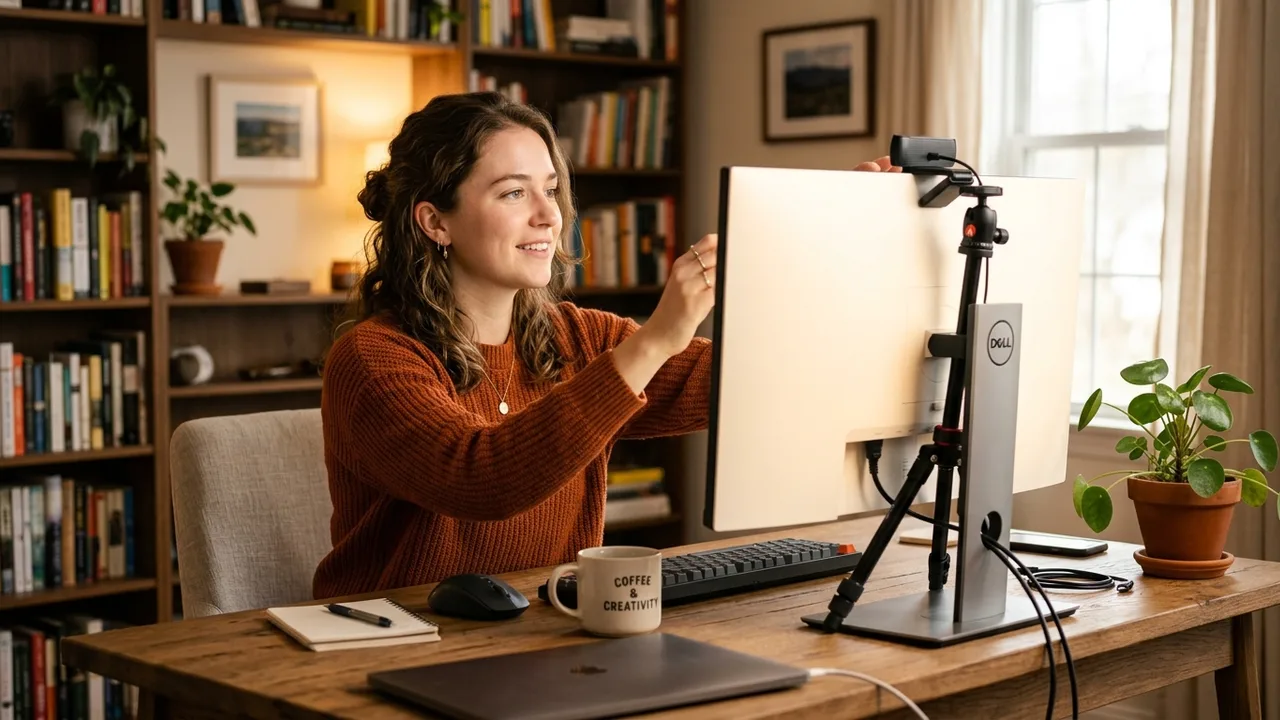
Illuminate your face with soft, even light during evening remote meetings, job interviews, and podcast recordings without harsh eye glare.
SetupDesktop or laptop webcam positioned at eye level in a dimly lit office.ActionPlace the white screen window behind or beside your webcam window at 80%–100% brightness to create a flattering softbox fill.NotePosition the screen slightly above eye level and tilt slightly downward to produce natural catchlights in your eyes.Artist light table for tracing drawings & calligraphy
Turn your tablet or touch laptop into an ultra-thin backlit tracing board for ink illustration, tattoo stencils, and hand lettering.
SetupTablet (iPad Pro, Surface Pro, Galaxy Tab) lying flat on an art desk.ActionLaunch this white screen in fullscreen, place your reference sketch and tracing paper over the glass, and trace outlines with pencil.NoteDisable auto-sleep and touch gestures in your operating system settings before placing physical paper on the glass.LCD backlight uniformity & clouding evaluation
Check television and computer display panels for dirty screen effect (DSE), corner vignetting, and uneven LED diffuser distribution.
SetupFront-facing seated position at normal 70 cm viewing distance in a moderately lit room.ActionDisplay the white screen across the panel and check whether the center and all four corners exhibit consistent brightness.NoteCorner darkening of 5%–10% is standard on edge-lit IPS panels; patchy central dark clouds indicate defective diffuser sheets.Shadowless macro & product photography bounce card
Provide clean white reflection fill and seamless illuminated backdrops for photographing jewelry, watches, cosmetics, and miniatures.
SetupStill-life photography table with studio camera or macro smartphone lens.ActionPosition an iPad displaying this white screen opposite your main light source to bounce soft, neutral fill light into dark crevices.NoteEnsure screen brightness remains locked in manual mode to prevent exposure fluctuations during continuous photography bursts.Camera lens dust & sensor spot diagnostic
Expose micro-dust specks and debris resting on DSLR or mirrorless camera digital image sensors without shooting outdoors.
SetupInterchangeable lens camera set to smallest aperture (f/22), manual focus to infinity.ActionPoint the lens 10 cm away from this fullscreen white screen, capture a slightly blurry long exposure, and inspect image for dark spots.NoteMove the camera gently during the exposure so monitor pixel texture blurs out while stationary sensor dust remains razor sharp.Reading translucent negatives, slides, and faded documents
Backlight transparent film negatives, 35mm photo slides, architectural vellum blueprints, or historic faded receipts for legible inspection.
SetupPhysical film strips or aged parchment laid directly on clean glass display.ActionMaximize screen brightness on this white screen and lay negative strips flat to examine frame exposures with a magnifying loupe.NoteEnsure display surface is dry and free of abrasive grit to prevent micro-scratches on delicate analog emulsion.Panel surface streak & smudge inspection aid
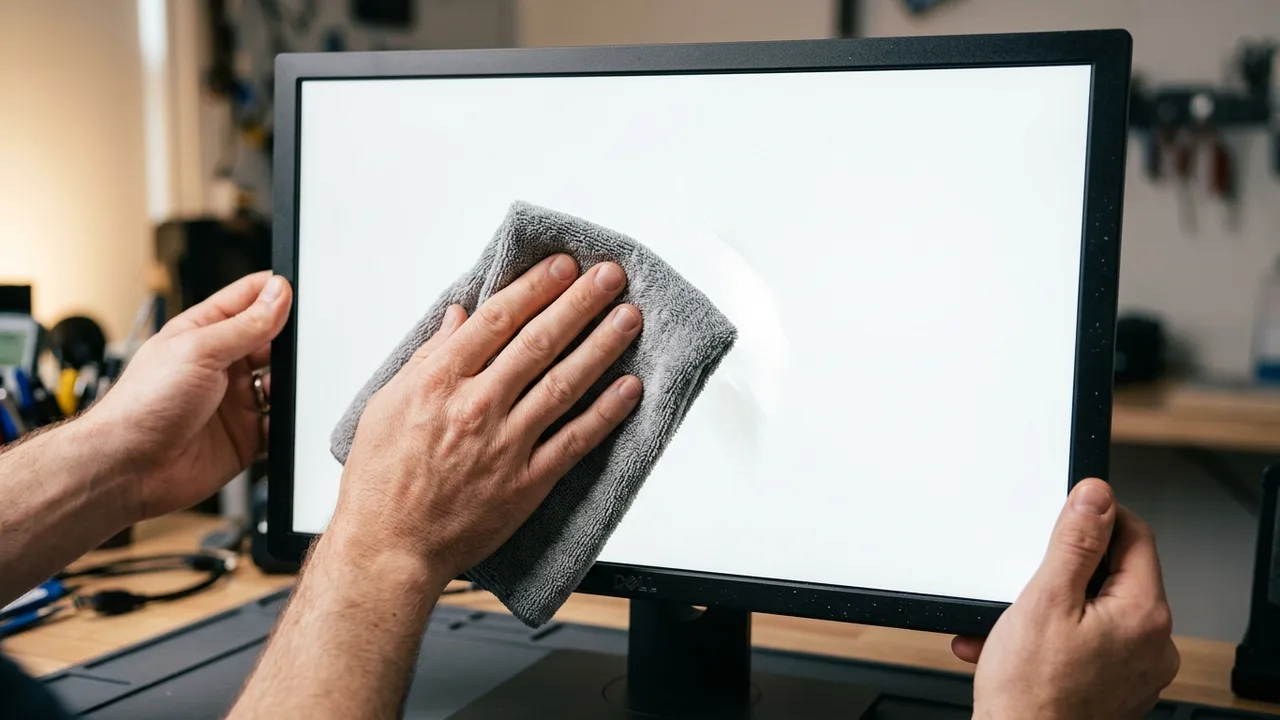
Reveal grease smudges, dry wiping streaks, and micro-dust deposits on your monitor glass by shining strong backlight through the matrix.
SetupClean microfiber cloth ready, display set to full brightness.ActionAngle your head diagonally across the lit panel; the intense white illumination highlights residual surface smudges clearly.NoteNever use paper towels or harsh window cleaners on anti-glare coatings; wipe gently with a dedicated optical microfiber cloth.
Pro tips
Tips & limits
Honest notes from real-world use. No fluff.
- Tip
Combine your panel audit with a pure black screen — dead pixels show up as black dots on white, while stuck pixels glow vividly on black.
- Tip
When using this white screen as a webcam light, placing it slightly above eye level produces natural catchlights and reduces eye fatigue.
- Limit
Displaying an all-white screen draws maximum power on both OLED and LCD panels; plug in your laptop charger for extended use.
- Limit
While helpful for visual spot checks, a web white screen cannot replace a spectrophotometer for scientific white-point D65 calibration.
- Common failure
Fullscreen won't engage due to browser permissions. Press F or click the address bar fullscreen icon to grant permissions.
FAQ
Frequently asked questions
Straight answers about how the white screen works.
Is this actually pure #FFFFFF, or is there color tinting?
This application renders pure uncompressed #FFFFFF with red, green, and blue color channels operating at maximum 255 intensity. Any perceived warmth or coolness comes from your monitor hardware color temperature settings.
How does a white screen expose dead pixels on a monitor?
A dead pixel has failed electronically and cannot transmit light. Against a solid white screen where every surrounding subpixel shines at maximum brightness, a dead pixel stands out immediately as a tiny, persistent black dot.
Can I use this white screen as a light box for tracing sketches?
Yes. Maximize your device brightness, open this white screen in fullscreen mode, and place your sketch and tracing paper directly on the screen. It works identically to a commercial artist light table.
Does using a white screen as a webcam light cause eye strain?
Because the light is diffused across a large 15-inch to 27-inch panel, it produces significantly softer contrast and less eye strain than small, intense LED ring lights. Adjust brightness to 70%–80% for comfort.
How do I exit the fullscreen white screen mode?
Press the Esc key on your physical keyboard at any time. On touch devices such as iPads or Android tablets, a single tap anywhere on the screen reveals the browser controls and exits fullscreen.
Does displaying an all-white screen drain battery quickly?
Yes. On both LCD and OLED displays, a pure white screen requires peak backlight power or maximum diode output. When using the tool for long tracing or video call sessions, connecting your device to power is recommended.
How can I check camera sensor dust using a white screen?
Set your camera lens to its smallest aperture (f/16 or f/22) and focus to infinity. Point the lens at this white screen, capture a slow exposure while slowly panning, and review the image for stationary grey dust halos.
Does this white screen web tool require downloads or permissions?
No downloads, installations, or account sign-ups are needed. The tool runs locally in your browser and requires no access to your camera, microphone, local storage, or personal files.
Can I export and save a solid white PNG image?
Yes. Select your preferred resolution from 1080p, 2K, 4K, or 8K under the Download menu, or enter custom dimensions to download an uncompressed, lossless white PNG file directly to your desktop.
What is the difference between backlight bleed and IPS glow on white?
Backlight bleed originates from physical frame pressure along panel edges and appears as stationary yellow or white flares. IPS glow is an inherent viewing-angle phenomenon that shifts and changes as you move your head.
Can I adjust the color temperature of this white screen?
This tool outputs reference optical #FFFFFF. To shift color temperature to warm (tungsten) or cool (daylight), adjust your operating system Night Shift or f.lux settings, or select our dedicated warm screen pages.
Ready when you are
Open the white screen
One click fills your display — no install, no sign-up, no upload.
Go fullscreen