Hacker Simulator
Loading hacker simulator…
Key Features
Features of Hacker Simulator
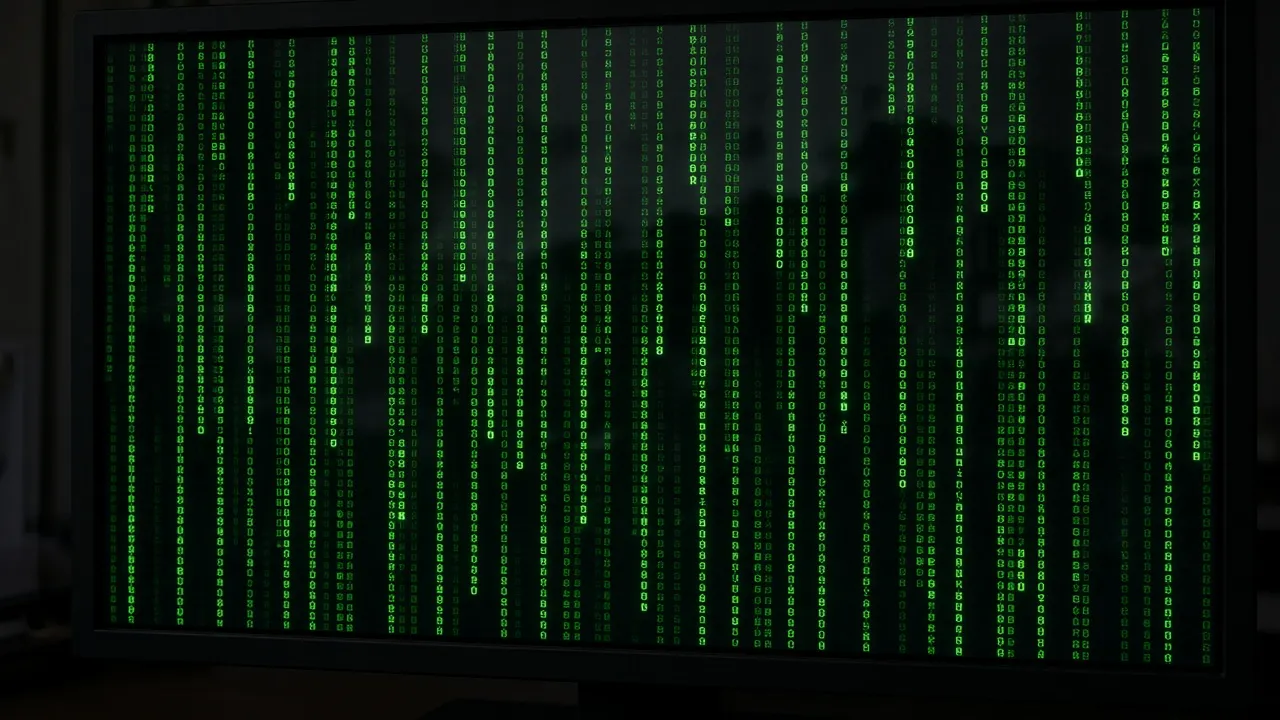
Instant Hollywood-style green matrix cyber terminal and interactive typer.
- 01
Interactive Keystroke Code Generation
Type anything at any speed to emit authentic C algorithms, memory addresses, and cybersecurity vulnerability exploits.
- 02
Hollywood Green Phosphor Monospace UI
Crisp green-on-black terminal typography (#00FF66) with blinking cursor and retro scanline visual flair.
- 03
One-Touch Fullscreen Immersion
Press F to hide all browser chrome, creating an impenetrable command-line interface that looks completely genuine.
- 04
Zero Risk & Sandbox Safety
Operates purely in browser memory. No network packets are sent, no local files are modified, and no real hacking occurs.
- 05
Multi-Window Dual Monitor Hacking
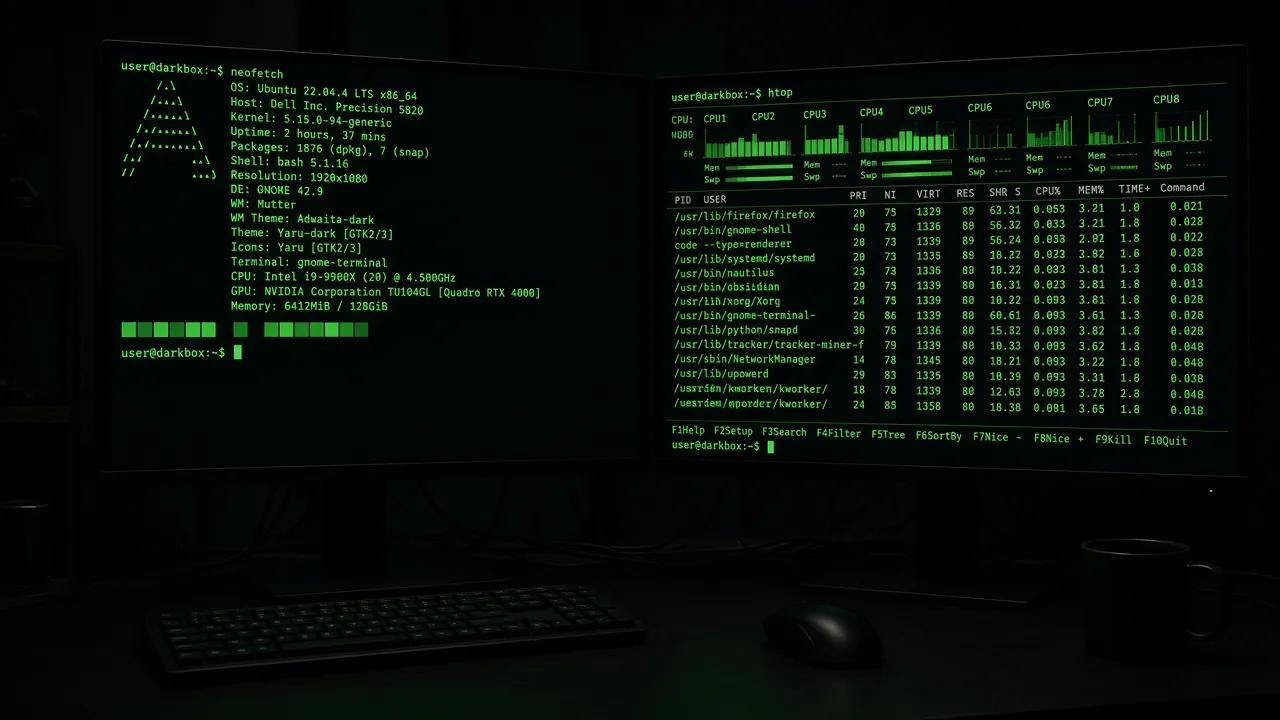
Launch secondary terminal windows across multiple screens to create an expansive cybersecurity operation center.
About & Principles
The Hollywood Hacker Effect Explained
In mainstream cinema and television, computer hacking is depicted not as tedious debugging and documentation reading, but as lightning-fast keyboard typing accompanied by cascading streams of green code, memory hex dumps, and high-stakes terminal messages.
Our online hacker simulator recreates this dramatic Hollywood aesthetic through an interactive keystroke buffer. Every time you press any key on your keyboard, the engine dispatches realistic blocks of syntactically valid Linux kernel code, cryptographic functions, and network handshake traces.
With auto-scrolling, customizable font sizes, and dramatic access granted/denied popups, it delivers an authentic cyber security warfare terminal directly within your browser window.
How to use it
How to use Hacker Simulator
Three simple steps. No install, no sign-up, no upload.
- 01
Open the hacker simulator
Launch the terminal page in any web browser.
- 02
Enter true fullscreen
Press F or click the fullscreen button to expand the terminal across your entire display.
- 03
Start typing rapidly
Hit any random keys on your keyboard and watch lines of complex code automatically stream across the screen.
- 04
Exit with Esc
Press Esc at any time to immediately dismiss the terminal and return to your desktop.
Why this tool
Why choose Hacker Simulator
Engineered for distraction-free performance, privacy, and zero latency.
- 01
Convincing Cinematic Aesthetic
Uses authentic open-source Linux kernel and cryptographic code rather than repetitive gibberish.
- 02
Instant Responsive Typer
Buffers keystrokes smoothly so whether you type single keys or smash the entire keyboard, the terminal flows naturally.
- 03
Safe for School & Office Use
Harmless simulation with zero executable code, safe for classroom demonstrations and lighthearted pranks.
- 04
Screen Wake Lock Built In
Ensures your hacker terminal stays alive and visible throughout presentations and filming shoots.
Practical Use Cases
What people use Hacker Simulator for
Real-world scenarios with tested setup parameters and operational guidance.
Film, TV & YouTube Video Prop
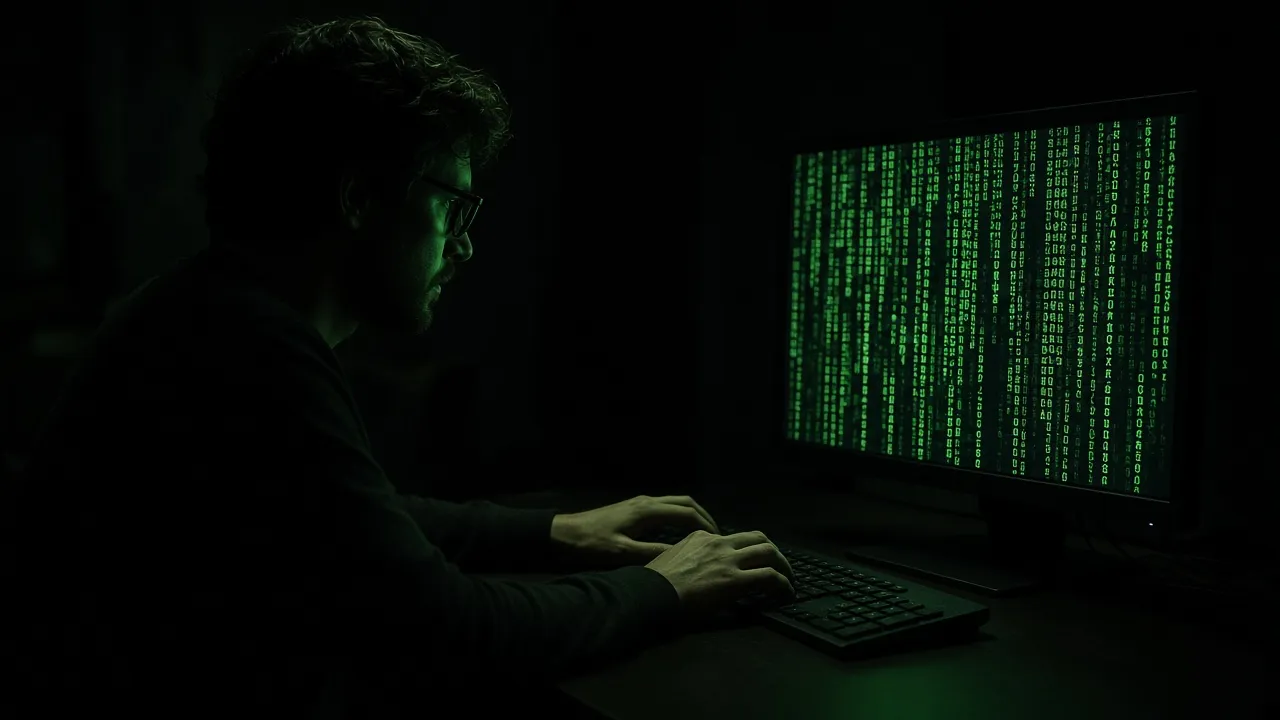
Give actors and video creators an interactive terminal they can vigorously type on without breaking character or exposing real desktop files.
SetupFullscreen · Green Monospace · Dark StudioActionHave actor type freely while filming over-the-shoulder shots.NoteKeep actor typing rhythm varied for added realism.Classroom & Cybersecurity Icebreakers
Engage students in introductory computer science and cybersecurity courses by demonstrating terminal interfaces and command-line concepts.
SetupProjector Fullscreen · High ContrastActionLet students type and guess what the code functions do.NoteClarify how real ethical hacking differs from Hollywood tropes.Fun Office Coworker Pranks
Open full screen on an unattended workstation and start typing furiously as a colleague approaches to pretend you are infiltrating the company firewall.
SetupFast Typing · Fullscreen ModeActionType intensely when colleagues look your way.NoteReveal the joke quickly before anyone alerts the IT security desk.Atmospheric Workstation Screen Saver
Leave your secondary monitor streaming active hacker terminal text during coding sessions for an authentic cyberpunk setup.
SetupAuto-Awake Enabled · Ambient Room LightActionKeep active on vertical or secondary screen.NoteDisable if it distracts from actual coding focus.
Pro tips
Tips & limits
Honest notes from real-world use. No fluff.
- Note
Mash keys with both hands at high speed to make the text cascade down the screen like a movie action sequence.
- Note
Press F to enter fullscreen mode so no URL bar or browser tabs reveal that it is a website.
- Note
Press Esc or click the exit button to immediately dismiss the terminal and restore your regular desktop.
- Note
The code generated contains genuine Linux kernel and cryptography snippets for maximum authenticity.
FAQ
Frequently asked questions
Straight answers about how Hacker Simulator works.
Is this hacker simulator doing any real hacking?
No, absolutely not. This is a 100% cosmetic visual simulator. It generates pre-written open-source code snippets on your screen and cannot access, alter, or damage any network or computer system.
How do I start generating code in the terminal?
Simply click inside the terminal window and start typing any keys on your keyboard. Each key press outputs a chunk of authentic code.
How do I enter and exit fullscreen mode?
Press F to enter borderless fullscreen mode, and press Esc at any time to return to your normal desktop.
Can I use this tool on a tablet or smartphone without a physical keyboard?
Yes! Tapping the screen on touch devices will automatically trigger keystrokes and generate code lines.
Is this simulator free for video production and streaming?
Yes. You are completely free to use this simulator in YouTube videos, Twitch streams, movies, and theater productions with no licensing fees.
Will this tool set off antivirus or corporate security alerts?
No. The site contains only standard HTML, CSS, and client-side JavaScript. There are no malicious scripts, network port scans, or exploit payloads.
What kind of code is being displayed?
The simulator displays snippets from the Linux kernel source code, standard C memory management functions, and cryptographic algorithms.
Can I change the terminal text color?
The default is the iconic Hollywood green phosphor, calibrated for maximum contrast and authenticity on modern monitors.
Will my screen go to sleep while the terminal is open?
No. As long as the "Keep screen awake" option is enabled, the Screen Wake Lock API prevents your monitor from turning off.
Does this site require any downloads or accounts?
No downloads, no extensions, and no accounts required. It runs instantly in any modern web browser.
Ready when you are
Launch Hacker Simulator
Instant fullscreen mode in your browser — zero install, zero sign-up.
Go fullscreen