Blue Screen of Death Windows XP
Loading blue screen xp…
Key Features
Features of Blue Screen of Death Windows XP
Authentic retro Windows XP STOP error crash screen in full screen.
- 01
Authentic Windows XP Kernel STOP Typography
Uses authentic bitmap monospace typography and classical technical error layouts identical to genuine Windows XP Service Pack 2/3 crash dumps.
- 02
Pure #0000AA Cobalt Blue Palette
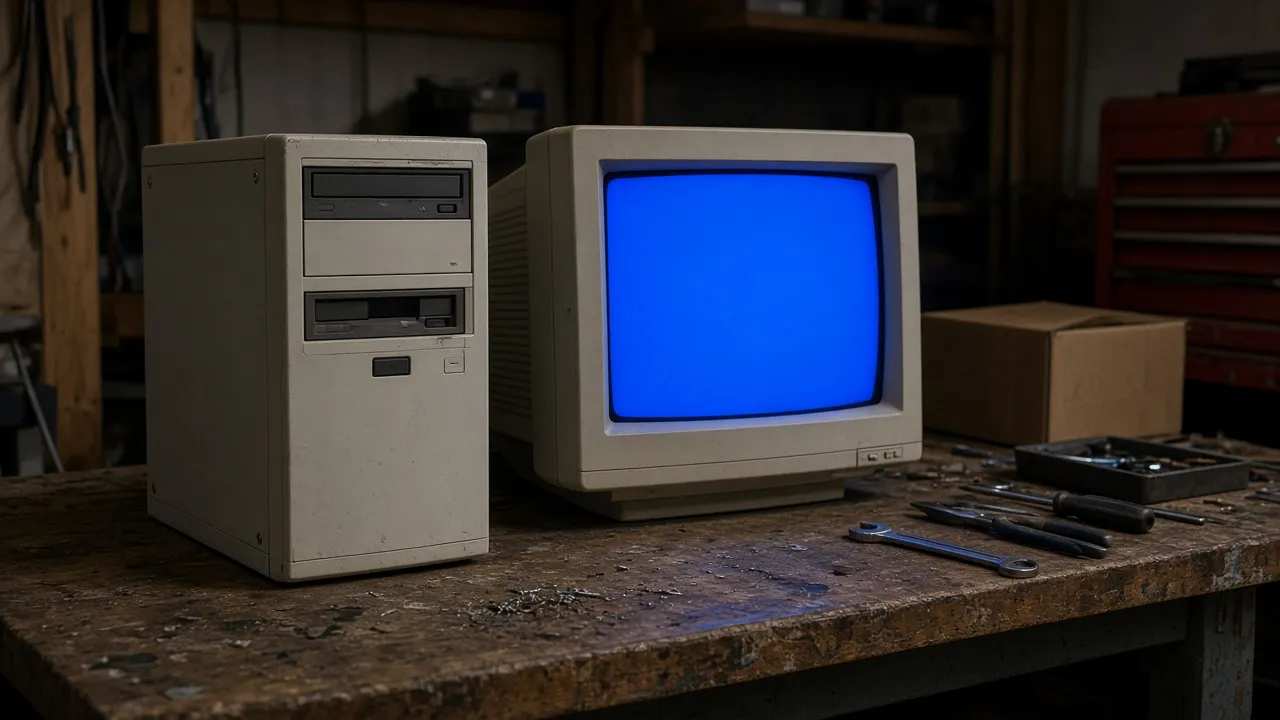
Faithfully matches the exact RGB 0, 0, 170 legacy VGA BIOS palette used by Microsoft NT kernels for maximum nostalgic realism.
- 03
Instant Keyboard Fullscreen Trigger
Press F or click anywhere to launch into borderless fullscreen, hiding mouse cursors and browser chrome for a convincing system freeze.
- 04
100% Safe Browser Simulation
No registry modifications, no memory driver hooks, and no real computer reboots. Harmless entertainment and video prop for any machine.
- 05
Multi-Screen Workstation Broadcast
Supports launching synchronized blue screens across multiple connected monitors to simulate widespread office infrastructure failure.
About & Principles
The Anatomy of the Classic Windows XP Blue Screen (BSOD)
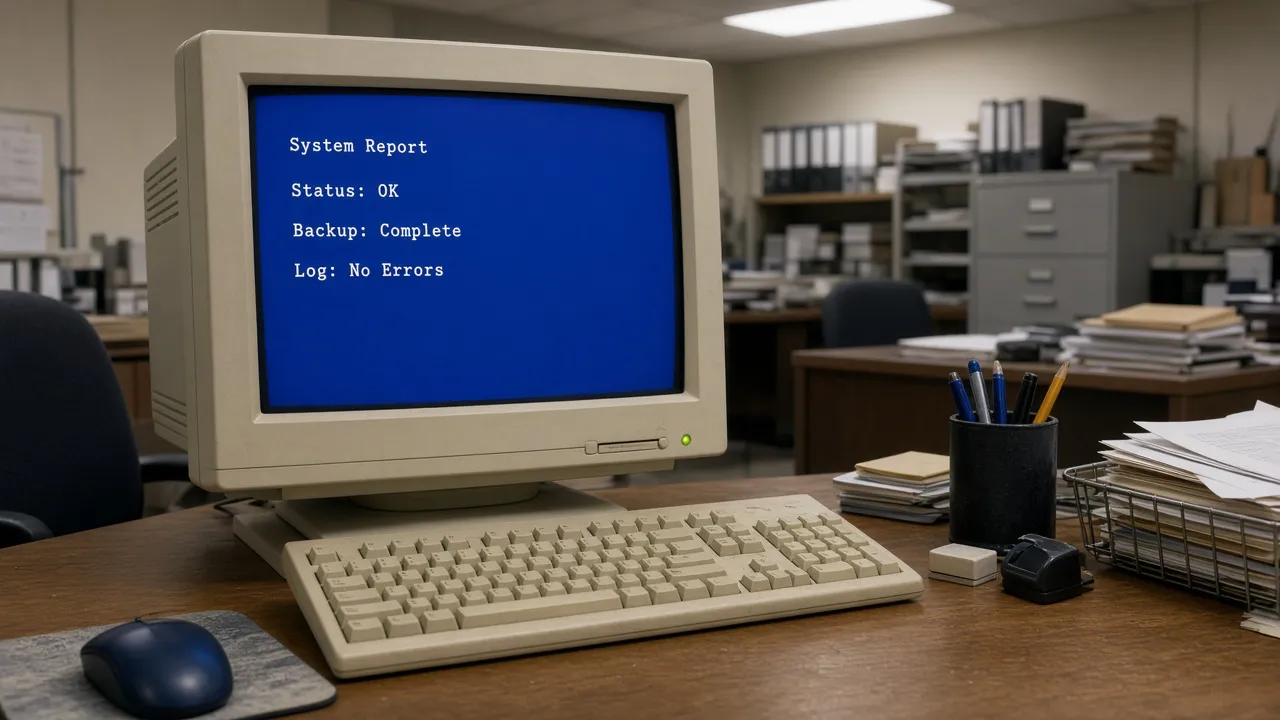
The Windows XP Blue Screen of Death (BSOD), formally classified as a STOP error or bug check, was the defining visual symbol of catastrophic kernel-level halts in the computing era of the early 2000s. Triggered by faulty hardware drivers, memory parity failures, or corrupted system files, it halted all CPU execution to prevent disk corruption.
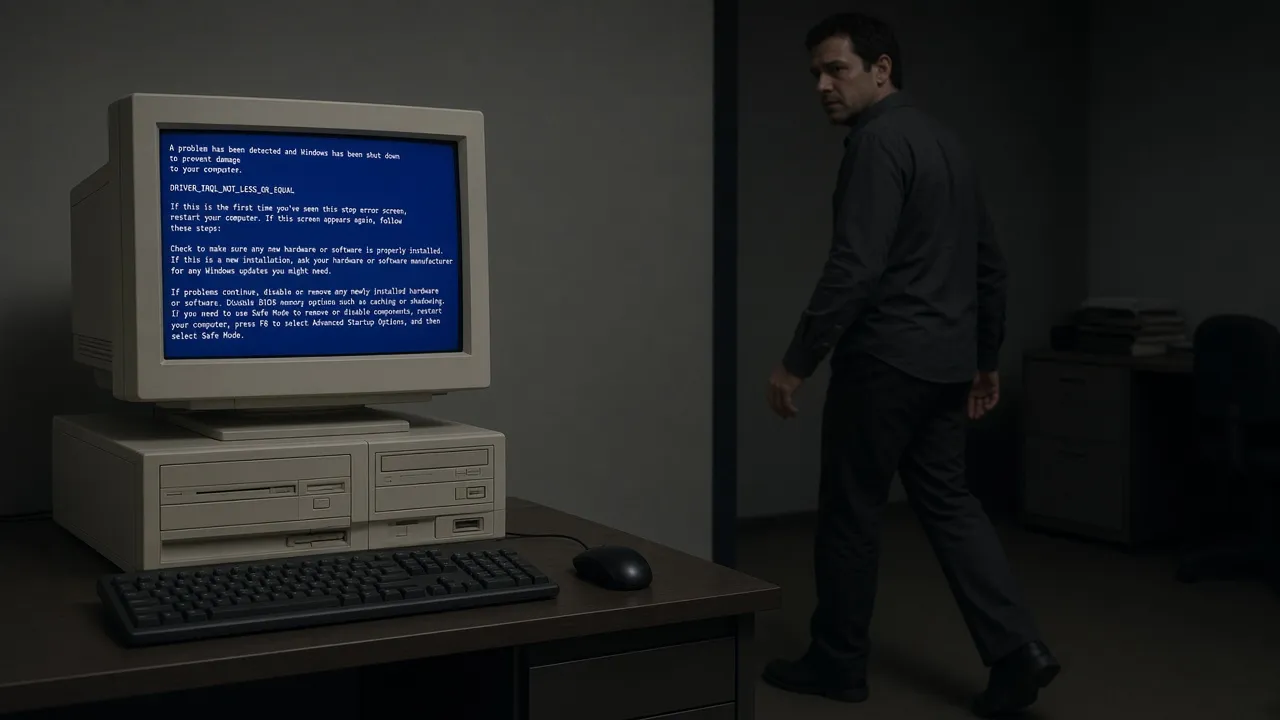
Visually, the XP BSOD is famous for its crisp white Lucida Console / Fixedsys monospace text rendered against a saturated cobalt blue background (#0000AA), displaying cryptic stop codes like STOP: 0x000000D1 (DRIVER_IRQL_NOT_LESS_OR_EQUAL) along with technical memory addresses.
Our online simulator recreates every typographic and layout nuance of this iconic operating system failure. Rendered in high-contrast SVG and CSS typography, it scales crisply to modern ultrawide and 4K displays while preserving pixel-perfect retro authenticity.
How to use it
How to use Blue Screen of Death Windows XP
Three simple steps. No install, no sign-up, no upload.
- 01
Open the XP BSOD simulator
Navigate to the tool on any computer running Windows, Mac, or Linux.
- 02
Enter true fullscreen mode
Click anywhere inside the preview area or tap F on your keyboard.
- 03
Watch the reaction
Observe as onlookers believe your modern PC has suffered an impossible legacy kernel panic.
- 04
Press Esc to dismiss
Press Esc at any time to instantly return to your active desktop and open windows.
Why this tool
Why choose Blue Screen of Death Windows XP
Engineered for distraction-free performance, privacy, and zero latency.
- 01
Nostalgic Retro Authenticity
Meticulously formatted memory dump text, technical bug check codes, and IRQL warnings match real Windows XP crash logs.
- 02
Modern High-DPI Clarity
Vector-rendered monospace typography looks razor-sharp on modern 1440p and 4K monitors without blocky bilinear blur.
- 03
Screen Wake Lock Built-In
Prevents display sleep and monitor power savings so the crash screen remains active indefinitely.
- 04
Fast & Lightweight Performance
Under 10KB total payload with zero external script dependencies ensures instantaneous loading even on slow connections.
Practical Use Cases
What people use Blue Screen of Death Windows XP for
Real-world scenarios with tested setup parameters and operational guidance.
Tech YouTube & Video Sketch Prop
Use the authentic XP blue screen as a hilarious visual punchline when reviewing broken software or doing tech comedy sketches.
SetupFullscreen · 1080p / 4K MonitorActionCut from tutorial footage to fullscreen BSOD on comedic punchlines.NoteEnsure video audio is balanced when transitioning.Retro Gaming & Nostalgia Setups
Complement vintage computer battle stations and retro gaming streams with authentic period-accurate system crash screens.
SetupCRT Monitor / 4:3 Aspect DisplayActionDisplay during stream intermissions or retro hardware testing.NoteAdjust aspect ratio if using modern widescreen panels.April Fools & Office Pranks
Set up on an unattended computer during lunch breaks to make colleagues believe their machine suffered a fatal operating system downgrade.
SetupFullscreen · Esc hotkey memorizedActionPress F and leave computer on desk.NoteOnly prank users who will be amused once you tap Esc.Educational Computer Science Demos
Teach students and junior developers about OS kernel memory protection, blue screens, and historical operating system architectures.
SetupClassroom Projector FullscreenActionWalk through STOP error codes and memory dumping mechanics.NoteClarify to students that this is a simulated browser representation.
Pro tips
Tips & limits
Honest notes from real-world use. No fluff.
- Note
Hide your mouse cursor by moving it off to the bottom-right corner before stepping away from the keyboard.
- Note
Combine with keyboard key F to toggle full screen in one smooth motion without touching visible buttons.
- Note
Remember that the tool runs entirely client-side, meaning it functions perfectly even without internet access.
- Note
Use Esc or double-click to exit instantly whenever you need your real workstation restored.
FAQ
Frequently asked questions
Straight answers about how Blue Screen of Death Windows XP works.
Will this Windows XP BSOD screen damage my actual operating system?
No. This is an entirely digital web simulation that runs solely within standard browser HTML5 elements. It does not interact with your real operating system kernel, registry, or hardware drivers.
How do I exit the blue screen simulation?
Press the Esc key on your keyboard or tap the top edge of your touchscreen to immediately close fullscreen mode.
Can I display this on a Mac or Chromebook?
Yes! The simulator runs in modern web browsers including Safari, Chrome, Edge, and Firefox, making it hilarious to display a Windows XP crash on an Apple MacBook or Chromebook.
Is the blue screen text customizable?
The simulator features the authentic canonical STOP: 0x000000D1 error dump from Windows XP Service Pack 2 for maximum historical accuracy.
Does the screen turn off after a few minutes?
No. The built-in Screen Wake Lock feature keeps your monitor awake and illuminated for as long as the page is open.
Does this page require Flash Player or legacy plugins?
No. It is built entirely on modern, secure HTML5 and CSS standards without Flash, Java, or third-party plug-ins.
Can I use this in commercial video productions and streams?
Yes, this tool is freely accessible for content creators, educational instructors, video editors, and live streamers.
Why is the background color specifically #0000AA?
Microsoft NT 3.51 through Windows XP utilized the standard VGA color index 1 (0x01), which decodes to hex #0000AA in 16-color RGB palette space.
Can I open this on multiple displays?
Yes. Open the settings drawer and click "Open in another window" to launch duplicate blue screens on all connected secondary monitors.
Does it work offline?
Once loaded into your browser cache, the page assets and script run completely locally without needing continuous internet connectivity.
Ready when you are
Launch Blue Screen of Death Windows XP
Instant fullscreen mode in your browser — zero install, zero sign-up.
Go fullscreen