No Signal SMPTE Color Bars
Loading no signal…
Key Features
Features of No Signal SMPTE Color Bars
Standard SMPTE television test pattern and retro off-air broadcast signal.
- 01
Mathematically Accurate SMPTE Color Metrics
Exact 75% saturation NTSC/PAL standard color patches calibrated to precision sRGB digital broadcast color space.
- 02
Functional Pluge Pulse Calibration Block
Includes calibrated sub-black, reference black, and above-black patches (-2%, 0%, +2%) for setting display black levels.
- 03
High-Resolution Vector Geometry
Zero pixelation or artifacting. Scales with razor-sharp mathematical precision to 4K, 5K, and 8K professional panels.
- 04
One-Click True Fullscreen Mode
Press F to expand the test pattern across your entire display, hiding all operating system taskbars and window borders.
- 05
Optional Retro "NO SIGNAL" Text Banner
Toggle an authentic flashing or static "NO SIGNAL" / "TEST PATTERN" banner for nostalgic retro video production.
About & Principles
The Engineering Science Behind SMPTE Color Bars
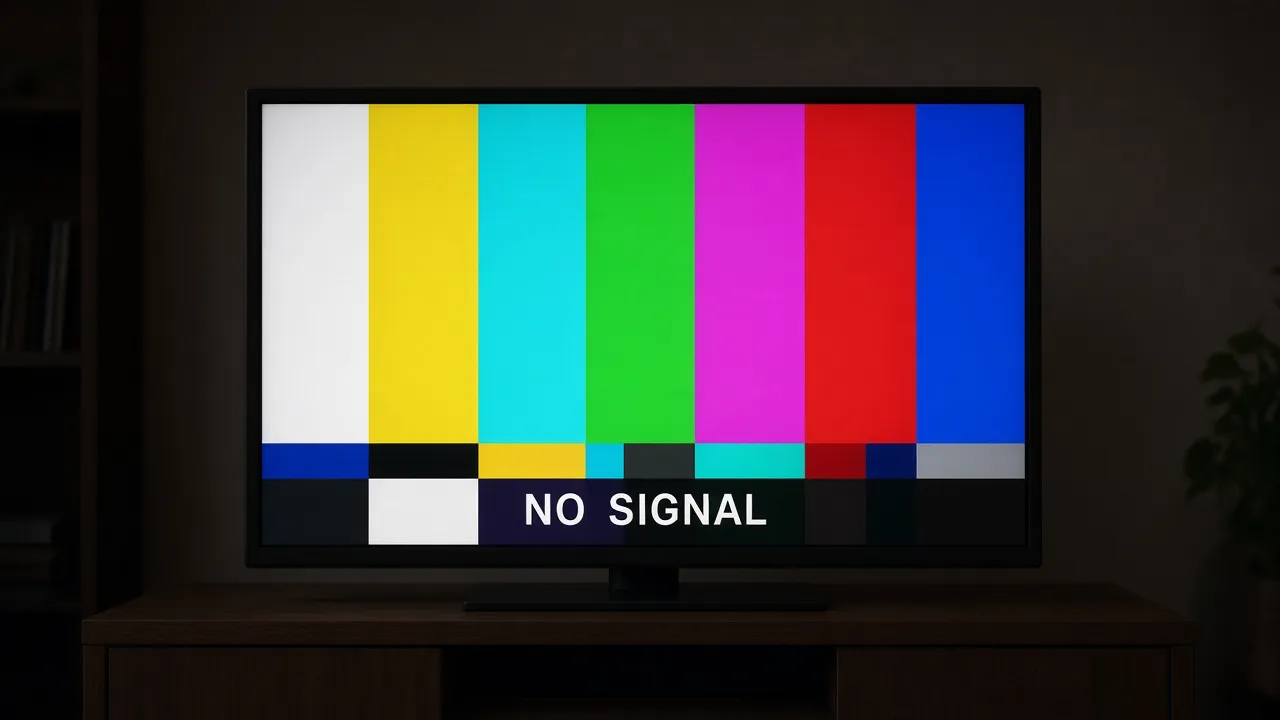
Developed by the Society of Motion Picture and Television Engineers (SMPTE EG 1-1990), standard SMPTE color bars are the most critical diagnostic tool in analog and digital television broadcast history. Far more than a retro off-air aesthetic, the pattern is mathematically calibrated to allow camera operators, engineers, and colorists to calibrate monitor brightness, contrast, hue, and saturation without electronic test probes.
The top two-thirds consists of seven 75% chrominance bars arranged in descending order of luminance: White, Yellow, Cyan, Green, Magenta, Red, and Blue. Below them, reverse color patches and the "pluge" (Picture Line-Up Generation Equipment) block feature -2%, 0%, and +2% black levels specifically engineered to set the exact black-point threshold of cathode ray tubes and modern LCD/OLED panels.
Our online simulation renders pure, standard-compliant SMPTE color bars with exact sRGB color hex mathematics. Scaled responsively to 1080p, 4K, and 8K resolutions, it provides an authentic reference standard directly within any modern web browser.
How to use it
How to use No Signal SMPTE Color Bars
Three simple steps. No install, no sign-up, no upload.
- 01
Open the SMPTE color bars tool
Launch the pattern in any web browser on your computer or TV.
- 02
Press F for fullscreen
Tap F or click the preview to enter borderless full screen.
- 03
Calibrate your monitor
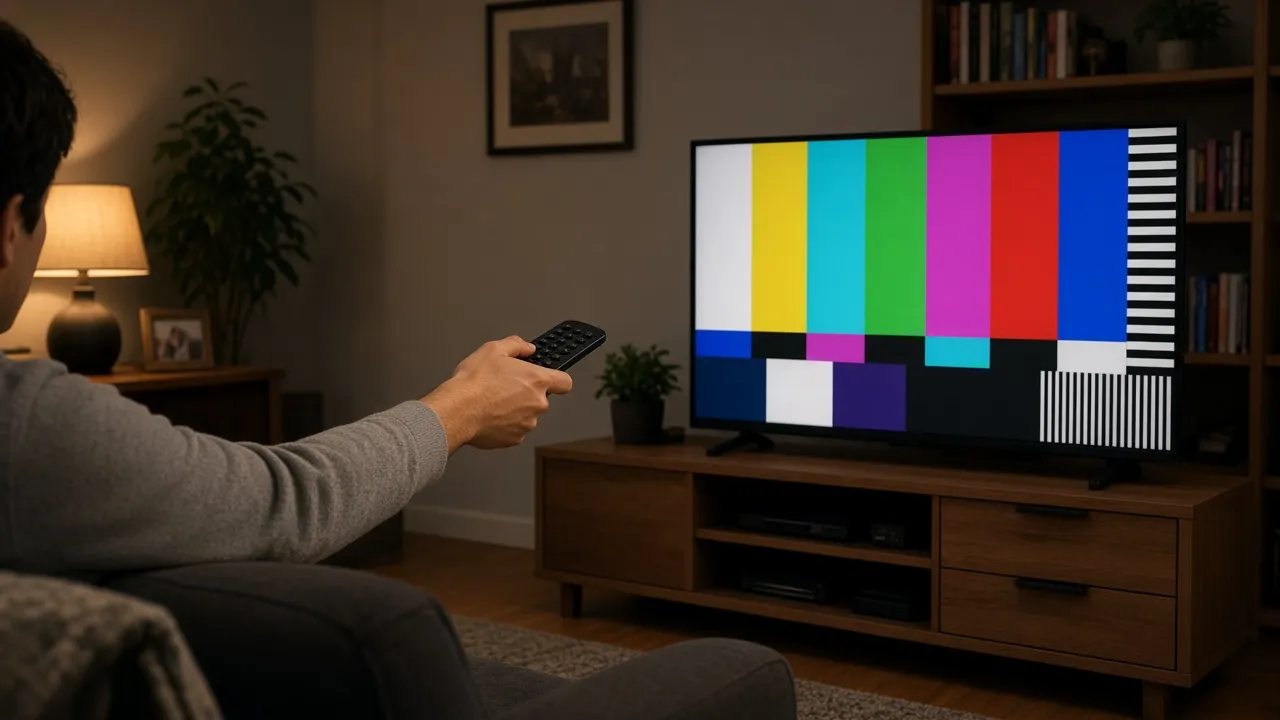
Adjust monitor brightness until the leftmost pluge bar disappears and the rightmost bar remains faintly visible.
- 04
Exit with Esc
Hit Esc at any time to return to normal desktop browsing.
Why this tool
Why choose No Signal SMPTE Color Bars
Engineered for distraction-free performance, privacy, and zero latency.
- 01
Professional Display Calibration
An invaluable reference tool for setting monitor brightness, contrast, and color accuracy without paid software.
- 02
Iconic Broadcast Retro Aesthetic
Instantly conjures the nostalgic atmosphere of late-night off-air television and VHS retro culture.
- 03
Screen Wake Lock Built In
Prevents display sleep so your calibration pattern remains steady without unexpected screen shutoffs.
- 04
Zero Software Downloads
Runs instantly in modern web browsers without installing specialized video test generator software.
Practical Use Cases
What people use No Signal SMPTE Color Bars for
Real-world scenarios with tested setup parameters and operational guidance.
Video Editor & Colorist Monitor Calibration
Quickly verify black level thresholds and color saturation on editing workstation monitors before beginning color grading.
SetupFullscreen · 100% Monitor Brightness ScaleActionInspect pluge bar visibility in low room light.NoteEnsure room lighting is neutral (D65) for color grading.Twitch & YouTube Stream Intermission Screen
Use as a stylish, retro technical break screen when stepping away from your stream or encountering technical difficulties.
Setup1080p / 4K OBS Scene CaptureActionSwitch to color bars scene during stream breaks.NoteAdd classic 1kHz test tone in audio mixer if desired.Film & Retro Music Video Prop
Display on CRT televisions or studio monitors to simulate late-night off-air TV signals in music videos and movies.
SetupCRT Monitor / 4:3 Aspect RatioActionFilm CRT screen directly with camera.NoteSync camera shutter angle with monitor refresh rate.Retail & Exhibition TV Display Testing
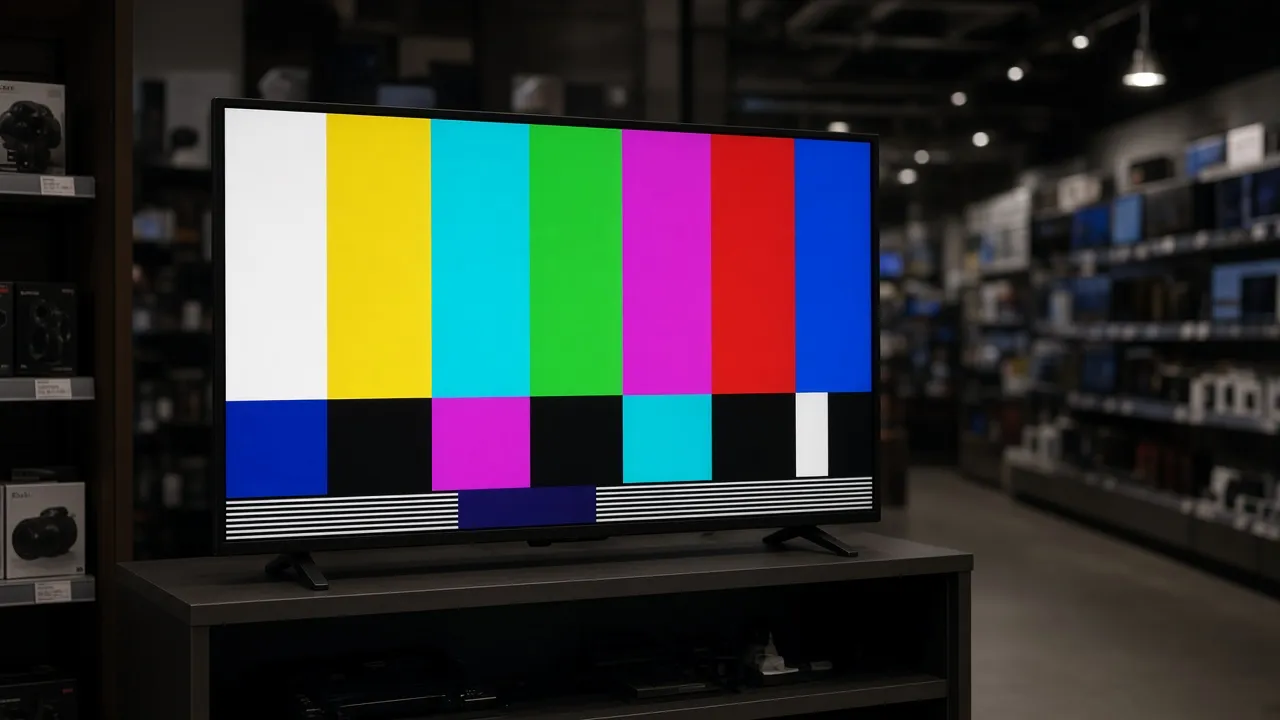
Quickly test consumer television screens in retail stores or gallery exhibitions for dead pixels and color uniformity.
SetupLarge TV Screen · Fullscreen ModeActionInspect each color block for tint shift or dead subpixels.NoteWalk across angles to check viewing angle shift.
Pro tips
Tips & limits
Honest notes from real-world use. No fluff.
- Note
To calibrate black level (Brightness): Lower monitor brightness until the pluge bar on the far right is barely visible and the middle bar blends into black.
- Note
Press F to enter fullscreen mode and hide all browser address bars and window headers.
- Note
Combine with an external 1kHz sine wave audio tone for the complete authentic television broadcast experience.
- Note
Press Esc or tap the screen at any point to restore your normal desktop in less than one second.
FAQ
Frequently asked questions
Straight answers about how No Signal SMPTE Color Bars works.
Are these SMPTE color bars calibrated to broadcast standards?
Yes! The colors are mathematically calibrated to the standard 75% SMPTE color specifications in standard digital sRGB color space.
How do I use the pluge bars at the bottom right to calibrate brightness?
Adjust your monitor brightness until the +2% bar is faintly visible, while the -2% sub-black bar is completely indistinguishable from the reference black background.
How do I enter and exit fullscreen mode?
Press F to enter borderless fullscreen mode, and press Esc at any time to return to your normal desktop.
Can I display this on a smart TV or monitor?
Yes! Open the URL in any smart TV web browser or connect your PC via HDMI and press F for a full-screen broadcast test pattern.
Will my monitor go to sleep while the color bars are displayed?
No. With Keep screen awake enabled, the Screen Wake Lock API prevents your screen from turning off or dimming.
Is this tool completely free to use?
Yes, 100% free with no registration, no downloads, and no watermarks in fullscreen mode.
Does this test pattern produce a 1kHz audio test tone?
The pattern runs silently by default so it does not startle users or disrupt office environments.
Can I use this for video production and streaming?
Yes! Filmmakers, video editors, and live streamers are free to use this pattern as a royalty-free digital prop or stream screen.
Does this page work offline?
Yes, once loaded, the vector graphics and scripts run locally in your browser cache without requiring an active internet connection.
Why are the colors arranged in that specific order?
The bars are arranged in descending order of relative luminance (White > Yellow > Cyan > Green > Magenta > Red > Blue) to enable easy visual voltage checks.
Ready when you are
Launch No Signal SMPTE Color Bars
Instant fullscreen mode in your browser — zero install, zero sign-up.
Go fullscreen