Fullscreen Countdown Timer
Loading countdown timer…
Key Features
Features of Fullscreen Countdown Timer
High-contrast, zero-distraction digital countdown timer engineered for study sprints, presentations, and fitness.
- 01
Expansive High-Contrast Typography
Bold monospace digits scale dynamically to your screen size for effortless legibility across large conference halls and home gyms.
- 02
Zero Layout Jitter Monospace Clock
Fixed-width numerical kerning guarantees the display never wobbles or reflows as seconds tick down.
- 03
Hardware Screen WakeLock Active
Keeps your monitor awake and prevents sleep mode from interrupting timed workshops or cooking sessions.
- 04
Multi-Display Window Synchronization
Open additional display windows to broadcast the live synchronized countdown across secondary monitors and projectors.
About & Principles
The cognitive psychology of visual timeboxing and precision countdowns
Timeboxing is an established productivity methodology based on Parkinson’s Law, which states that work expands to fill the time allotted for its completion. By assigning a strict, visible countdown window to a specific task, you create gentle psychological urgency that inhibits procrastination, accelerates decision-making, and prevents perfectionist scope creep.
Human peripheral vision is exquisitely sensitive to movement and contrast. Flashing advertisements, cluttered desktop taskbars, and micro-sized phone clocks demand continuous executive refocusing. Our timer features expansive monospace digits that remain perfectly stable—eliminating proportional font layout jitter as digits change—allowing you to absorb remaining time with a sub-second peripheral glance from across a 15-meter lecture hall.
Built with modern browser performance APIs, this timer calculates elapsed time using high-resolution performance.now() timestamps rather than inaccurate setInterval loops. It remains rock-solid and drift-free even when background tabs are throttled by the operating system, ensuring your presentations and cooking timers end on the exact intended second.
How to use it
How to use Fullscreen Countdown Timer
Three simple steps. No install, no sign-up, no upload.
- 01
Select or Customise Duration
Choose quick presets (5m, 15m, 25m Pomodoro) or enter custom hours, minutes, and seconds.
- 02
Start / Pause Countdown
Press Spacebar to start or pause the timer instantly without touching your mouse.
- 03
Engage Fullscreen Projection
Press F to expand into full screen mode for maximum visibility. Press Esc to exit.
Why this tool
Why choose Fullscreen Countdown Timer
Engineered for distraction-free performance, privacy, and zero latency.
- 01
100% Free of Visual Ads
Commercial online timer websites are notoriously covered with blinking banners, video popups, and clickbait ads. BlackScreen.VIP offers a pure, distraction-free sanctuary.
- 02
Drift-Free High Precision
Standard browser timers drift by several seconds per hour due to background tab throttling. Our wall-clock timestamp reconciliation guarantees exact down-to-the-millisecond precision.
- 03
Keyboard Shortcut Mastery
Start, pause, and reset entirely using physical keyboard shortcuts (Spacebar for Start/Pause, R for Reset, F for Fullscreen).
- 04
Works Without Internet Connection
Once loaded in your browser cache, the timer continues working flawlessly offline during flights or remote camping trips.
Practical Use Cases
What people use Fullscreen Countdown Timer for
Real-world scenarios with tested setup parameters and operational guidance.
Pomodoro Productivity Study Blocks
Structure your workday into disciplined 25-minute deep work intervals followed by restorative 5-minute cognitive breaks.
SetupSecondary desktop monitor or tablet propped next to keyboard, 25:00 presetActionHit Spacebar at the beginning of each focus cycle and close all email tabsNoteDo not check notifications or answer non-emergency chats while the clock runs.Classroom Exams & University Testing
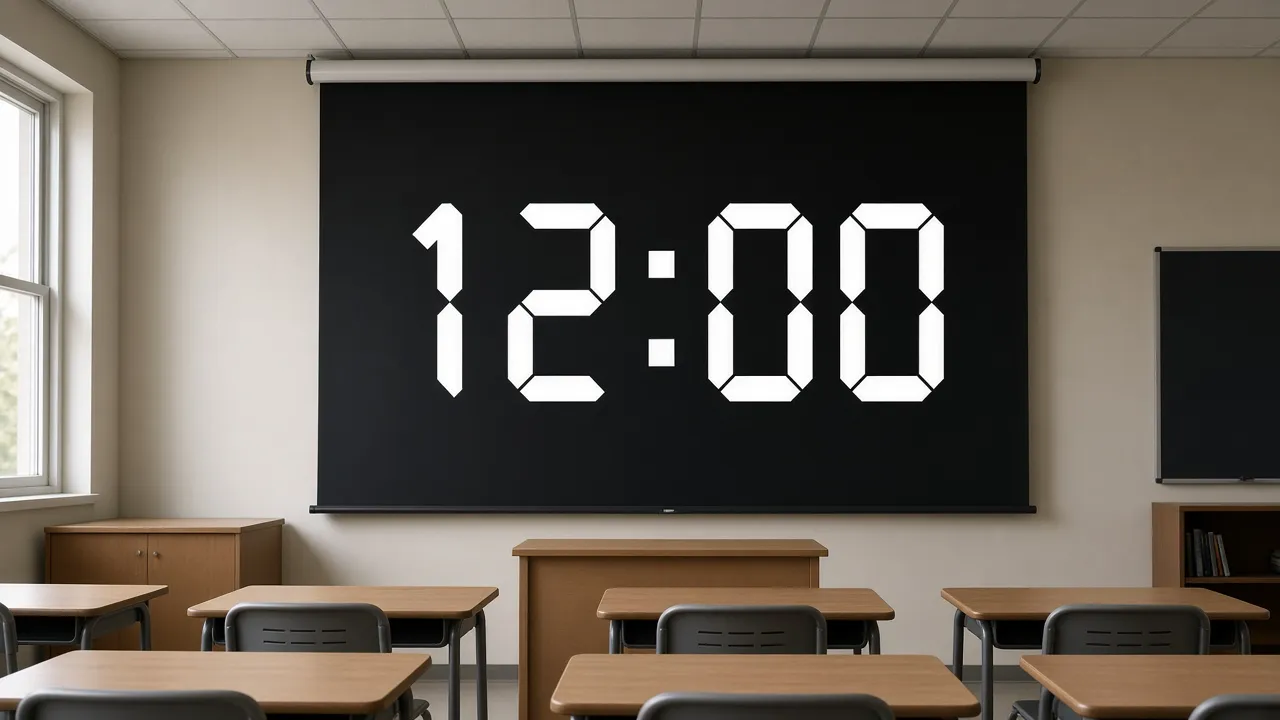
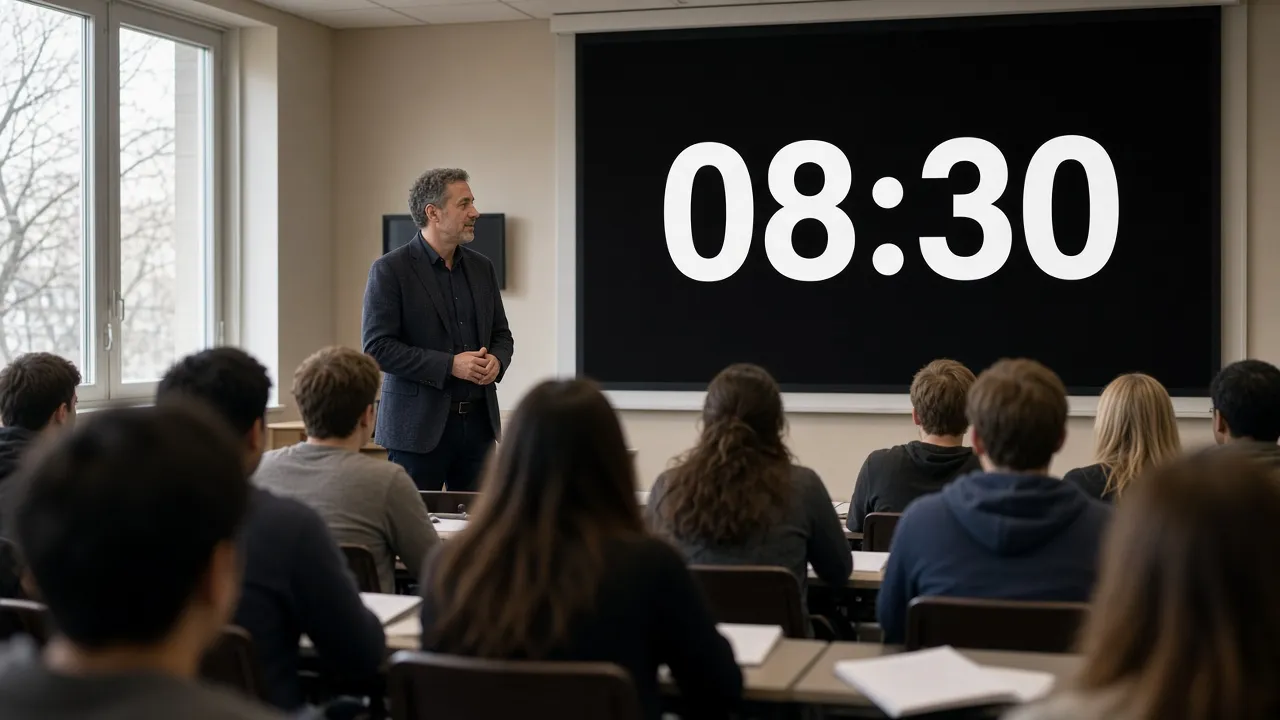
Project a massive, crystal-clear countdown clock onto lecture hall projection screens so all students can track remaining exam time.
SetupHDMI projection connected to instructor laptop, high-contrast dark themeActionEnable Fullscreen mode and test WakeLock before students begin writingNoteEnsure laptop operating system notifications are set to Do Not Disturb.High-Intensity Interval Training (HIIT)
Time rest periods, plank holds, and sprint intervals in home gyms where phone screens are too small to read while sweating.
SetupWall-mounted TV or tablet set on gym bench, 5-meter viewing distanceActionSet timer to target interval and monitor seconds ticking down peripherallyNoteKeep volume audible over gym workout music if audio cues are enabled.Kitchen Baking & Tea Steeping Timer
Keep an eye on critical oven baking windows or pour-over coffee extractions with giant readable countdown digits.
SetupTablet in Kitchen · Audio Alarm EnabledActionSet timer preset and prop tablet on counter.NoteKeep device safe from cooking liquids and high steam.
Pro tips
Tips & limits
Honest notes from real-world use. No fluff.
- Quick Start
Press the Spacebar at any time to toggle between running and paused without moving your cursor.
- Reset Hotkey
Press R on your keyboard to instantly return to your original configured duration.
- Presentation Timing
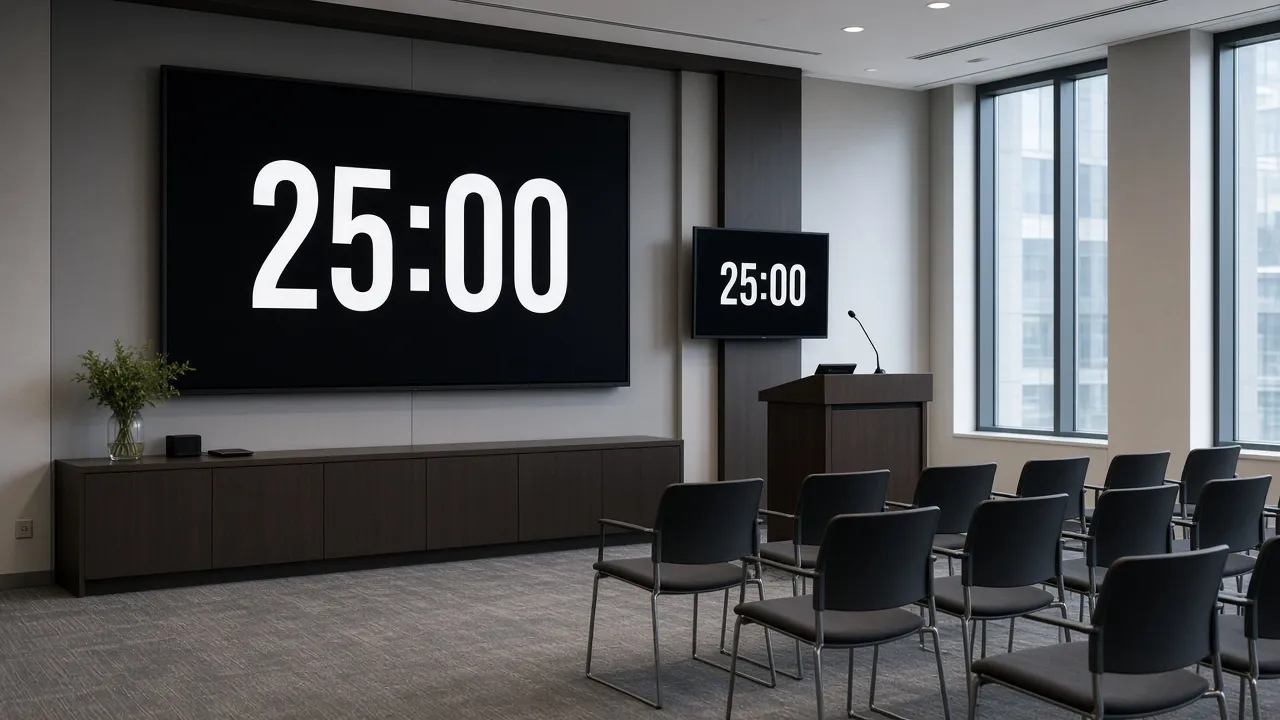
Position the countdown timer on an auxiliary confidence monitor facing the speaker stage to keep keynote speeches on schedule.
- Second Screen Utility
Keep the timer open on your laptop screen while projecting presentation slides onto a conference room TV.
- Low Light Comfort
The dark theme prevents eye glare in dimly lit lecture rooms and nighttime study sessions.
FAQ
Frequently asked questions
Straight answers about how Fullscreen Countdown Timer works.
Will this countdown timer continue running if I switch to another tab?
Yes. Our timer calculates elapsed duration using absolute wall-clock performance timestamps. When you switch back to the tab, it automatically catches up to the exact correct second.
How do I put the countdown timer into fullscreen mode?
Click the Click for Fullscreen button on the screen or press the F key on desktop keyboards. Tap or press Esc to return to standard view.
Will my computer go to sleep while the timer is running?
No. The integrated Screen WakeLock API prevents operating system screen savers and sleep timers from engaging while the countdown is active.
Can I set custom hours and minutes for long events?
Yes. In the control panel on the right, you can enter custom durations ranging from 1 second up to multiple days.
Does this timer have keyboard shortcuts?
Yes. Spacebar starts and pauses the countdown, R resets to the beginning, and F toggles fullscreen view.
Can I display this timer on a second screen or projector?
Yes. You can drag this browser window to your external monitor or projector and enter fullscreen mode, or use the Open in another window control.
Is there an audible sound or alarm when the timer reaches zero?
The timer provides clear visual completion cues and audio notification options when countdown finishes.
Can I use this timer offline without Wi-Fi?
Yes. Once loaded, the timer logic resides entirely in your browser cache and functions without active internet connectivity.
Why does this timer look cleaner than other online clocks?
BlackScreen.VIP does not show advertisements, tracking banners, or cluttered sidebars. It is engineered with minimalist aesthetics and monospace typography.
Is this countdown timer free?
Yes. It is completely free for personal, classroom, corporate, and commercial use.
Ready when you are
Launch Fullscreen Countdown Timer
Instant fullscreen mode in your browser — zero install, zero sign-up.
Go fullscreen